 klyo
- klyo games
- For schools
- Chess school
For chess schools and clubs
Your chess school in one place: training, worksheets and tournaments
Klyo runs training between classes, prints tasks for the lesson and pairs the rounds of an over-the-board tournament. The coach has one screen instead of several programs, and parents see how their child is doing.
- Free to create a school
- Nothing to install
- Computer, tablet and phone
- 120,275puzzles from real games
- 73themes in 6 groups
- 6difficulty levels
- 3,865opening lines
At home, in class and at the tournament
Chess lessons and tournaments on Klyo
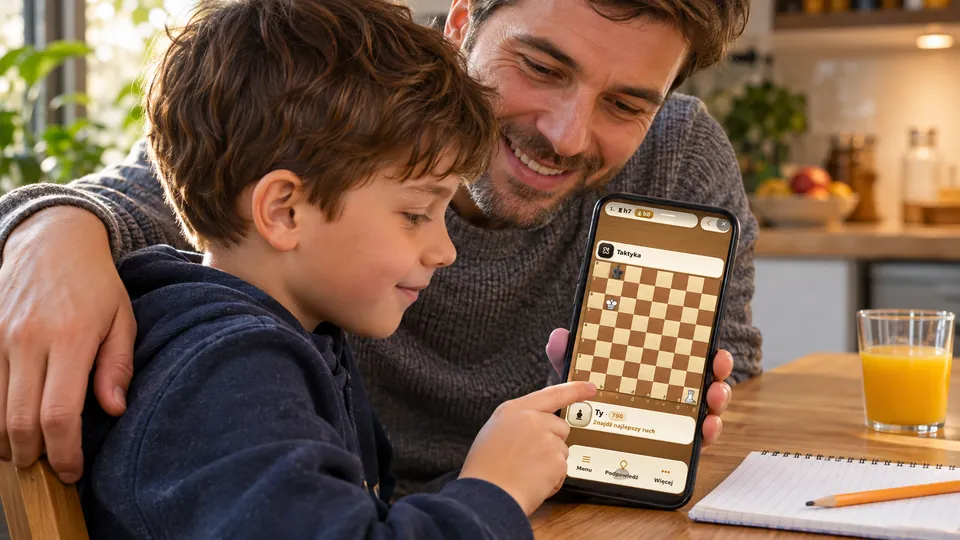
Practice with dad The child solves the coach's task on a phone, and the parent sees what they practise between lessons. 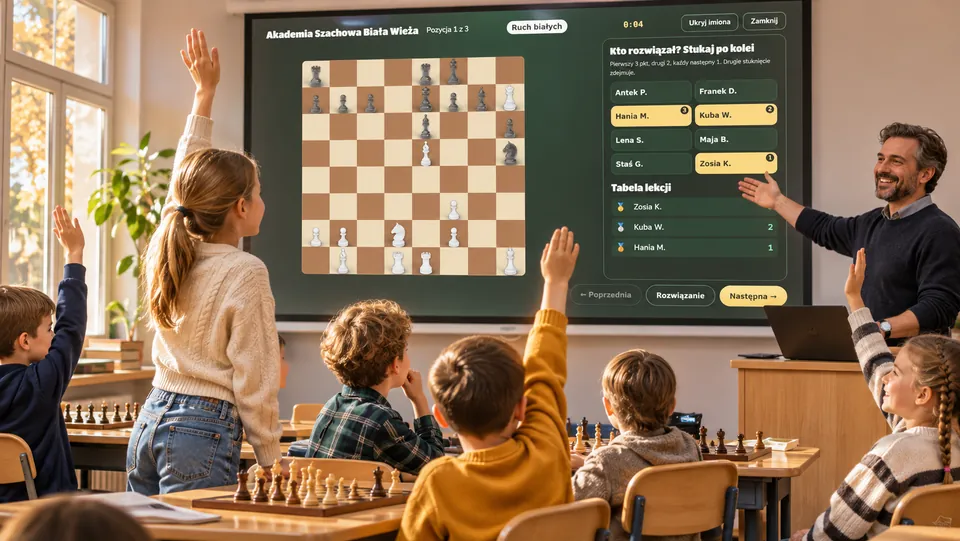
A lesson without phones The position is on the projector, children raise their hands, and the coach taps names in the order of answers. 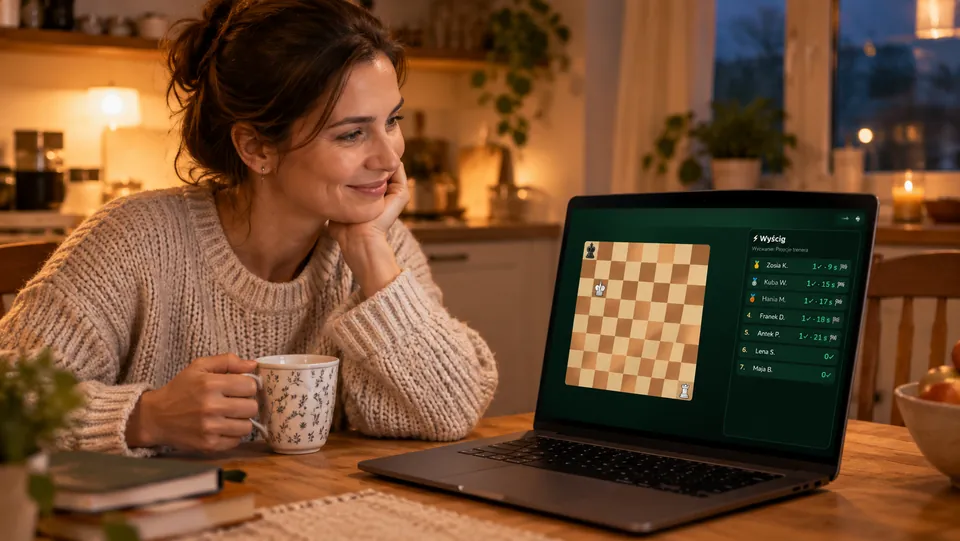
The coach's evening From home the coach sees who solved the position and how fast, with no notebooks to collect. 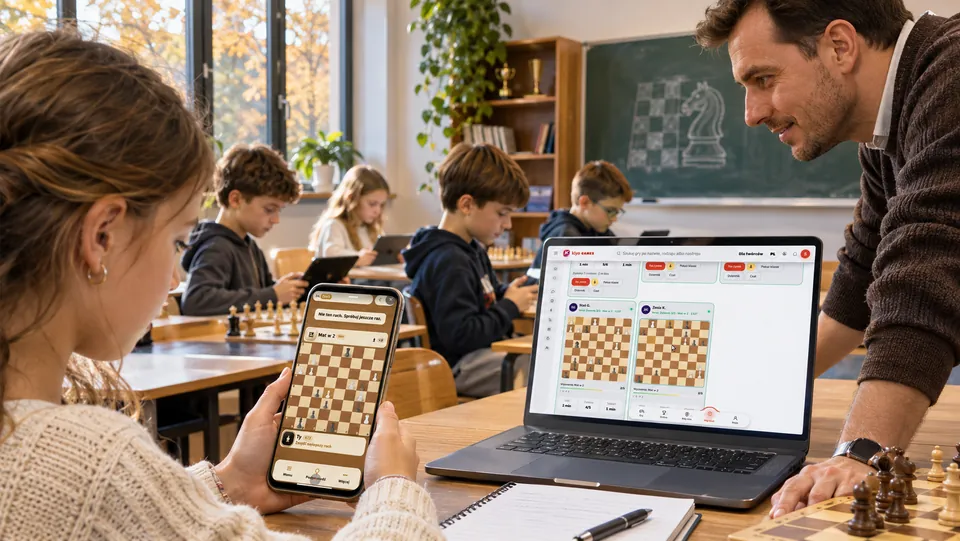
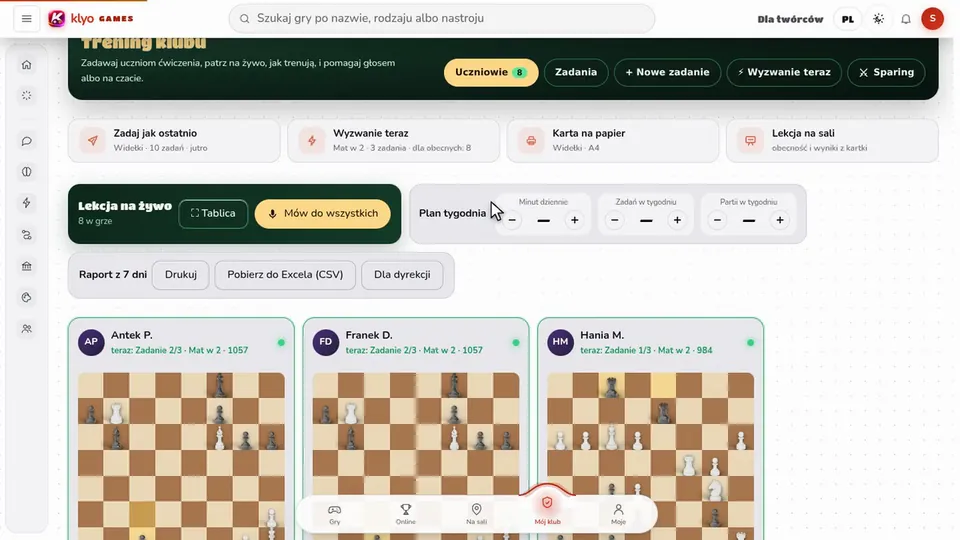
Group lesson The coach sees every student's board on a laptop and walks over to whoever is stuck. 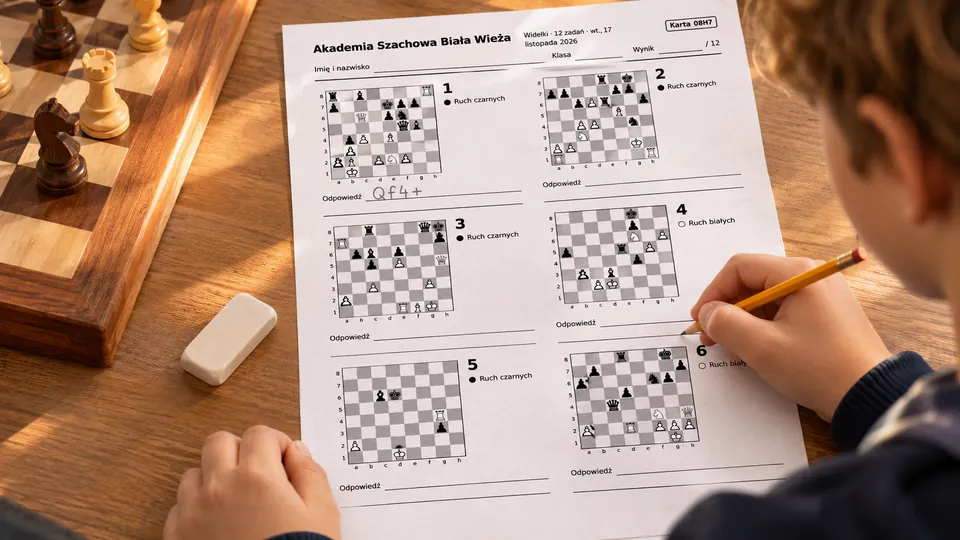
Worksheet on the desk Six puzzles on an A4 sheet. The score goes into the student's log and the parent report.
Illustrative photos. The screens and printouts in them reproduce real Klyo views.
Puzzles
Tasks from real games, not from a textbook
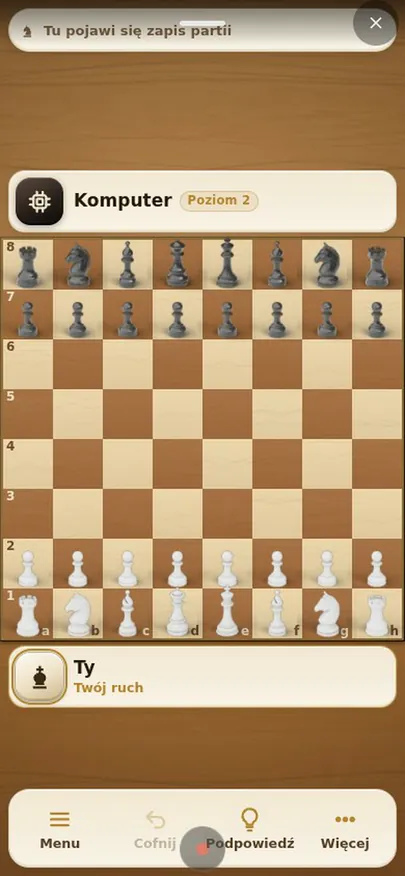
Every puzzle comes from a game played by people and has a difficulty rating. The solution is a whole line: on the easiest level a student plays about two moves, on the hardest almost four. After a wrong move the piece goes back, the game counts the mistake and lets the student try again.
The coach picks one of 73 themes in six groups, from the opening and middlegame to rook endgames, mates and sacrifices. The “matched” level chooses tasks for each student's strength, measured from their own solutions.
- Mate in 1, 2 and 3, forks, pins, deflection
- Hints: first the piece, then an arrow
- Puzzle rating calculated like a ranking
Openings and sparring
Repertoire, endgames and playing a classmate
Openings
3,865 lines in more than a hundred families, from the Ruy Lopez to the Sicilian Defence. Students practise a line move by move, and the White and Black repertoire shows how often each move is played.
Sparring from a position
Pick an endgame, a puzzle or your own FEN position. Pairs play it twice with roles swapped, and every result appears on the coach's wall.
Game review
Go through a student's game move by move, add comments and draw arrows. Show an interesting moment to the whole group on the projector.
Lesson with the group
The whole group on one wall
When you send “Challenge now”, every student who is present gets it instantly in the game. The wall shows each child's mini board, a task counter and a marker for anyone who is stuck. One click opens a student's board live, and a square you mark appears on their screen as an arrow.
“Give the next one” sends another task to whoever has finished, without waiting for the rest of the group.
Race
The position from your wall board on every student's board
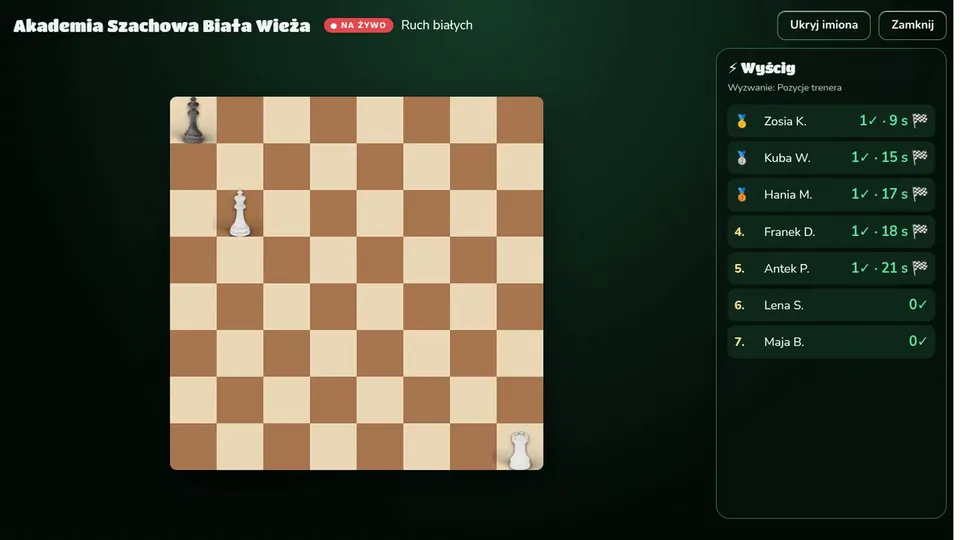
Showing a mate in two or an ending from the last tournament? Set it up in a few clicks or paste a FEN, play the solution and send it to the group. Everyone gets the same position at the same moment.
The projector shows who has solved it, in how many seconds and whether without a mistake. After the lesson the same position can become the task of the week, and the group ranking puts first whoever solves more and faster.
On paper
Printable chess worksheets for kids
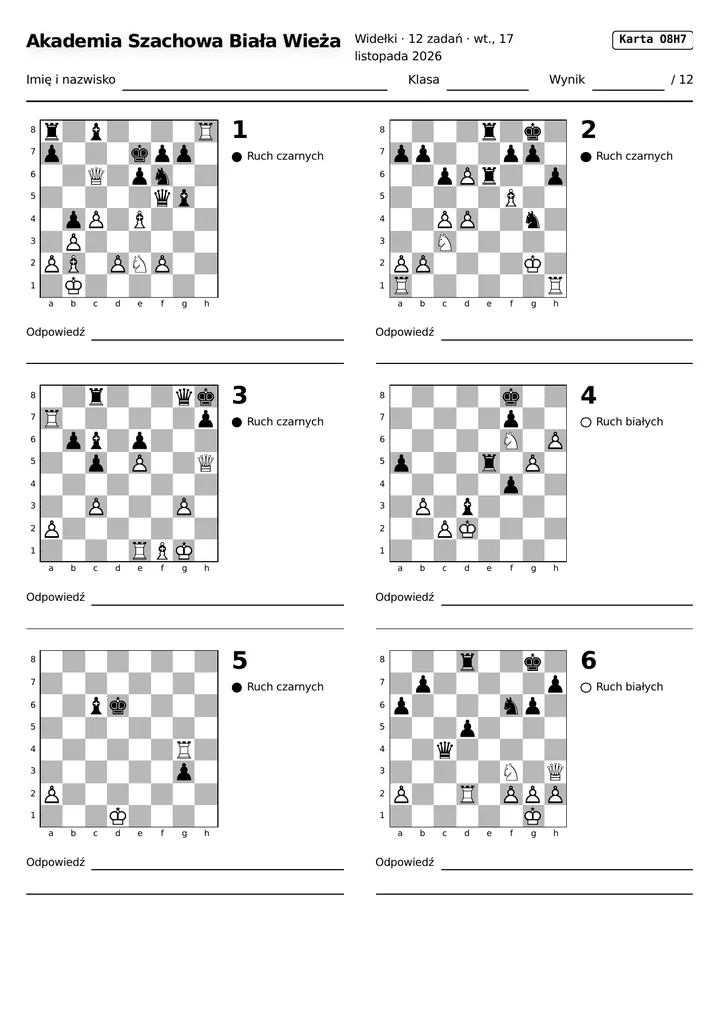
An A4 worksheet has six diagrams per page, with coordinates and a sign for the side to move. You generate it from a chosen theme and level, so each group can get a different sheet on the same topic. The answer key prints separately with the same sheet code.
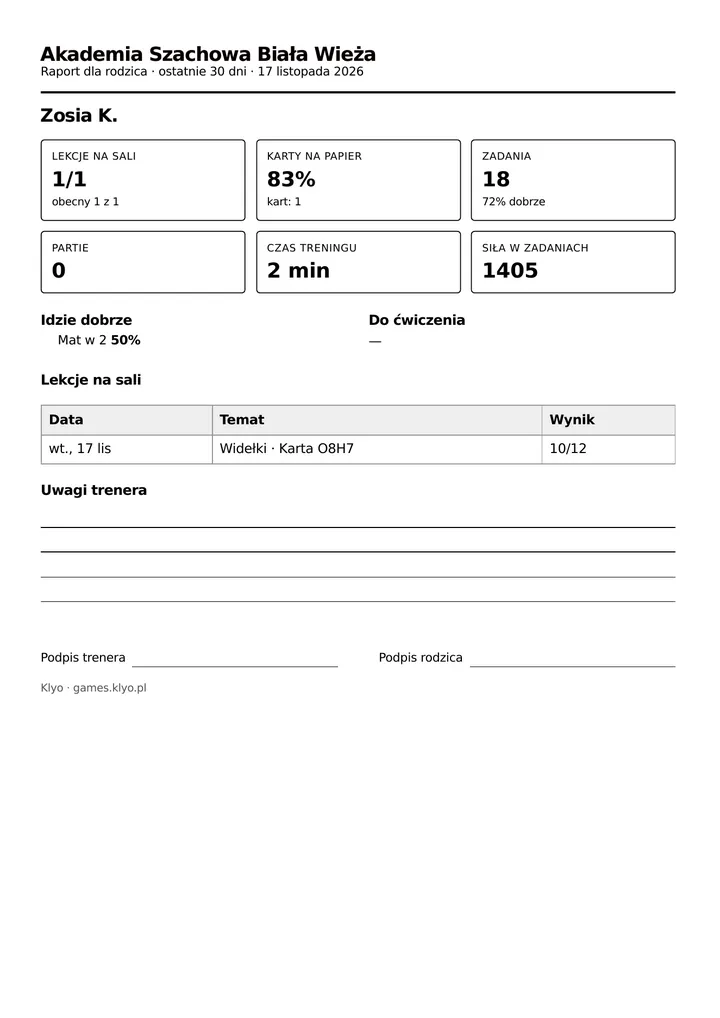
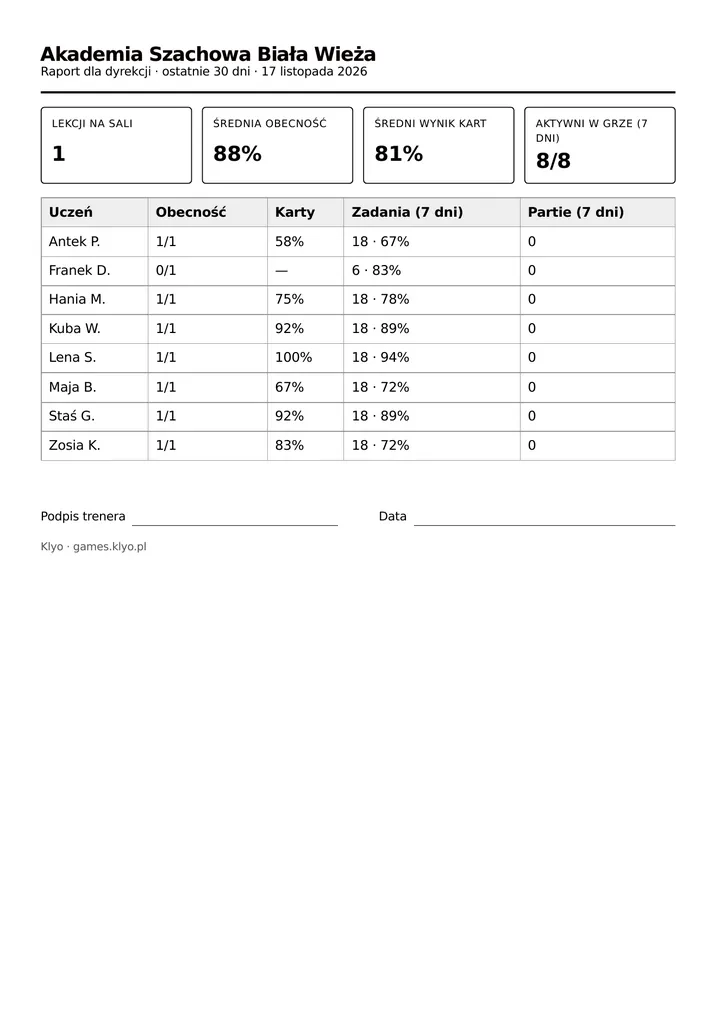
After the lesson you enter the score from each sheet. The student sees it in the diary next to the puzzles solved in the game, and the parent sees it in the 30-day report.
- 6 to 24 tasks per sheet
- White always at the bottom of the board
- A separate key for the coach
Tournaments
Over-the-board chess tournaments with pairings and norms
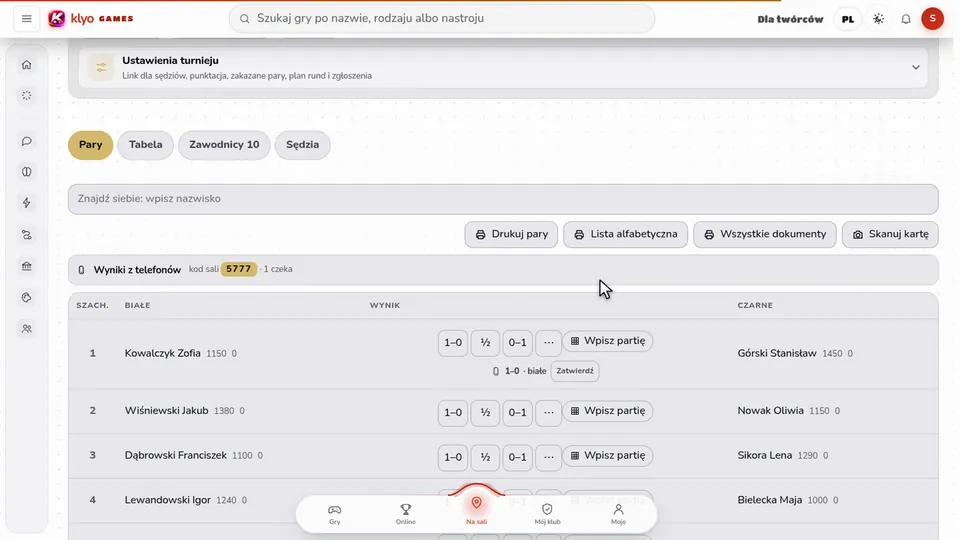
Swiss pairings modelled on the FIDE Dutch rules, or round robin with Berger tables. The standings count Buchholz, median Buchholz, Sonneborn-Berger, progress and head-to-head in the order you choose. The TRF-16 file opens in arbiter software, and a player list from TRF loads into Klyo.
The norm calculator works out Polish Chess Federation categories and estimates the change in FIDE rating. After the tournament you print certificates, including one for a norm earned.
- Age groups U7, U9, U11, U13, U15, U18, Open and Women
- Forbidden pairs and players from the same club
- Score sheets with a code and a scan of the result
Primary school
Chess in primary school without extra software
A teacher who runs chess at a primary school gets the same as a club: tasks for the lesson, worksheets, an attendance diary and a report for the head teacher. Students play in the browser on school computers or on phones, with nothing to install.
A chess-in-schools curriculum moves easily onto worksheets: pick the lesson's theme, print the sheet and enter the scores after class. Parents see progress in the report, and the head teacher sees the group summary.
Your first week
How to get started
- Create your schoolFour steps: name, crest or logo, games and city, access. The school gets its own page and an invitation link right away.
- Invite your studentsSend the link to the class group chat. A student joins with one tap and decides to let you see their training.
- Set the first taskA “Challenge now” during the lesson or homework with a deadline. Every child's progress shows on the class wall.
- Run a tournamentPaste the invitation, print a poster with a QR code and run the rounds from your phone or computer.
Safety
The child decides what the coach sees
The school sees only what a student agreed to, and conversations with the coach are never recorded.
Student consent
The coach sees a student's training only after the student taps “Allow”. The student always sees a sign when the coach is watching and can withdraw consent.
Microphone on request only
A student turns the microphone on themselves, after raising a hand and tapping it. We do not record voice.
Sign-up without an account
A parent's sign-up goes only to the school and is deleted from Klyo after 30 days.
Diary with parental consent
The coach sees the training diary of a student under 16 only after a parent agrees.
Verified schools
The badge goes to a school checked by a person at Klyo. Nobody else can pose under its name.
Honest results
The arbiter approves tournament results, and every certificate has a QR code that leads to them, so it cannot be faked.
Chess and checkers
See also
 For checkers schools
 The full overview
Create your school today and teach your first lesson tomorrow
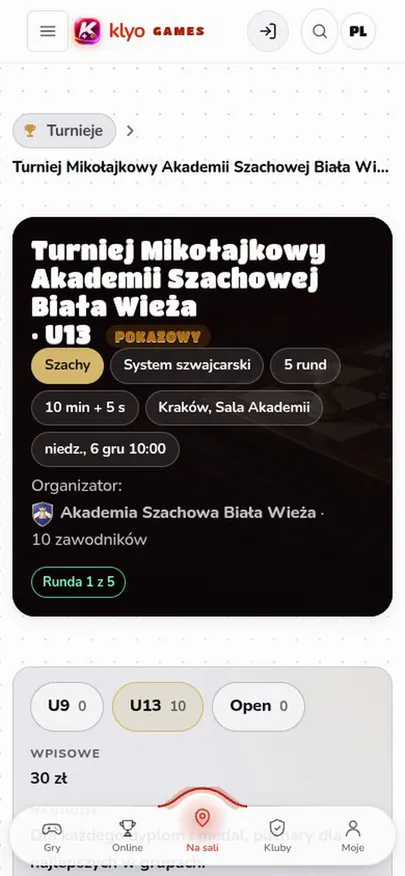
Creating a school and running an over-the-board tournament cost nothing. The over-the-board section has a showcase tournament: this is what players and parents see.