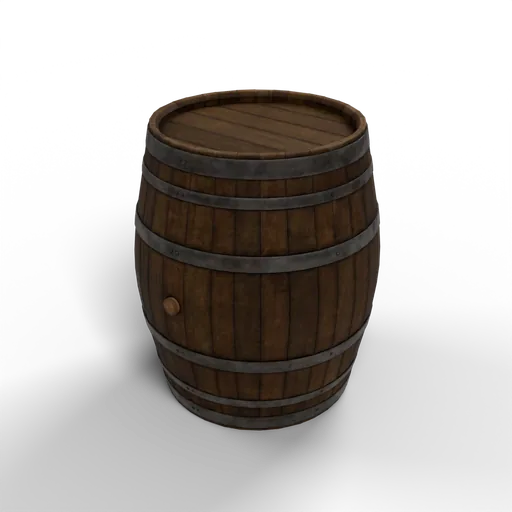
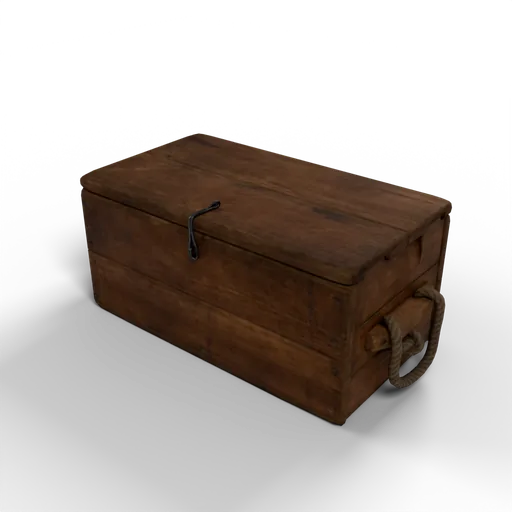
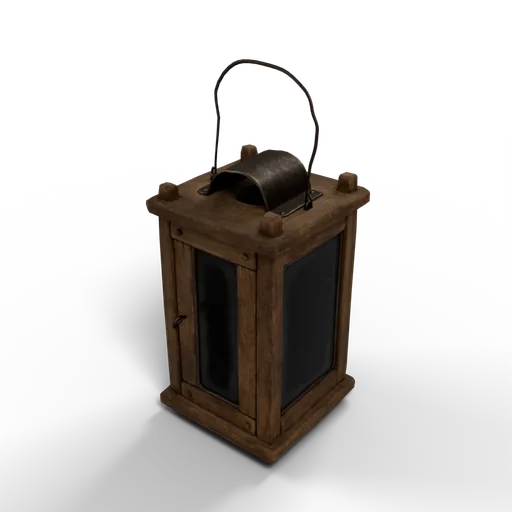
Download free 3D models, 4K PBR textures, a card deck, icons and backgrounds from our games, licensed for commercial games. We keep growing the library: new models and textures arrive with every game we make, so it is worth checking back from time to time. Below you will also find trusted CC0 sources and a guide to turning them into a polished game.
557 ready assets in 45 packs: objects on transparent backgrounds, textures, SVG icons and level art. Download a single file or the whole ZIP pack, with the license inside. You can use them in commercial games.
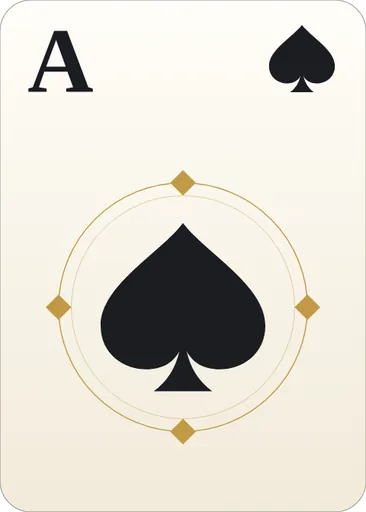
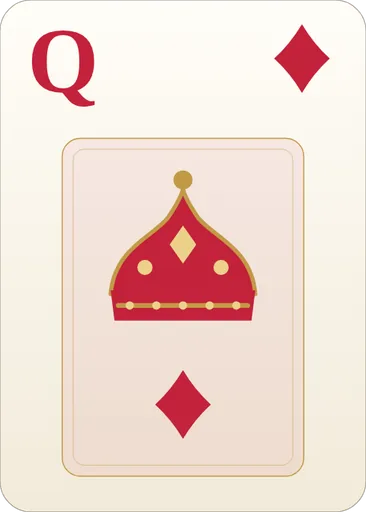
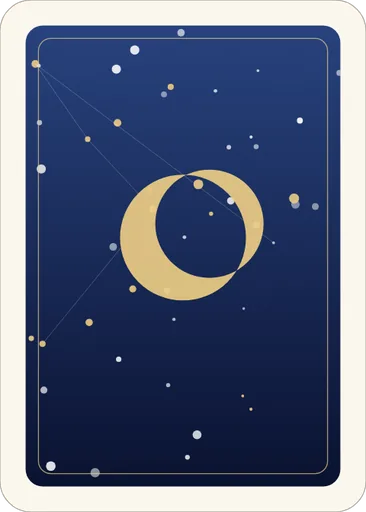
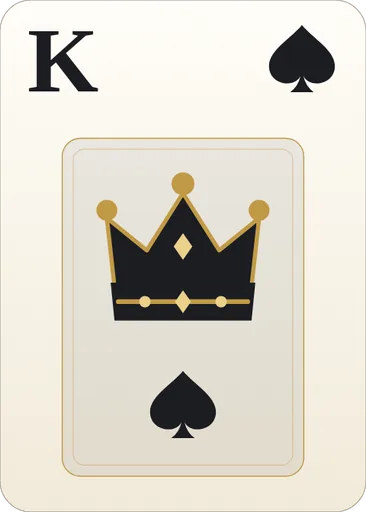
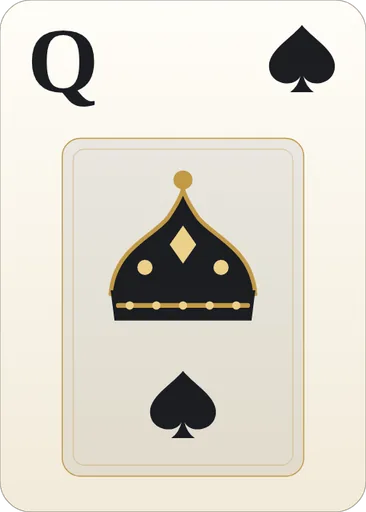
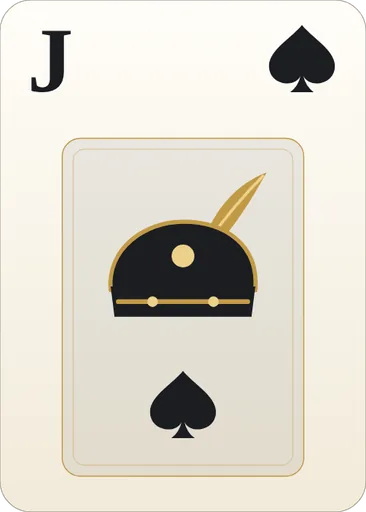
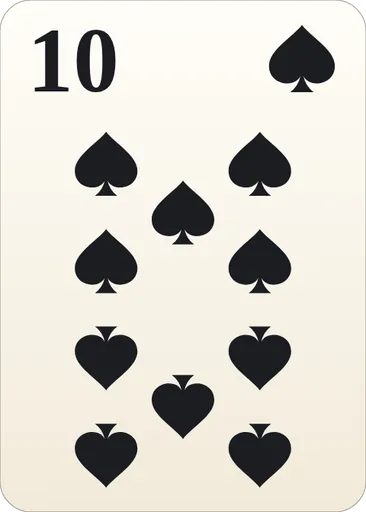
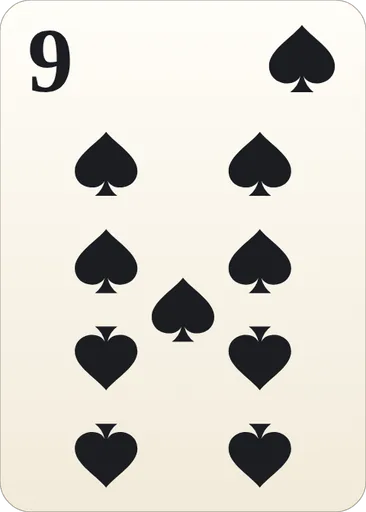
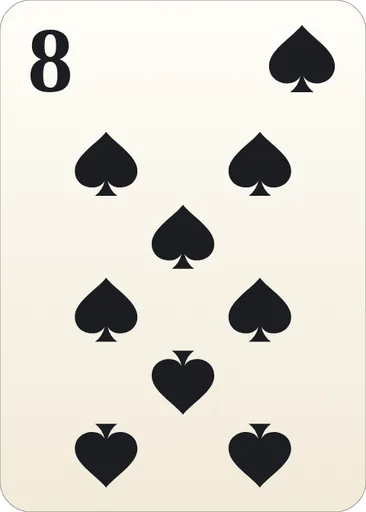
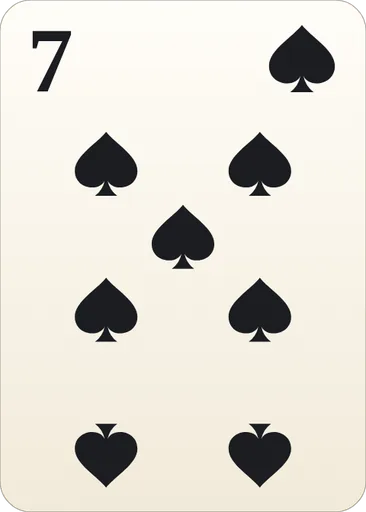
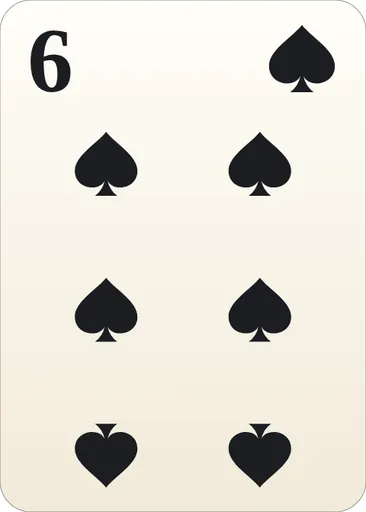
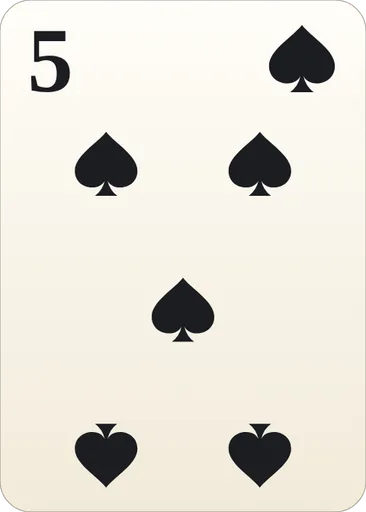
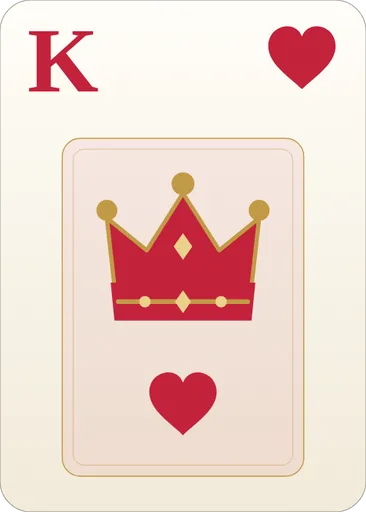
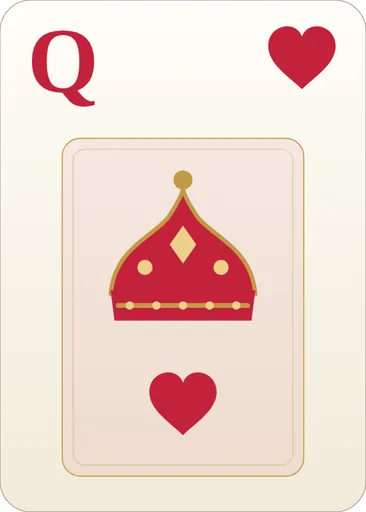
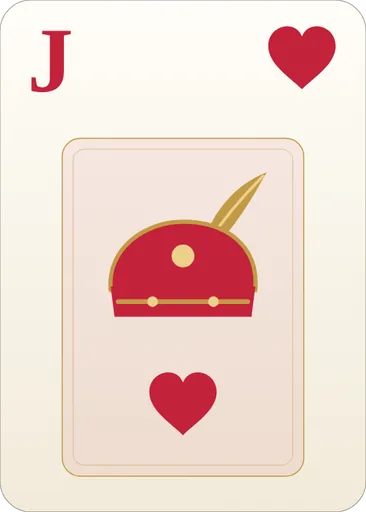
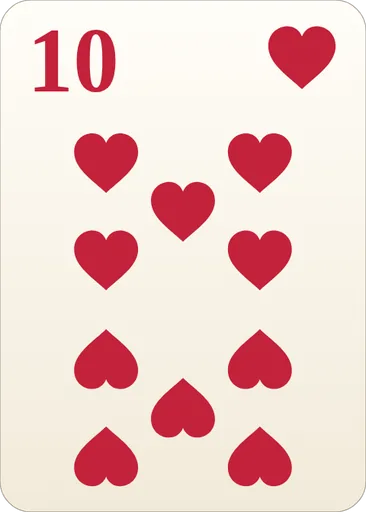
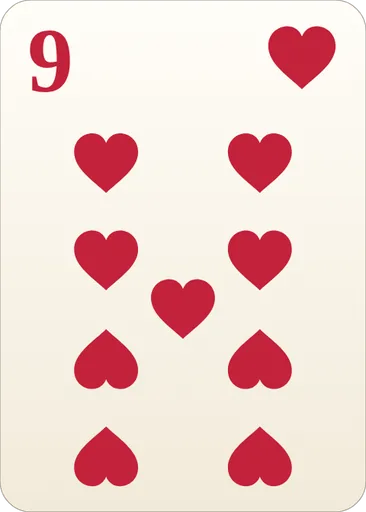
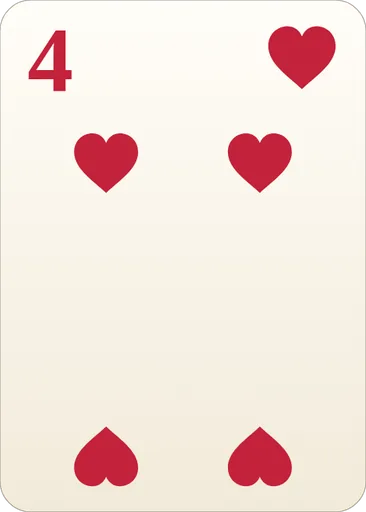
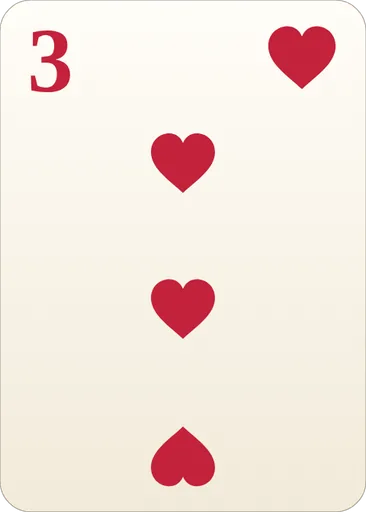
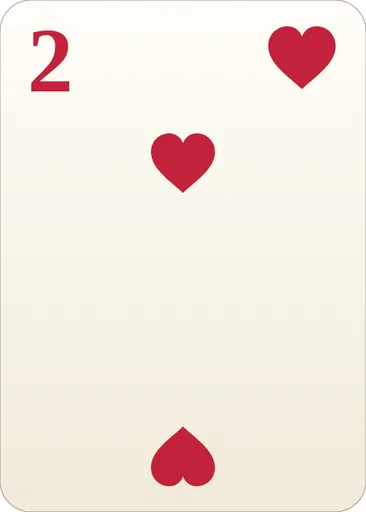
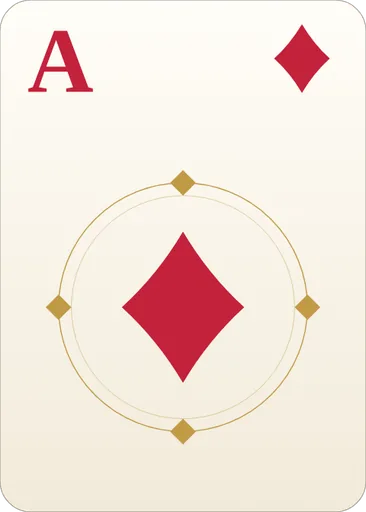
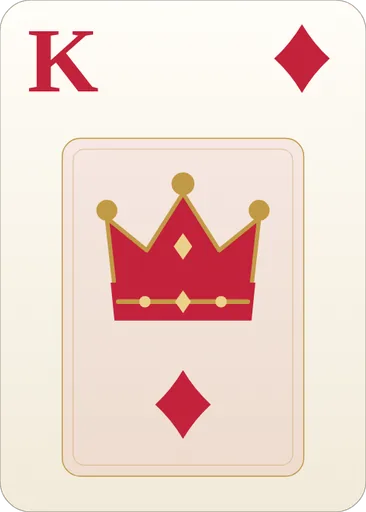
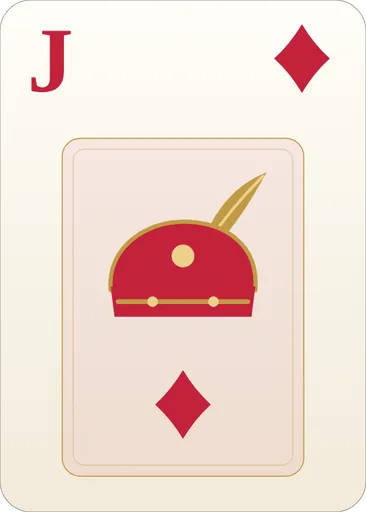
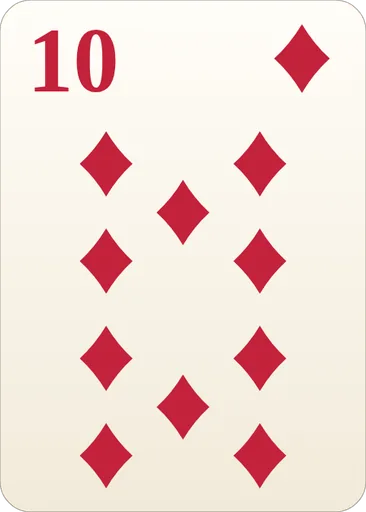
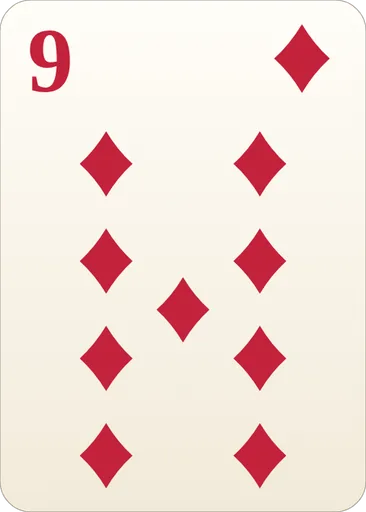
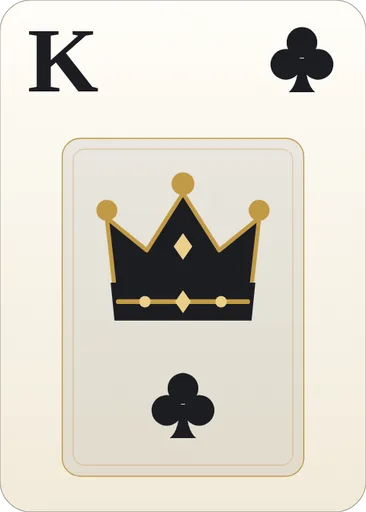
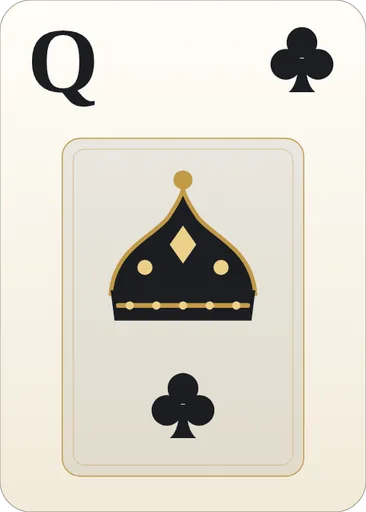
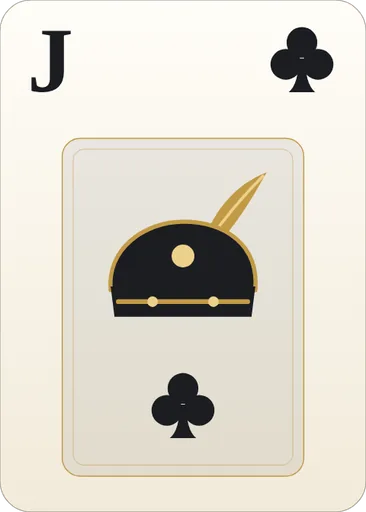
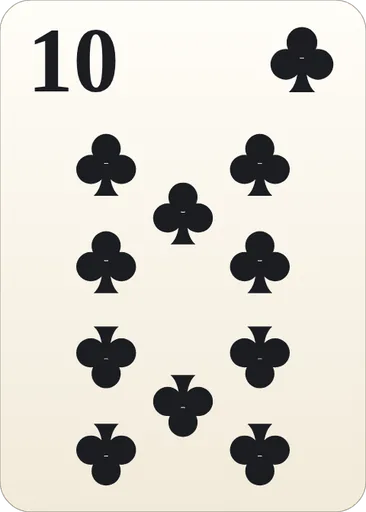
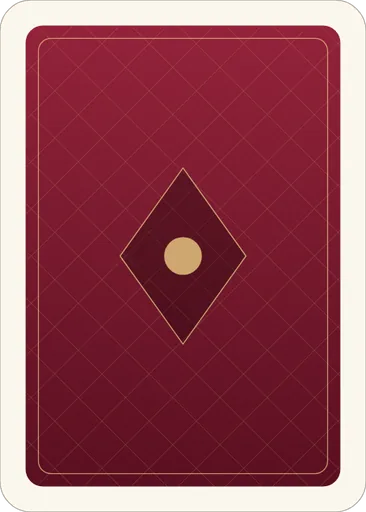
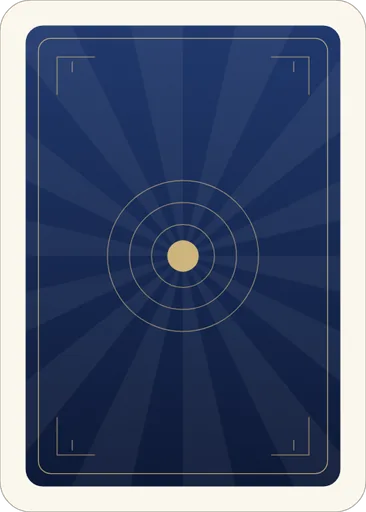
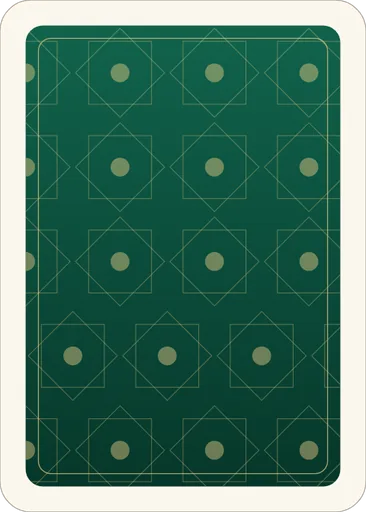
Classic playing card deck: 52 cards and 4 backs
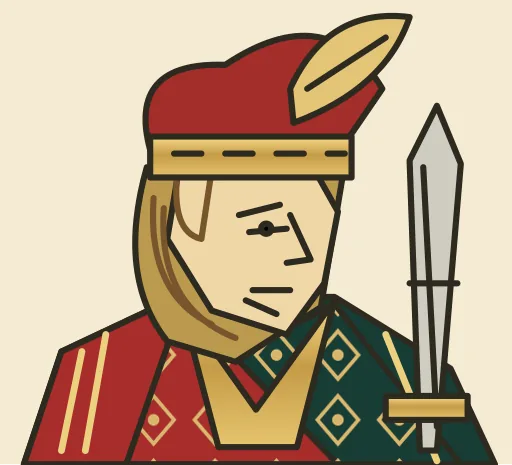
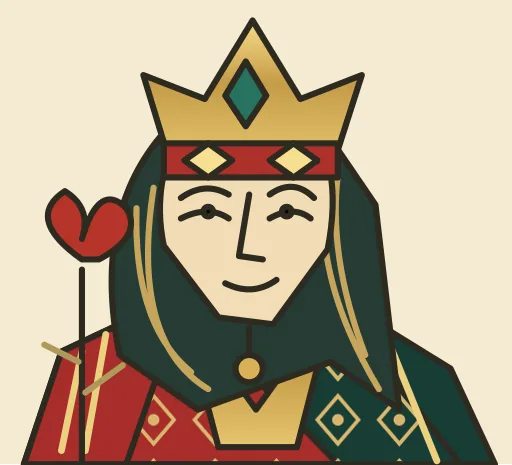
A full deck from klyo solitaire games, PNG 480×672 px on a transparent background: ivory cards, court cards in a gold frame and four backs (burgundy, art deco, arabesque, night sky). For solitaire, poker and any card game.
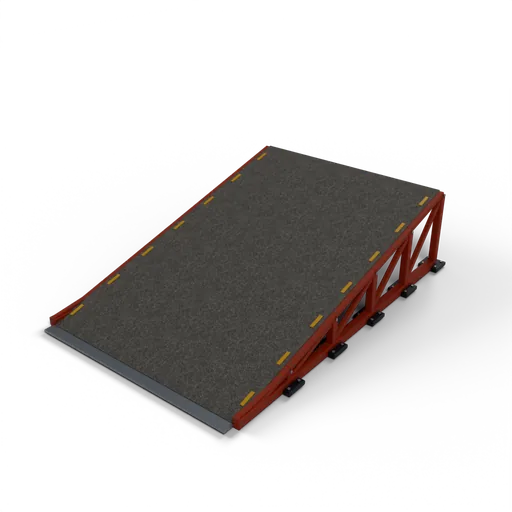
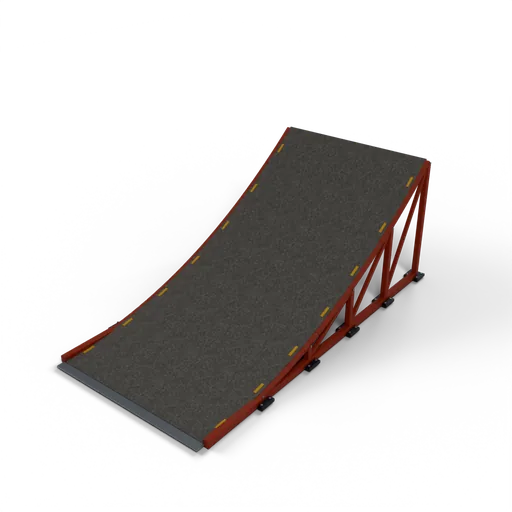
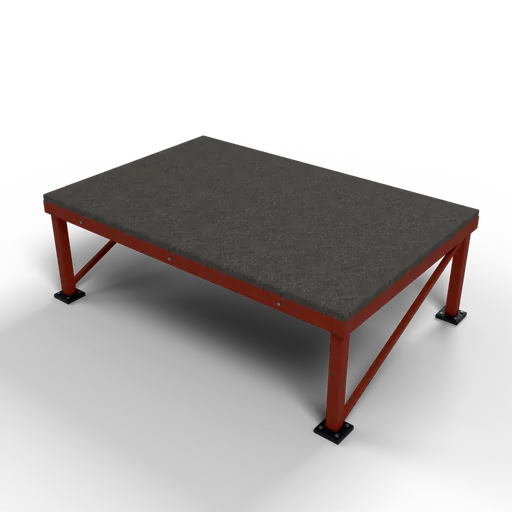
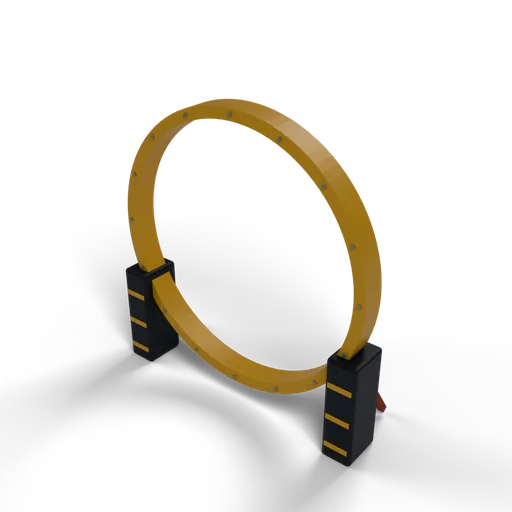
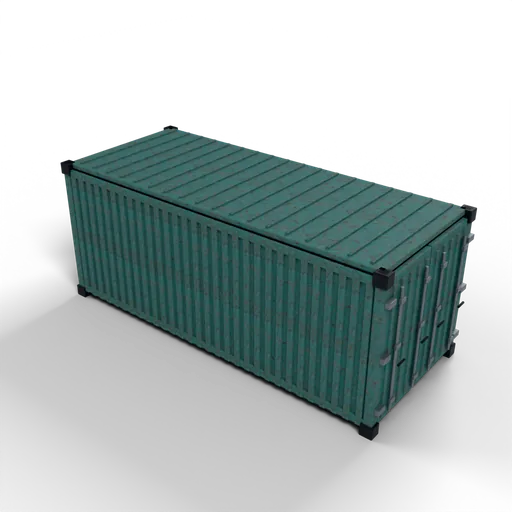
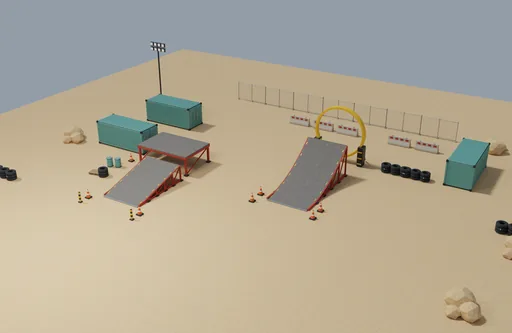
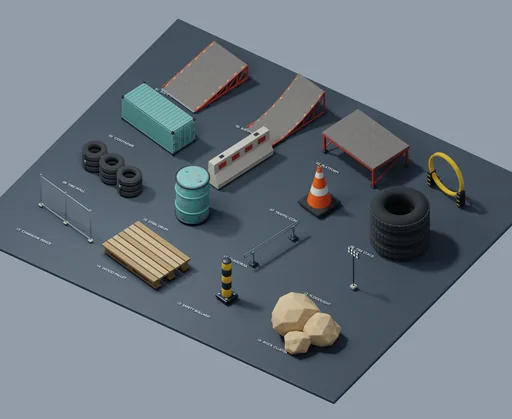
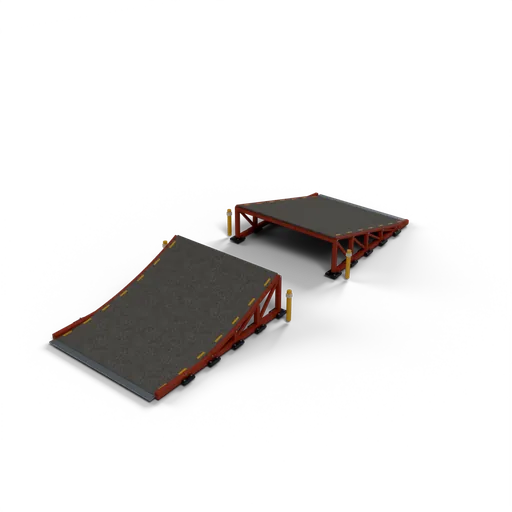
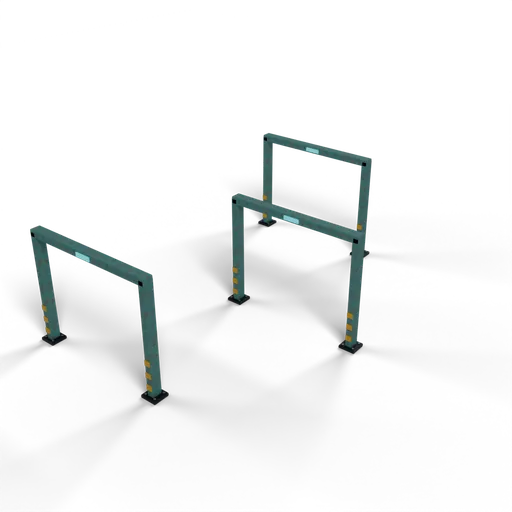
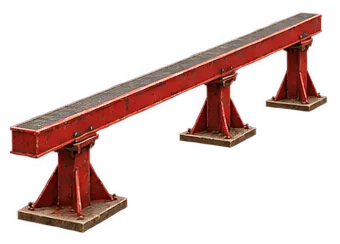
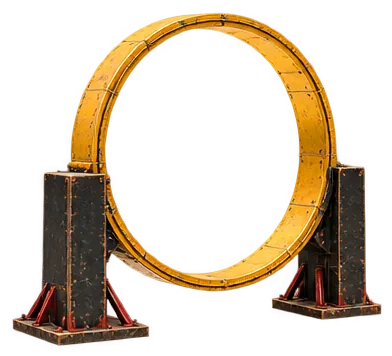
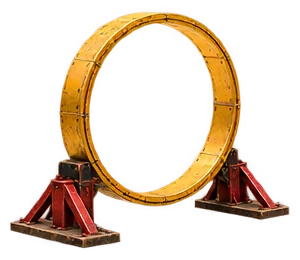
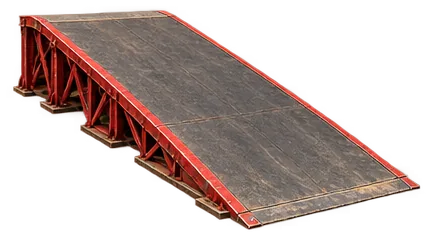
Stunt arena 3D models: ramps, hoop, barriers (GLB)
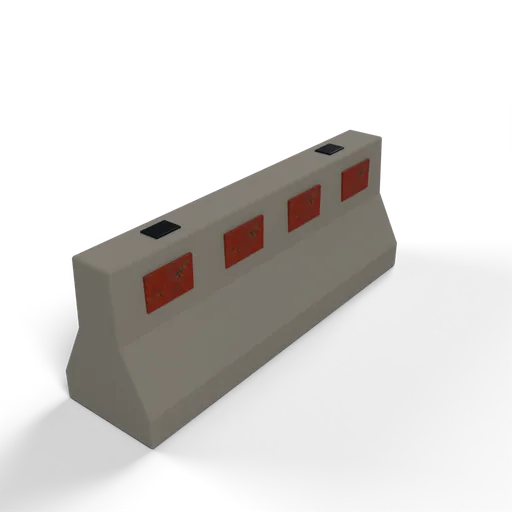
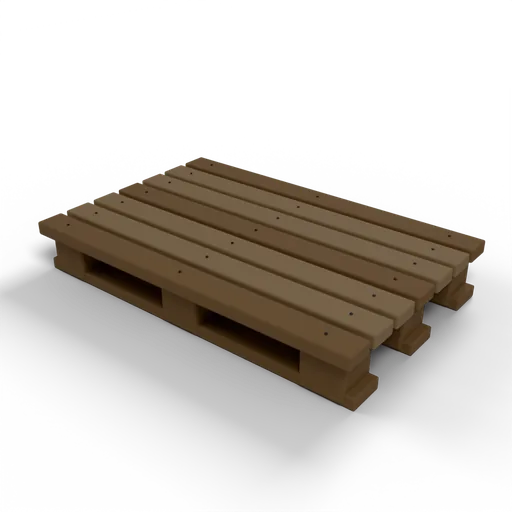
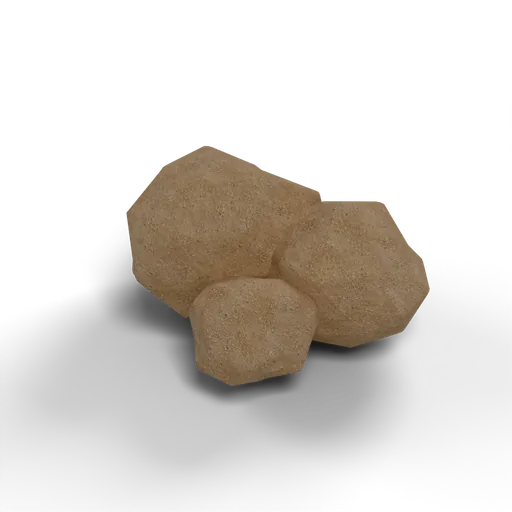
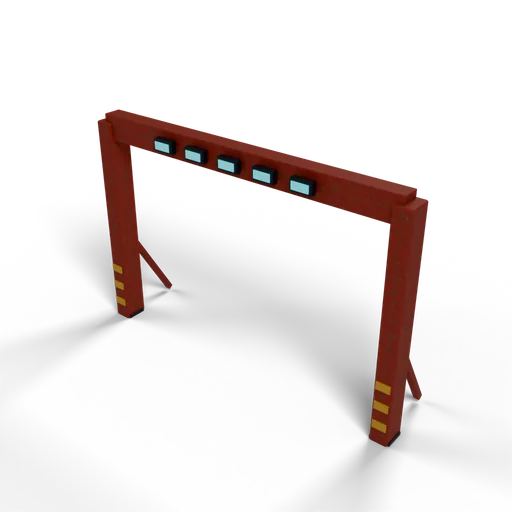
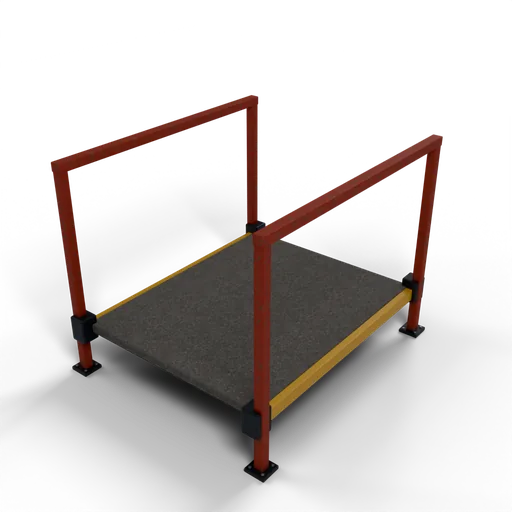
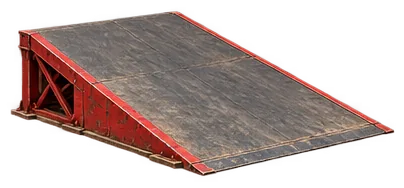
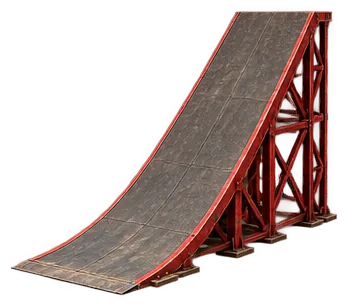
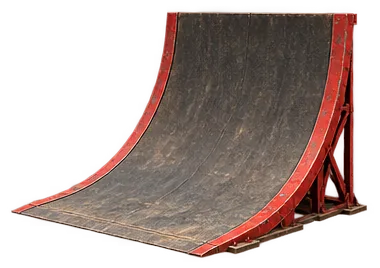
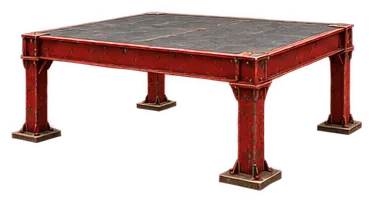
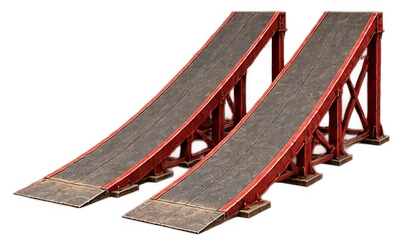
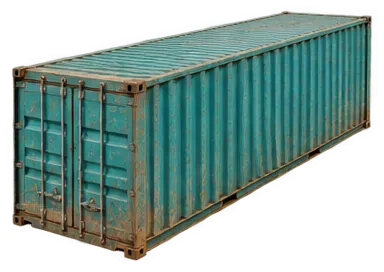
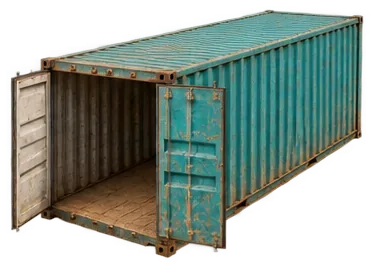
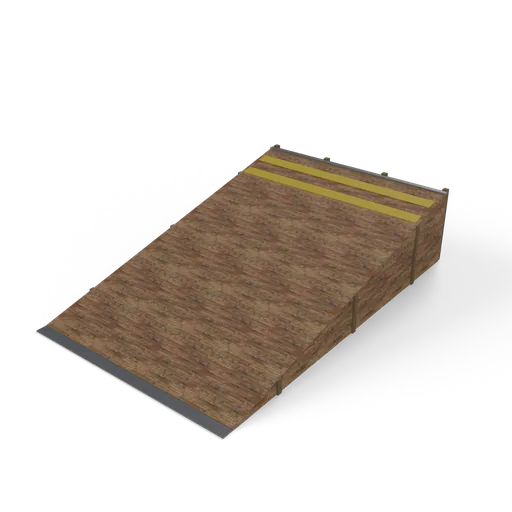
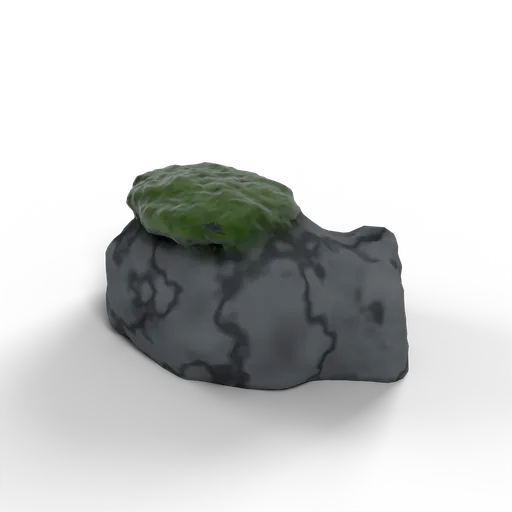
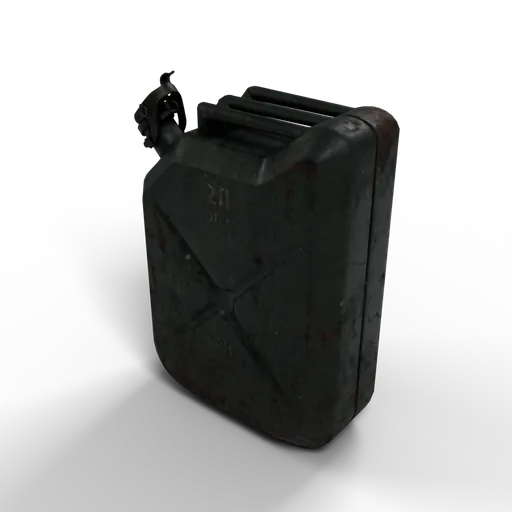
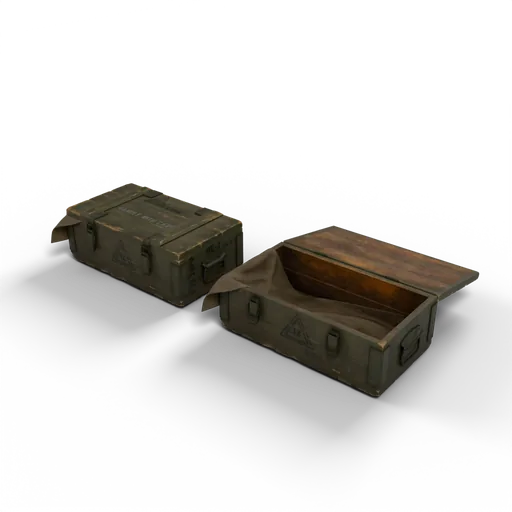
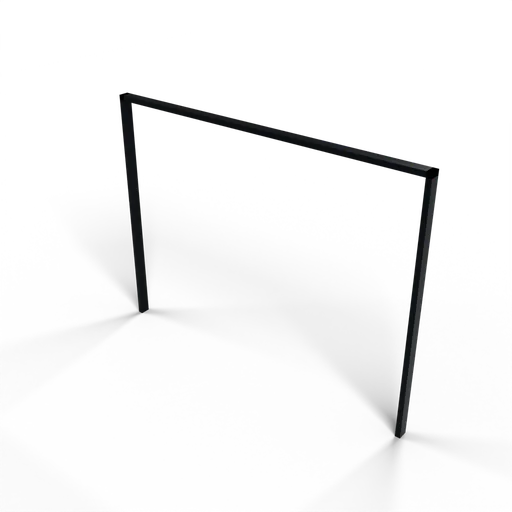
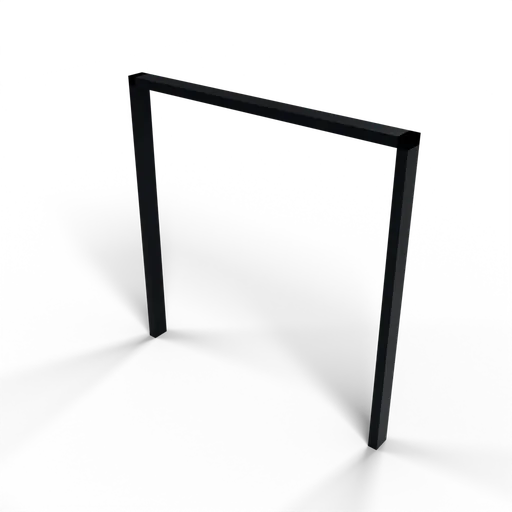
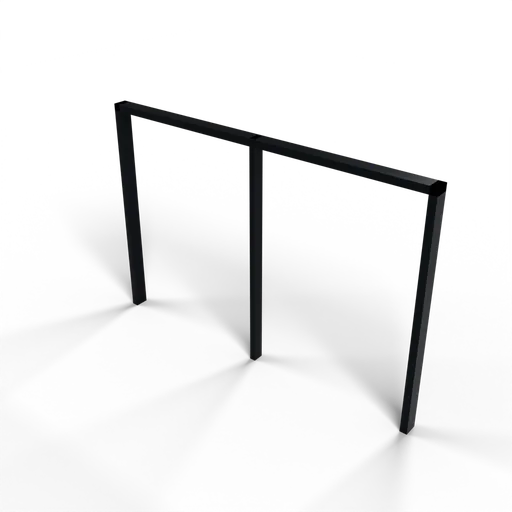
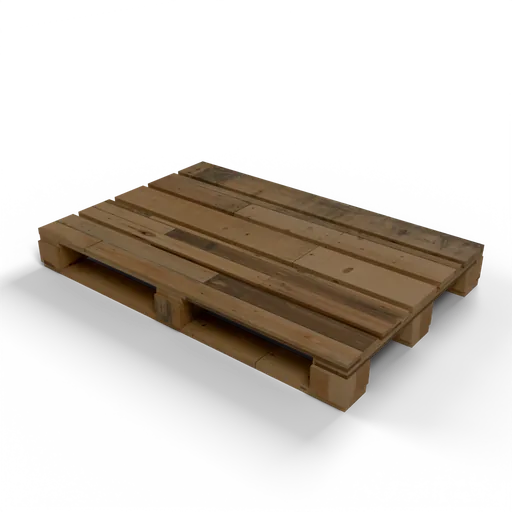
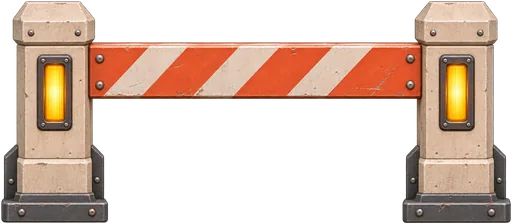
16 3D models from STUNTYARD as GLB with PBR materials, in metres: ramps, a kicker, a platform, a gold hoop, a container, barriers, tyres, a drum, a floodlight, a fence, a pallet and rocks. Each comes with a LOD1 version and a separate collision mesh; the pack also has an assembled arena and the 3D source files.
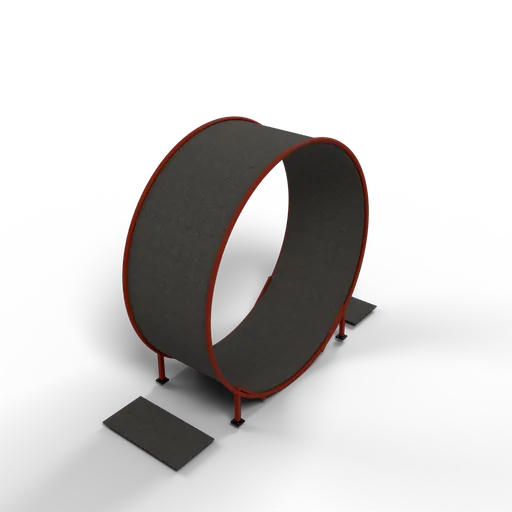
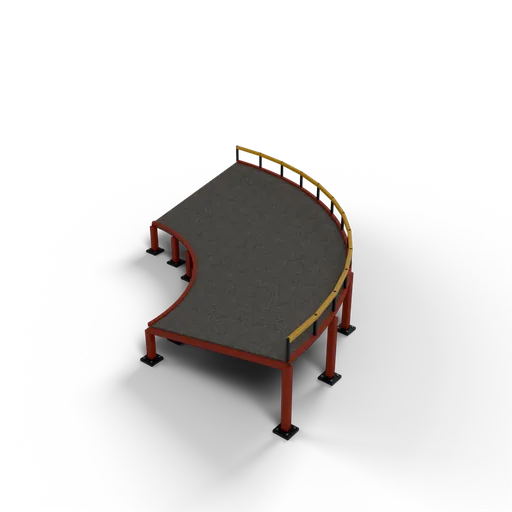
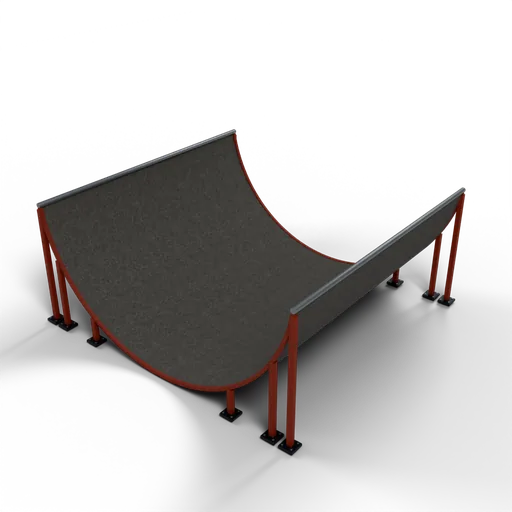
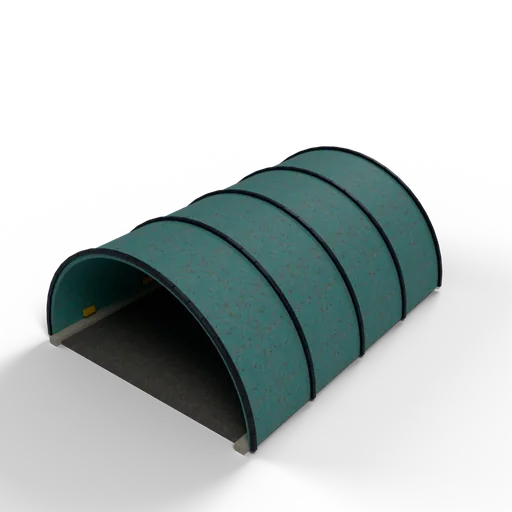
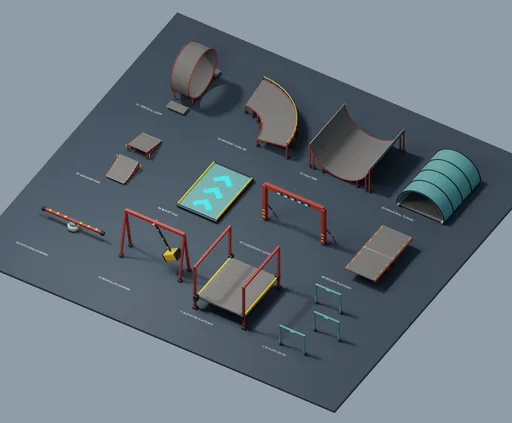
Stunt arena 3D expansion: loop, half-pipe, tunnel, obstacles
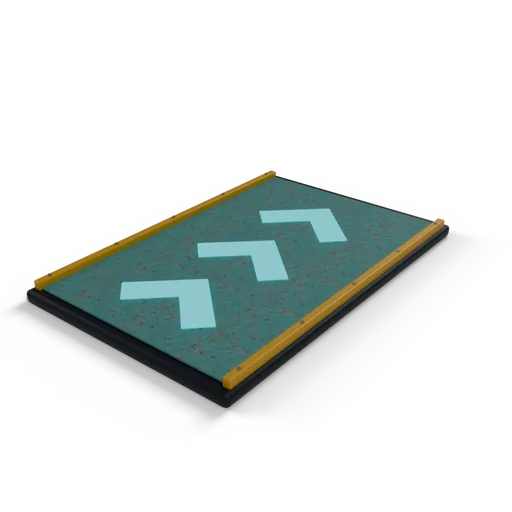
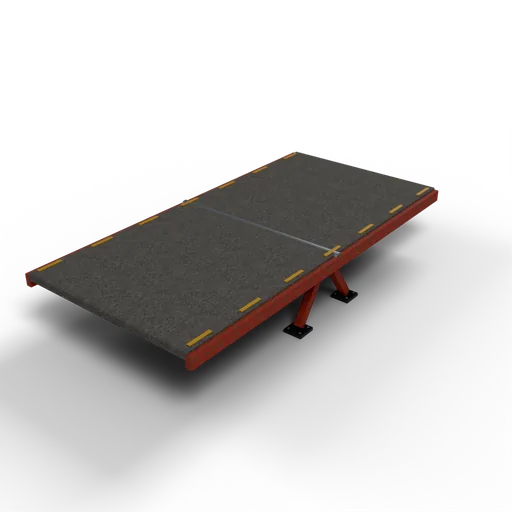
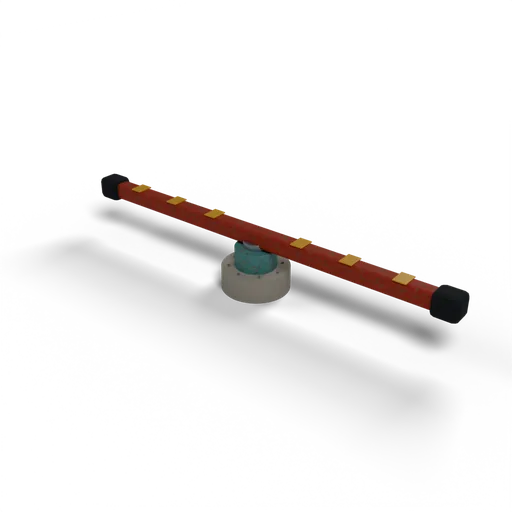
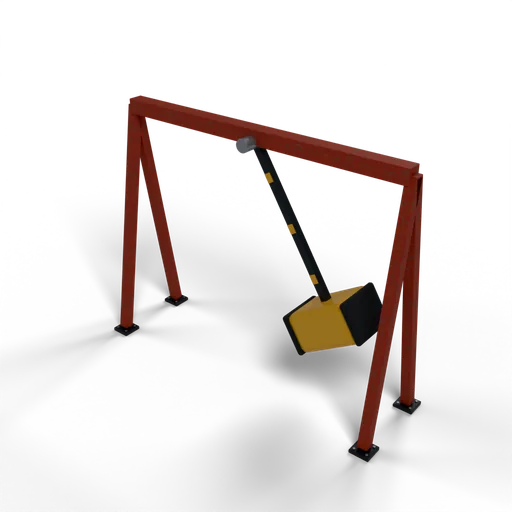
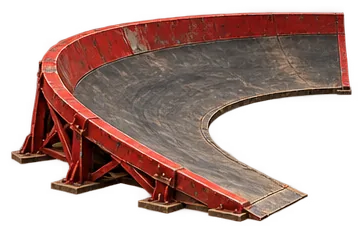
12 more GLB 3D models for racing and stunt games: a loop, a banked turn, a half-pipe, a tunnel, a gap jump, a boost pad, a checkpoint gate and slalom gates. The seesaw, sweeper, pendulum hammer and elevator come with glTF animations. Each has a LOD1 version.
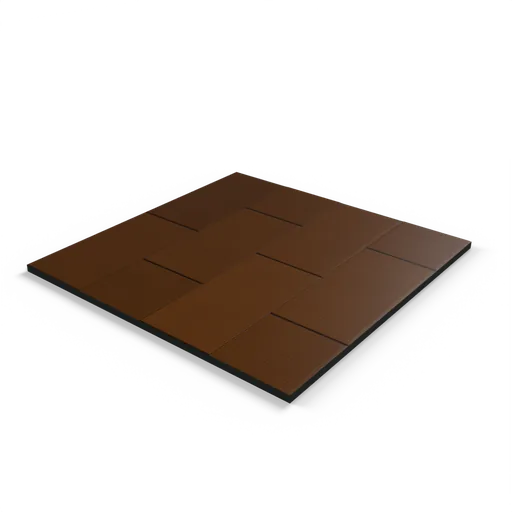
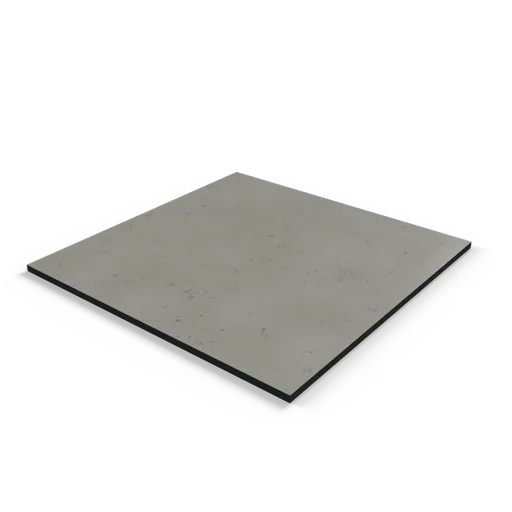
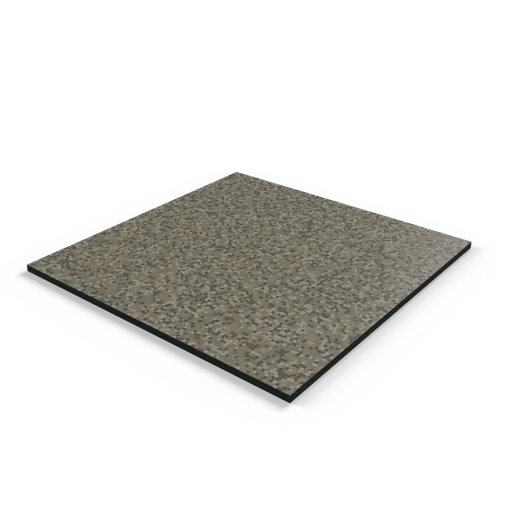
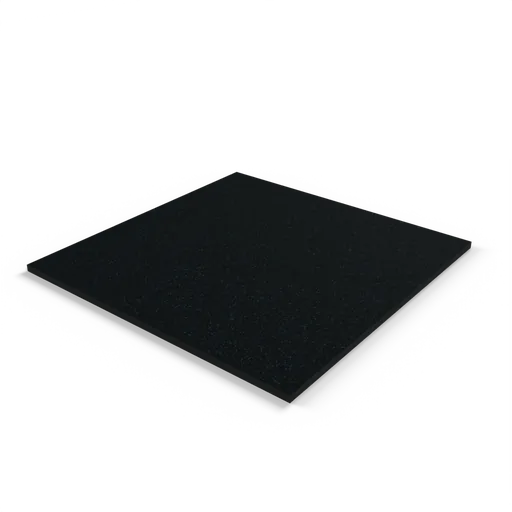
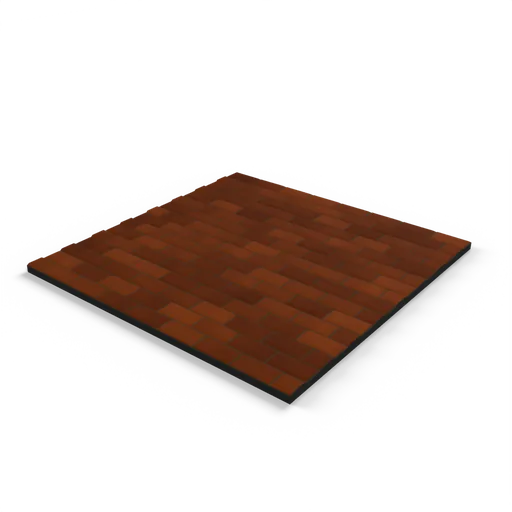
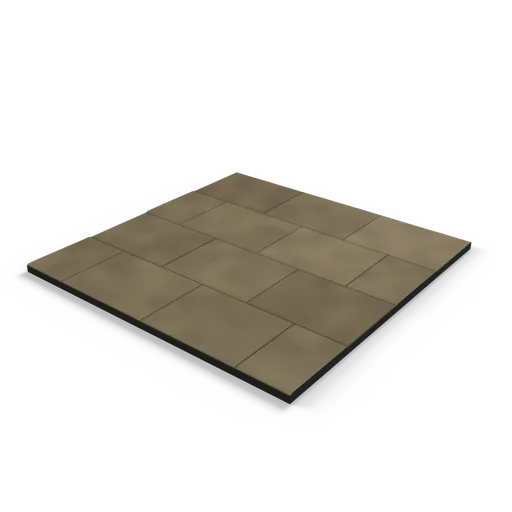
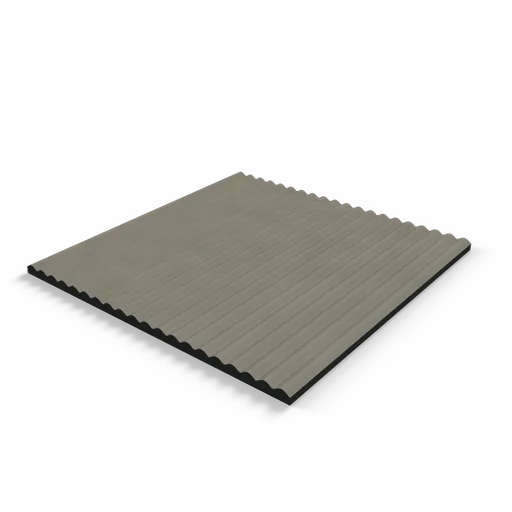
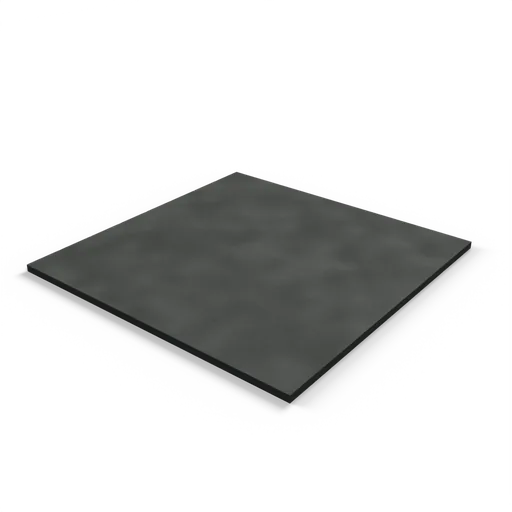
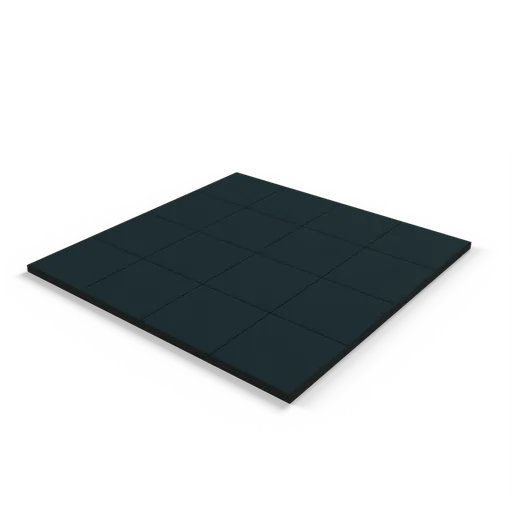
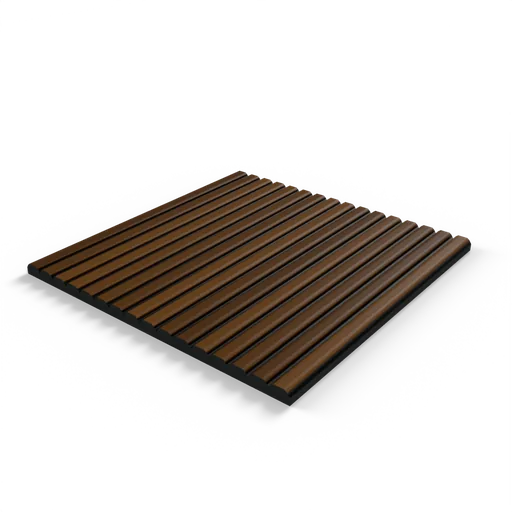
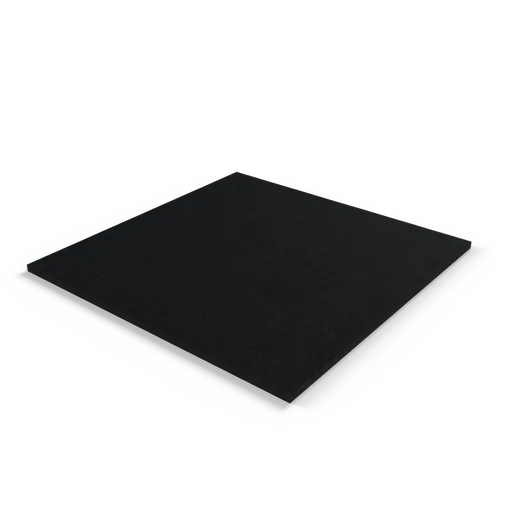
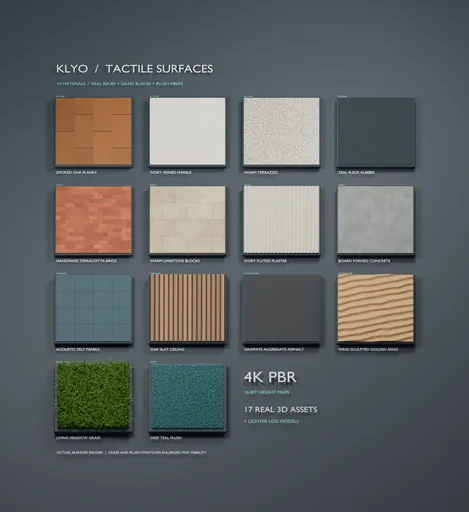
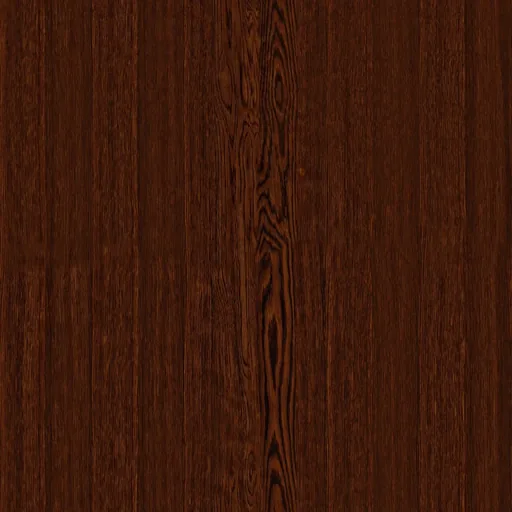
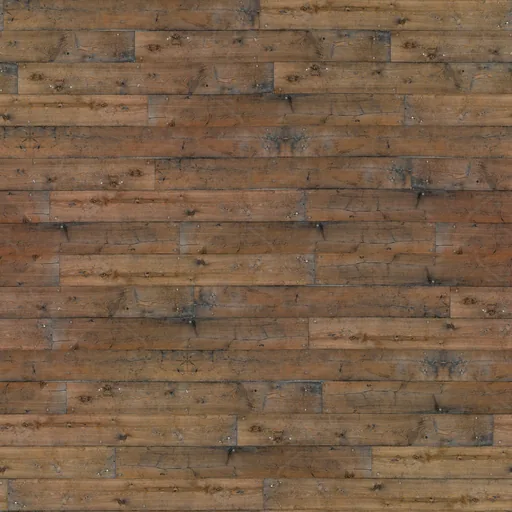
4 floors with real relief in the 3D mesh: smoked oak planks, ivory marble, cream terrazzo and speckled rubber. Each comes as a GLB model with LOD1 plus 2K and 4K maps (colour, normal, roughness, AO, 16-bit height).
4K PBR walls and ceilings: brick, stone, plaster, concrete
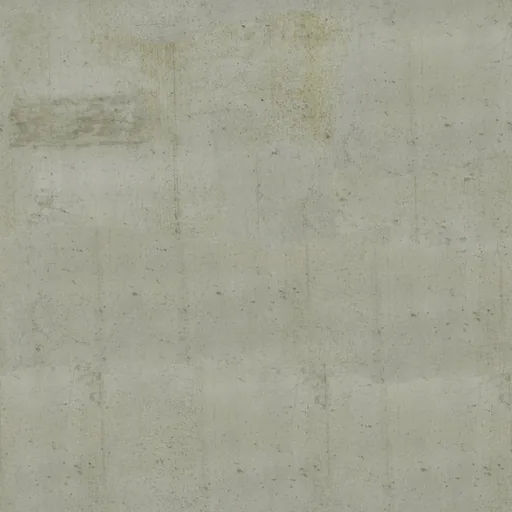
6 wall and ceiling materials with relief: terracotta brick, limestone blocks, fluted plaster, board-formed concrete, acoustic felt panels and oak slat ceiling. GLB model with LOD1 plus 2K and 4K maps.
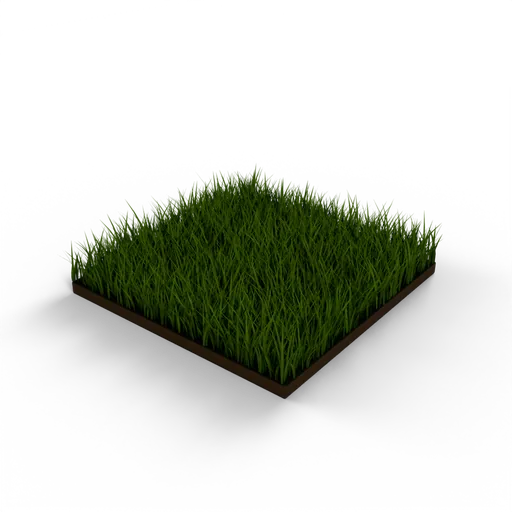
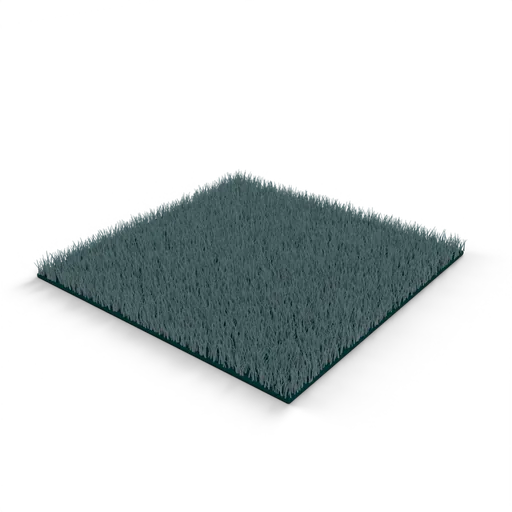
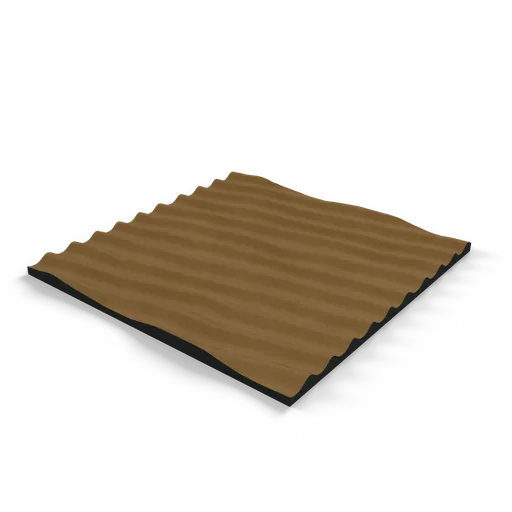
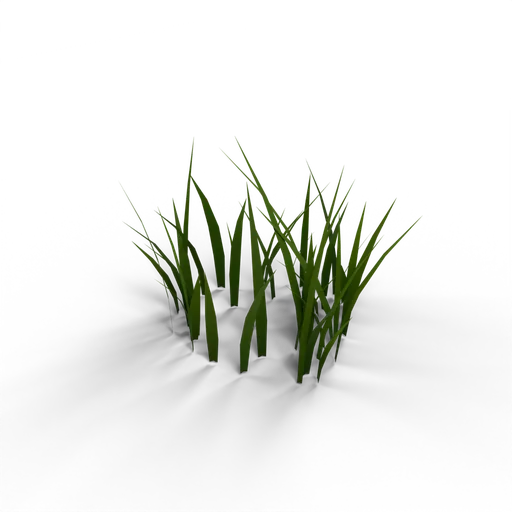
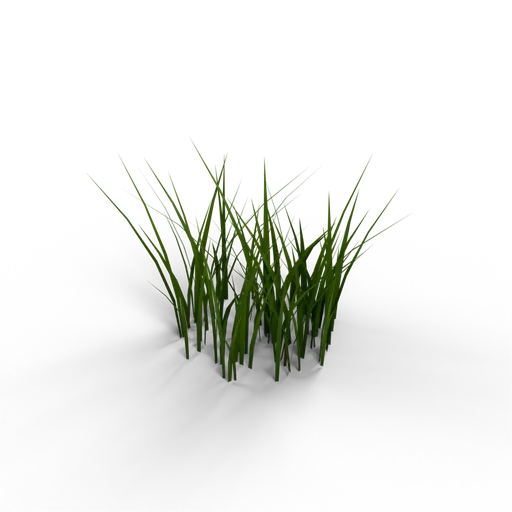
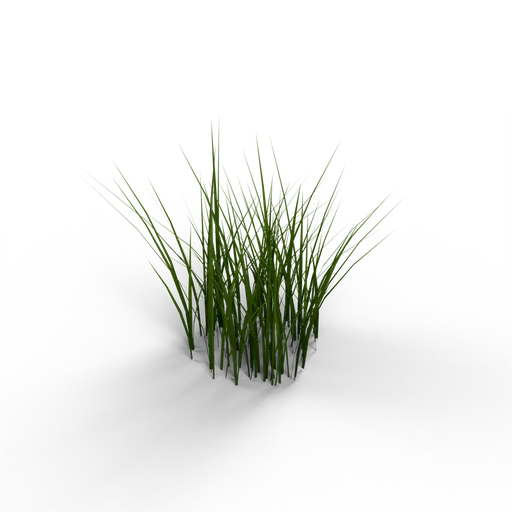
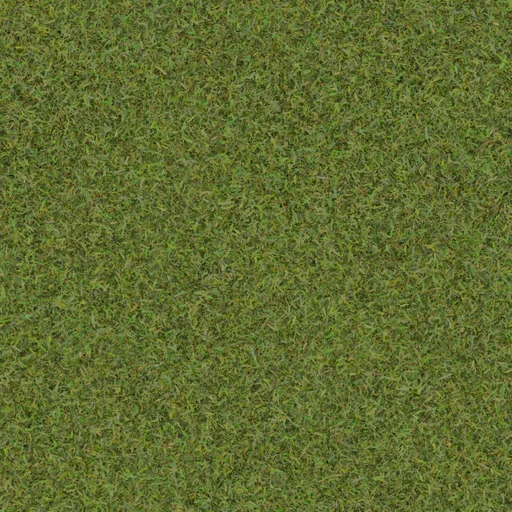
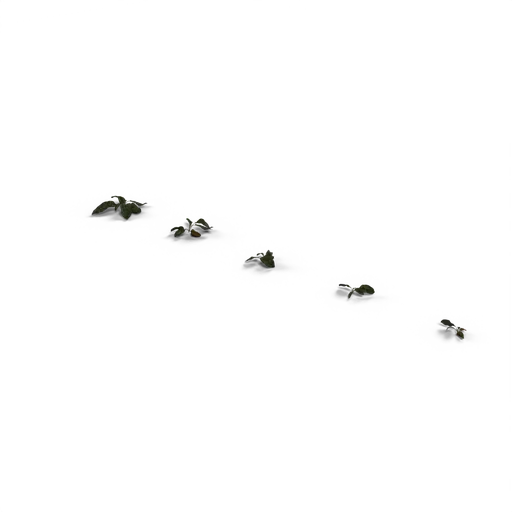
A meadow of 8,000 curved blades per square metre, plush with 20,000 fibres, rippled sand and aggregate asphalt, plus three grass tufts for scattering. GLB models with LOD1 plus 2K and 4K maps; 3D sources and scripts included.
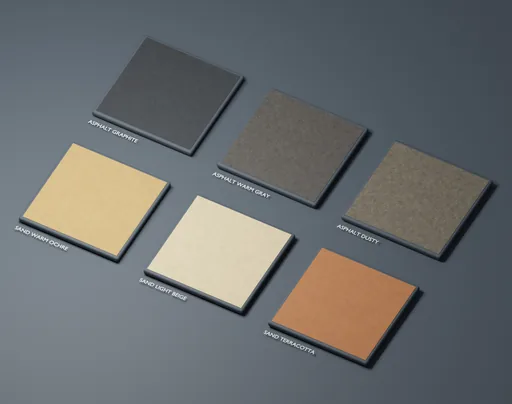
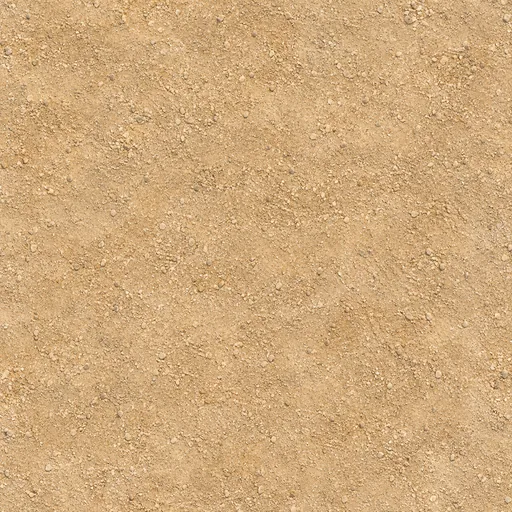
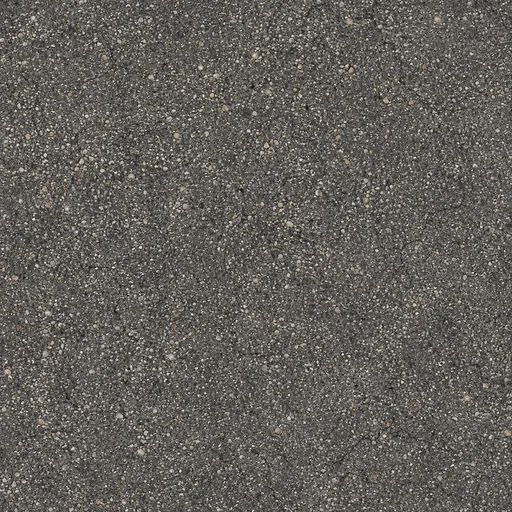
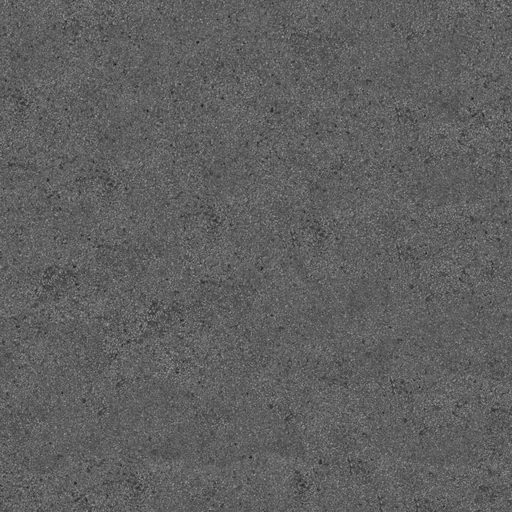
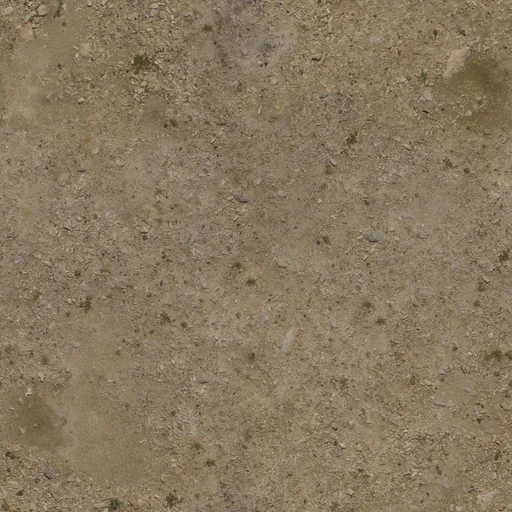
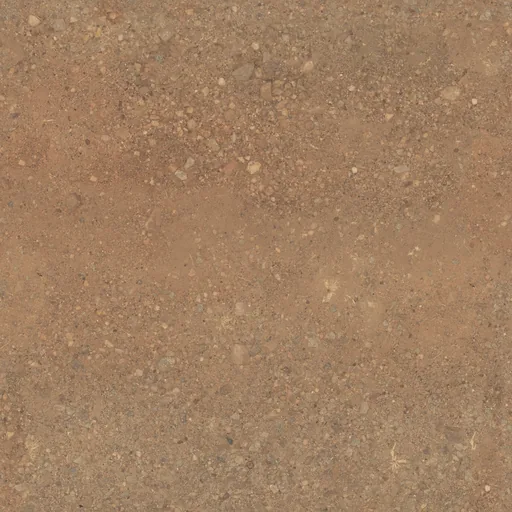
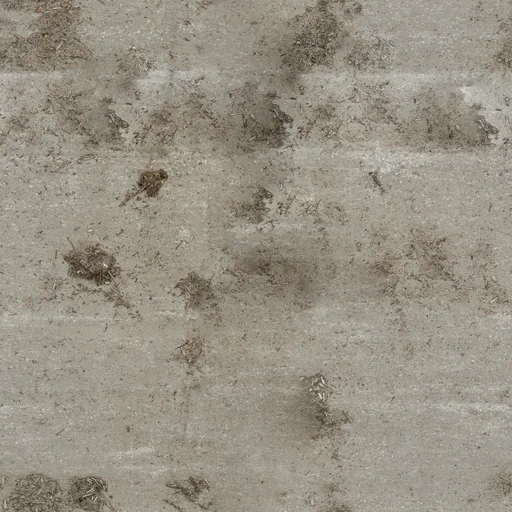
6 seamless 4096×4096 px materials: graphite, warm grey and dusty asphalt, plus ochre, light beige and terracotta sand. Each has colour, normal and roughness maps; one tile covers 2×2 m.
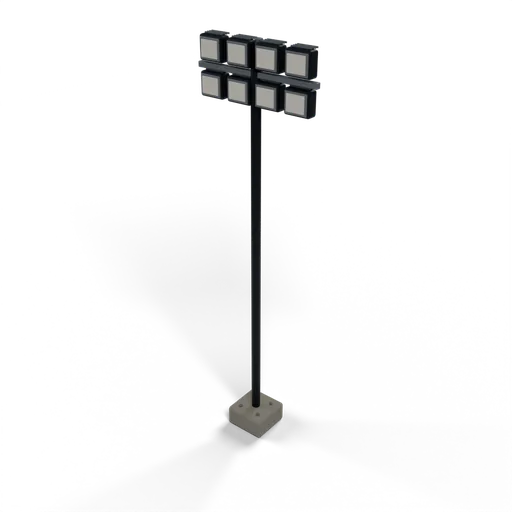
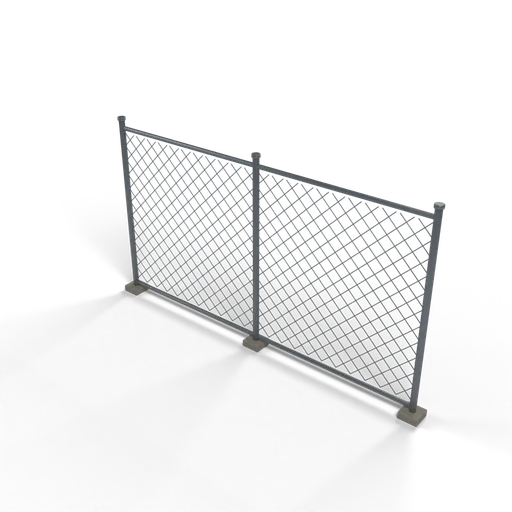
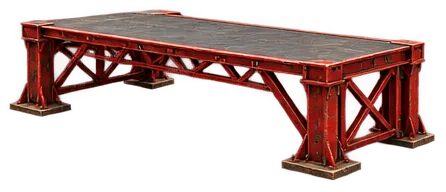
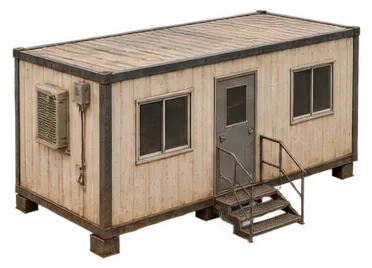
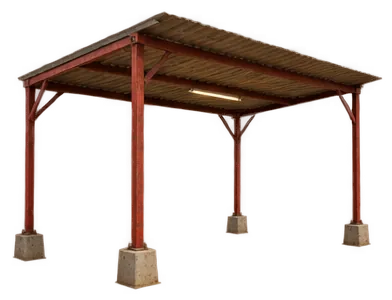
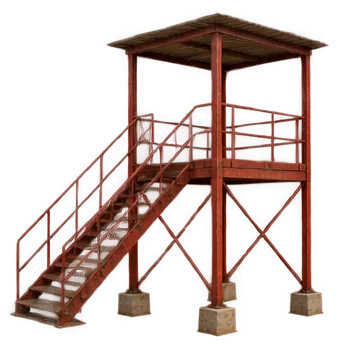
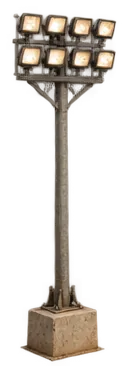
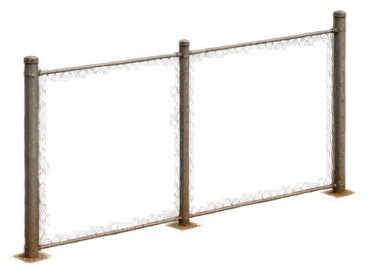
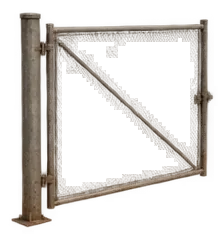
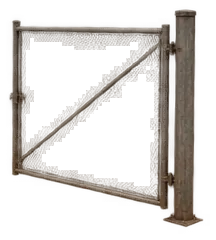
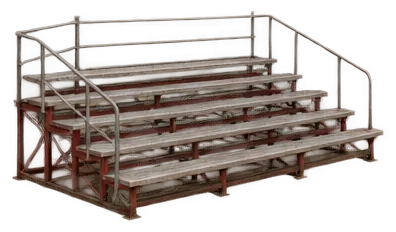
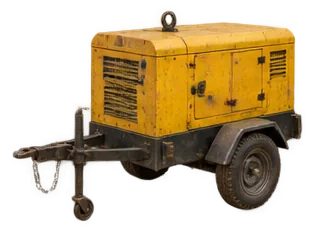
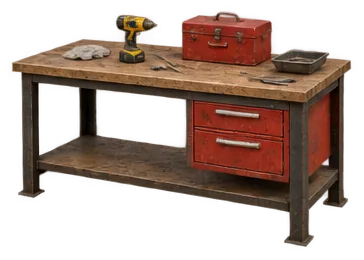
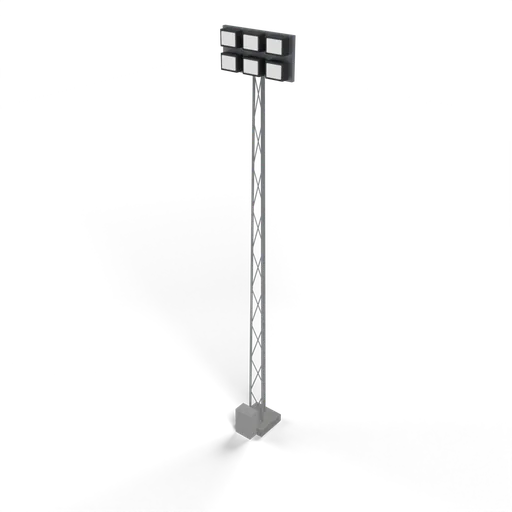
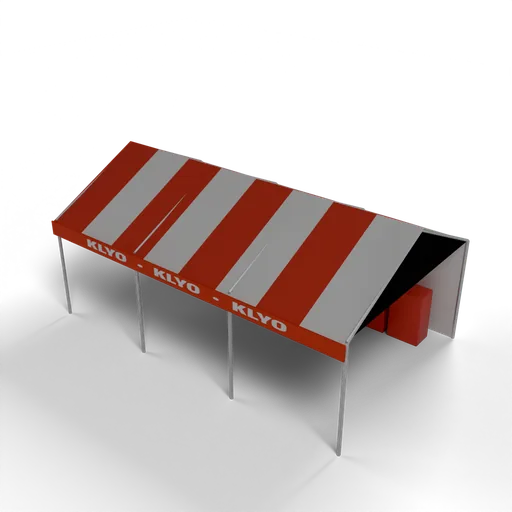
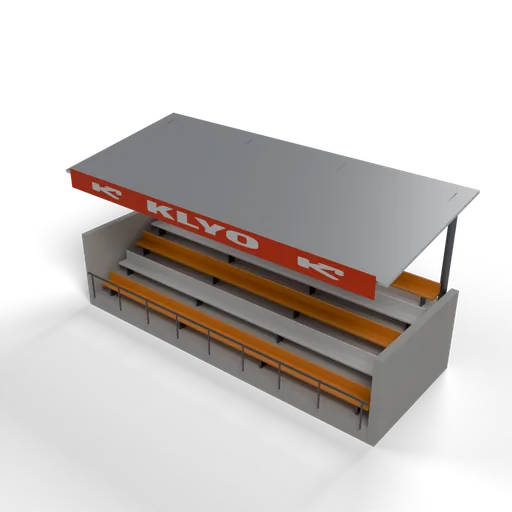
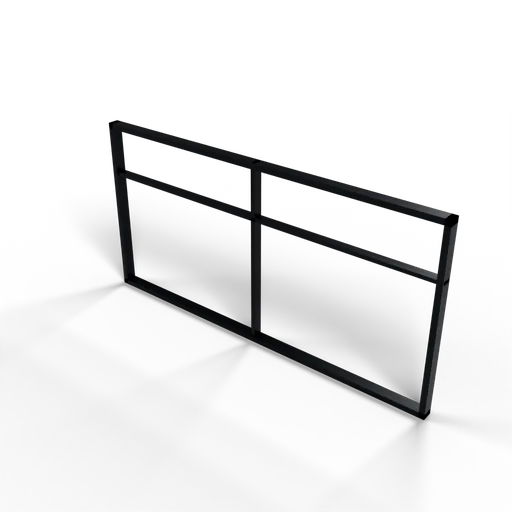
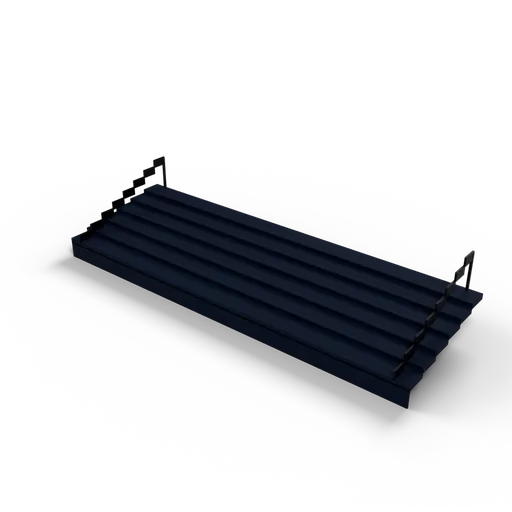
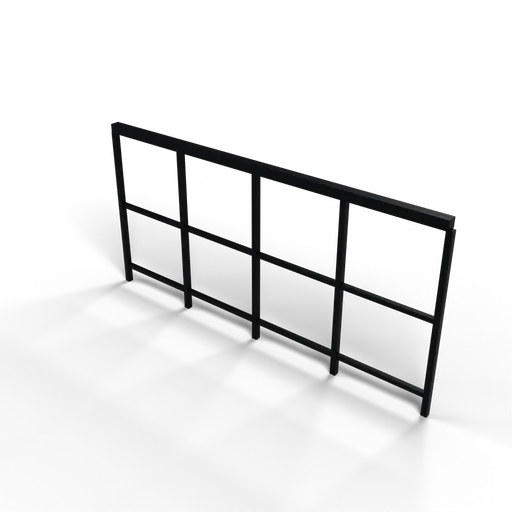
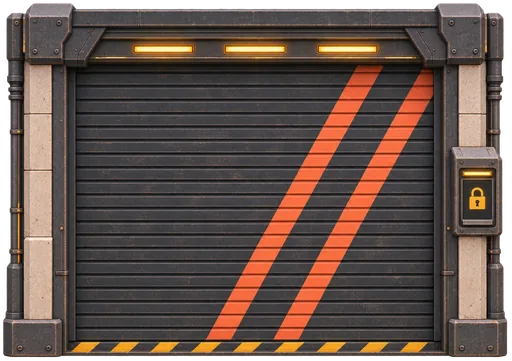
13 arena backstage objects: shipping containers, a site cabin, a canopy, a watchtower, a floodlight mast, fences, a gate, bleachers, a generator and a workbench.
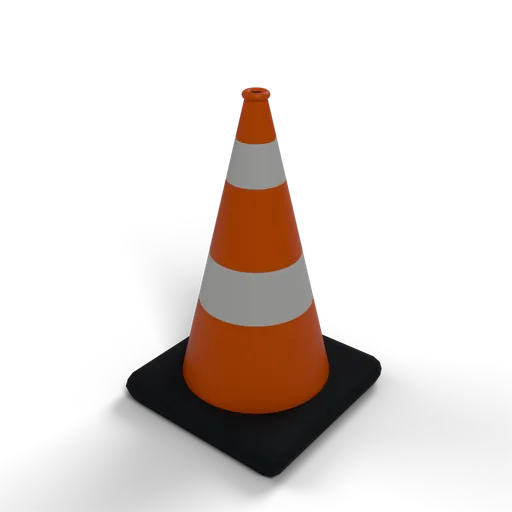
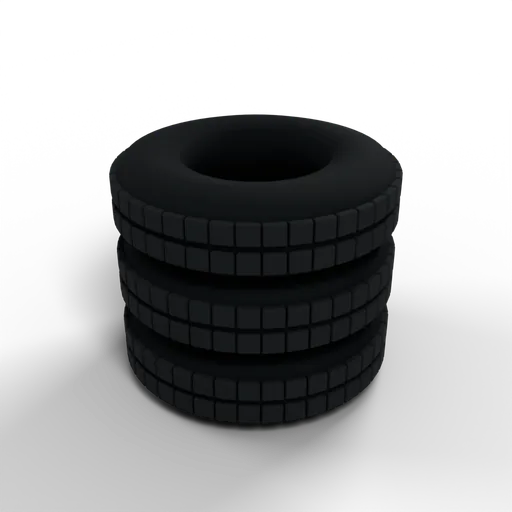
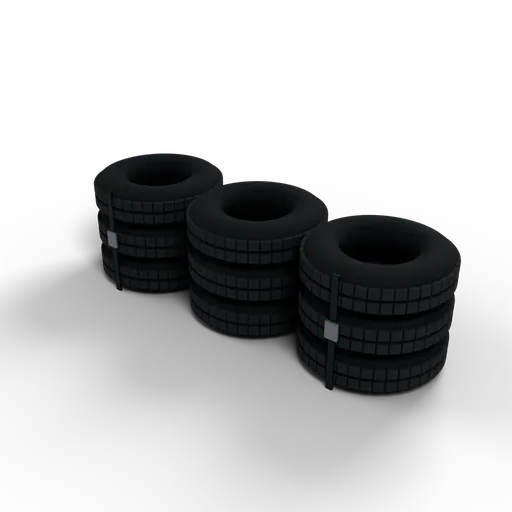
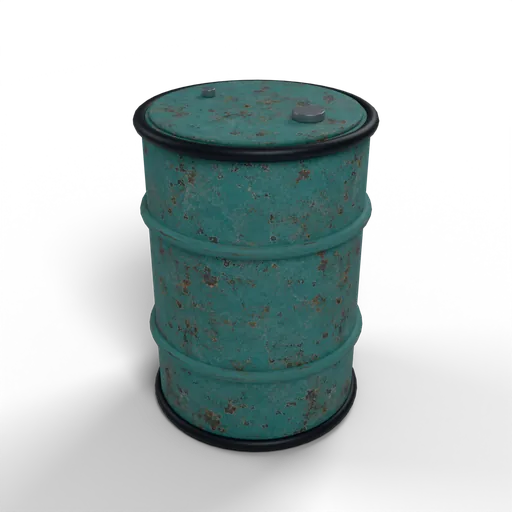
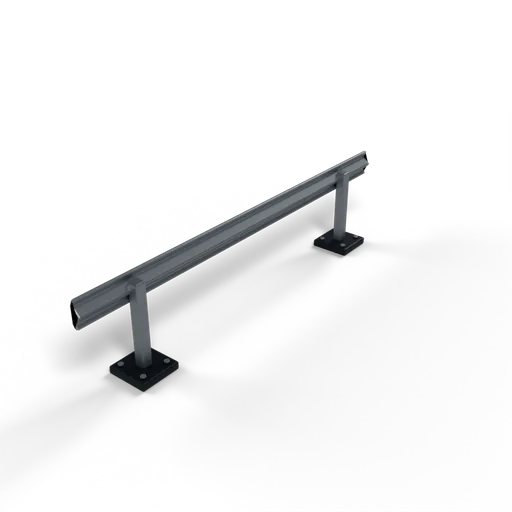
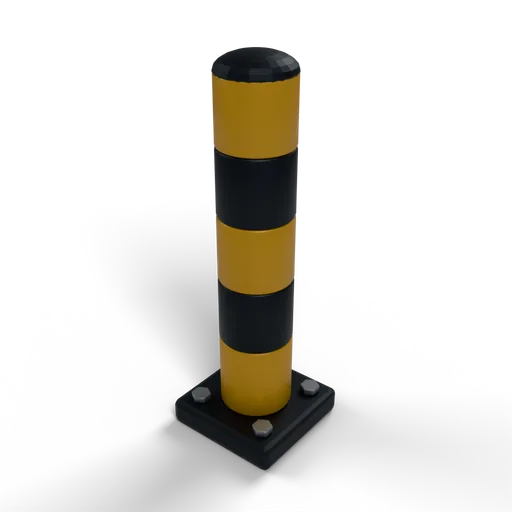
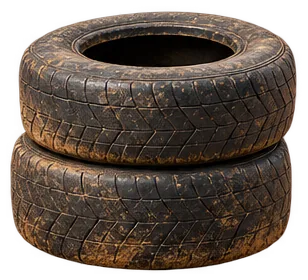
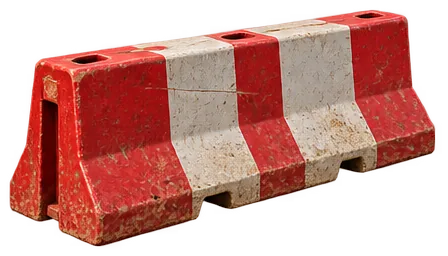
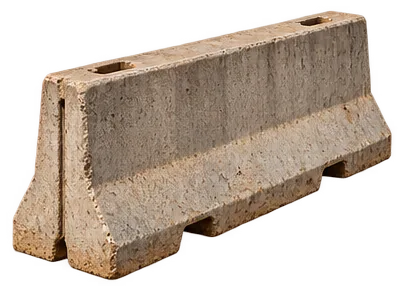
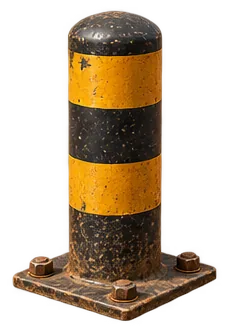
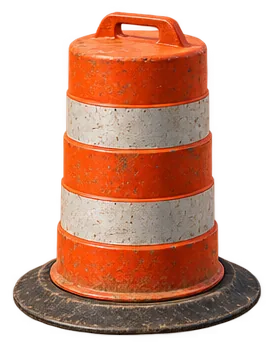
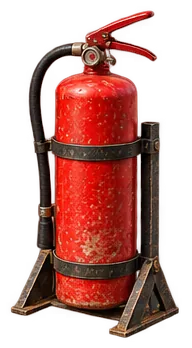
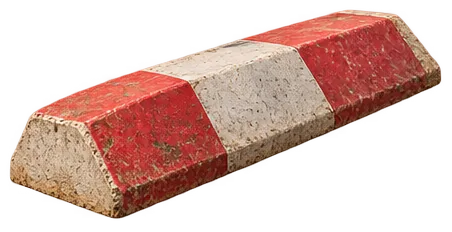
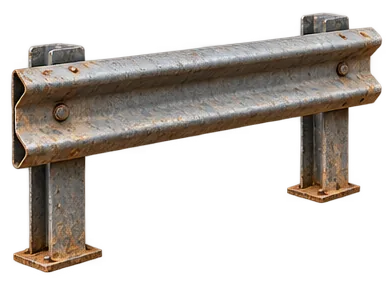
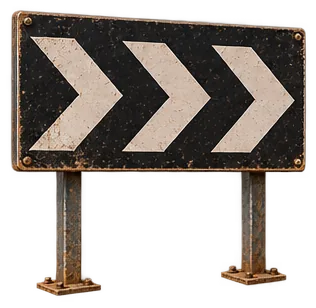
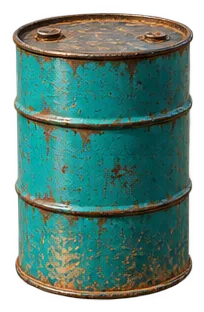
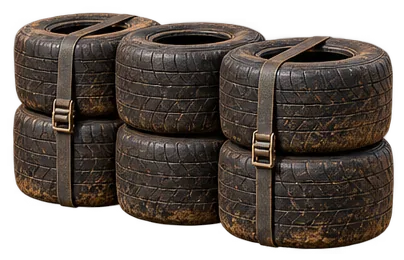
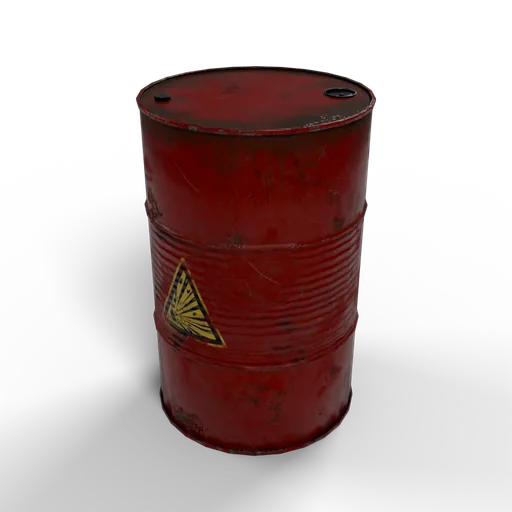
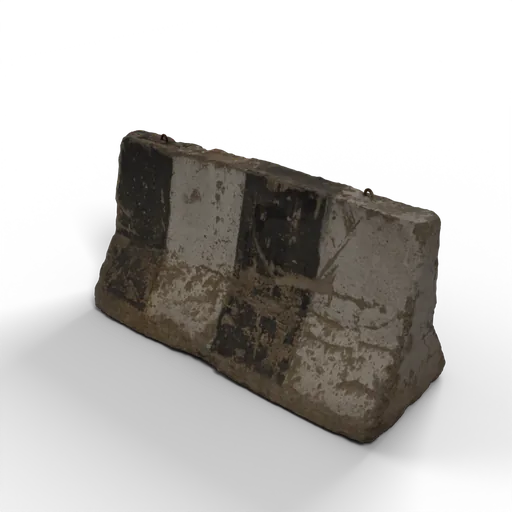
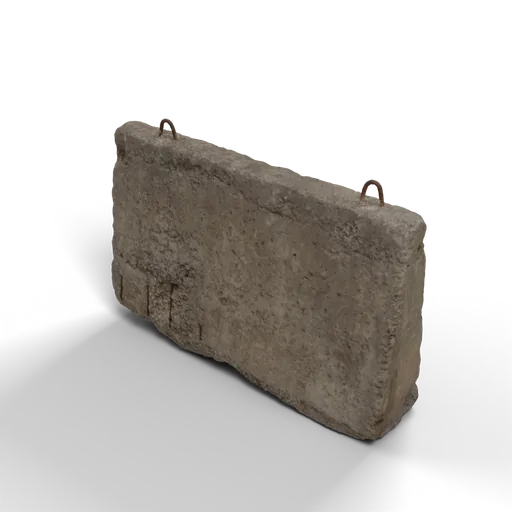
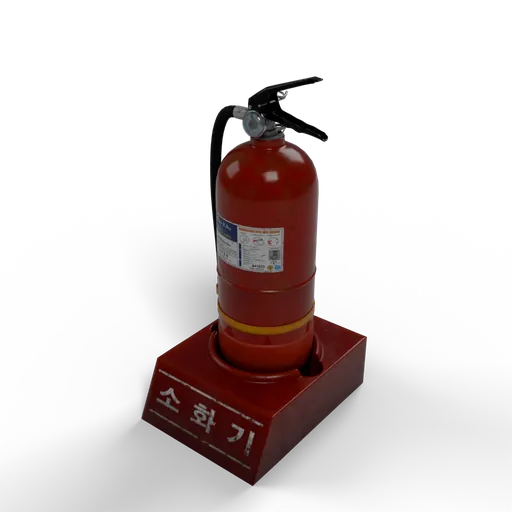
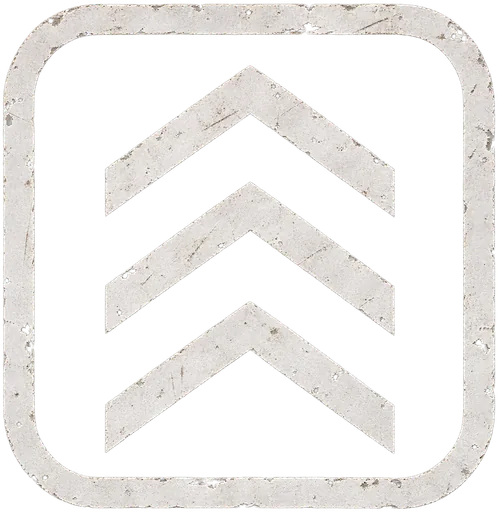
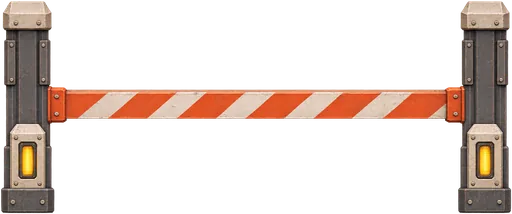
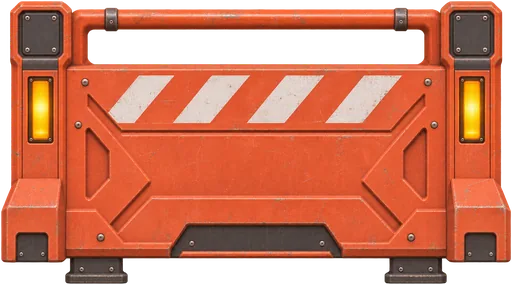
12 track props: a cone, tyres, plastic and concrete barriers, a bollard, a warning drum, an extinguisher, a kerb, a guardrail, a chevron sign, a barrel and a tyre stack.
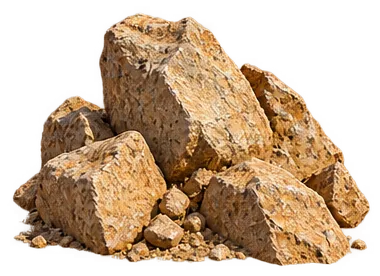
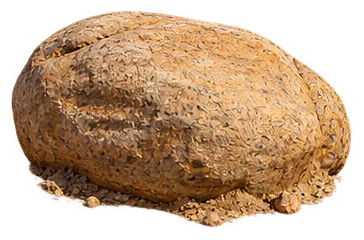
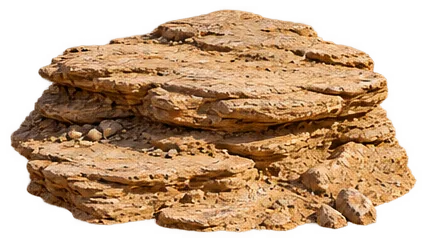
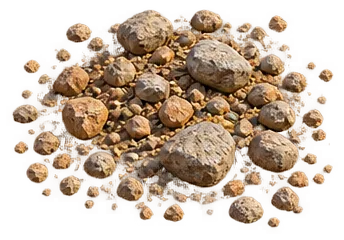
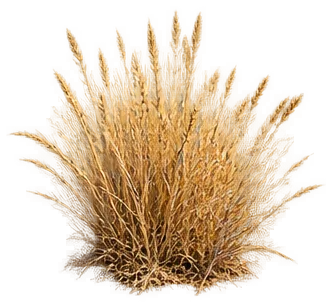
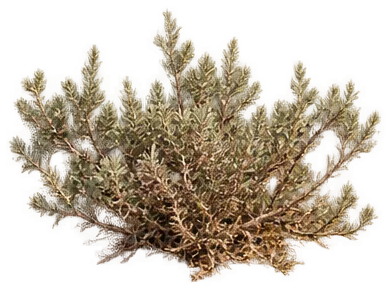
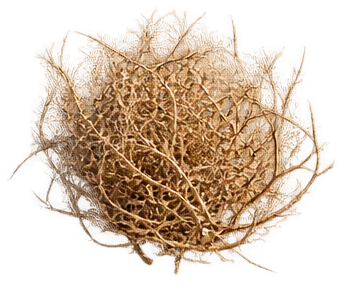
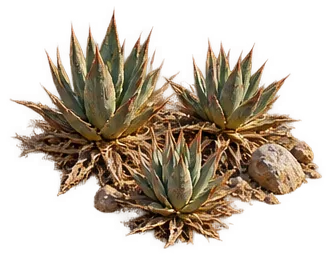
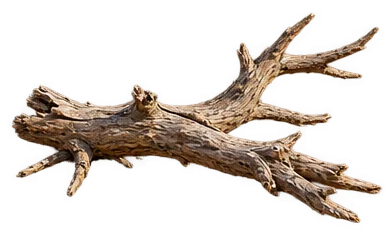
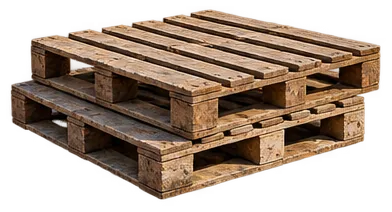
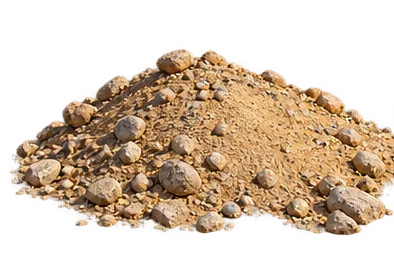
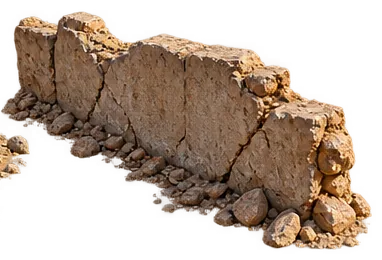
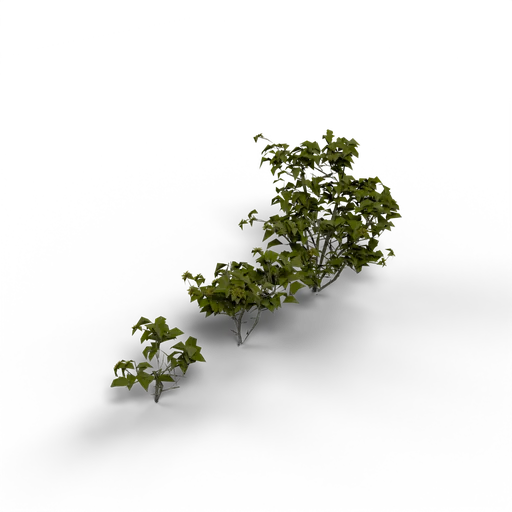
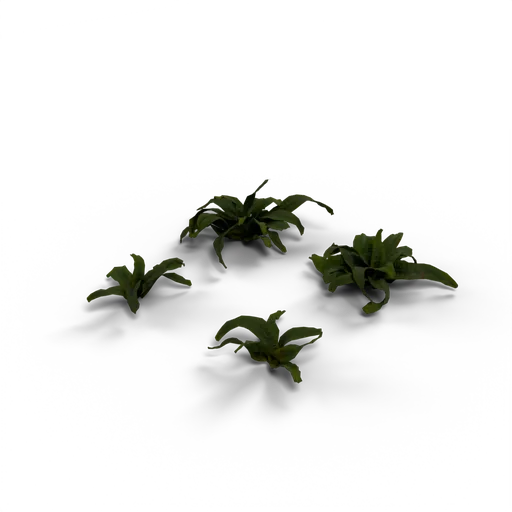
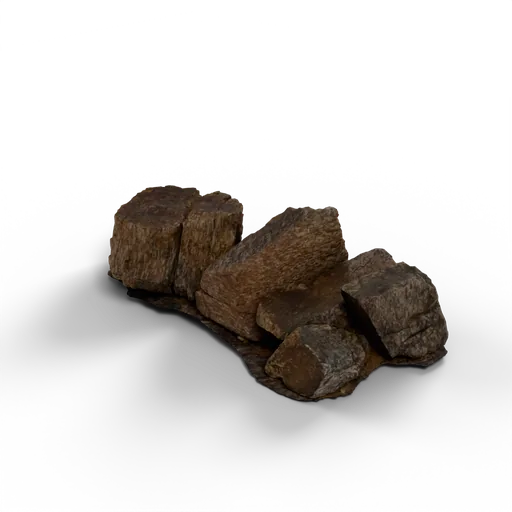
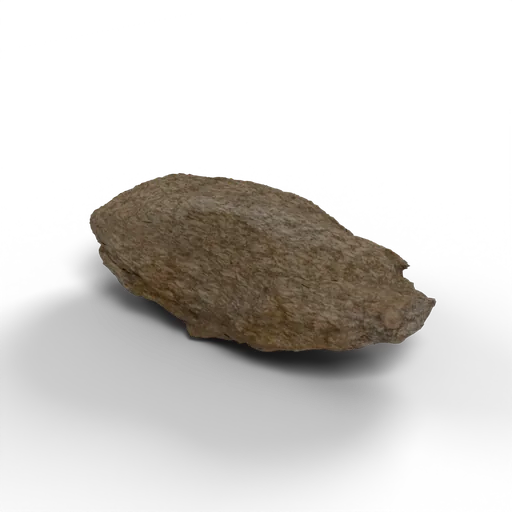
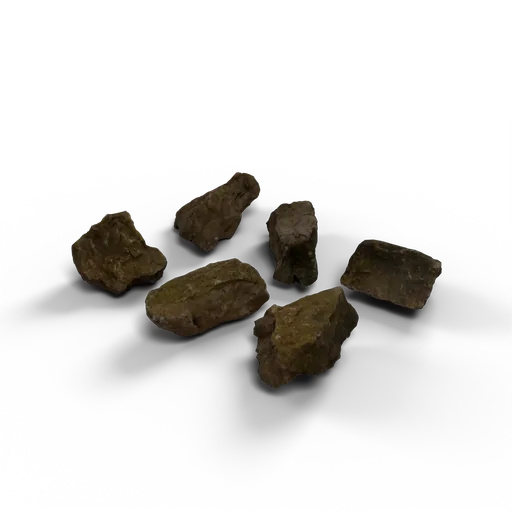
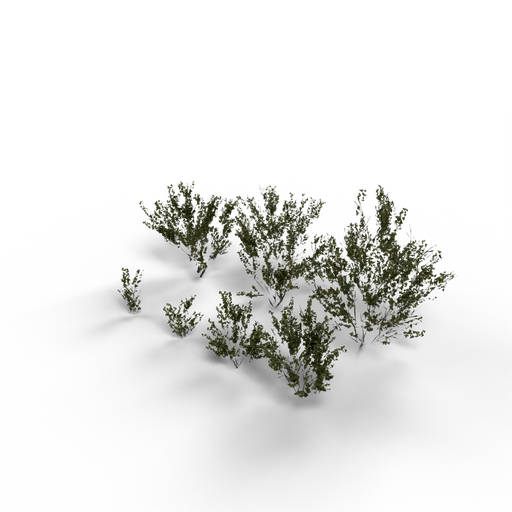
12 desert scenery pieces: rocks, a boulder, a rock slab, rubble, dry grass, a shrub, a tumbleweed, agaves, a dead log, a pallet, a sand pile and an adobe wall.
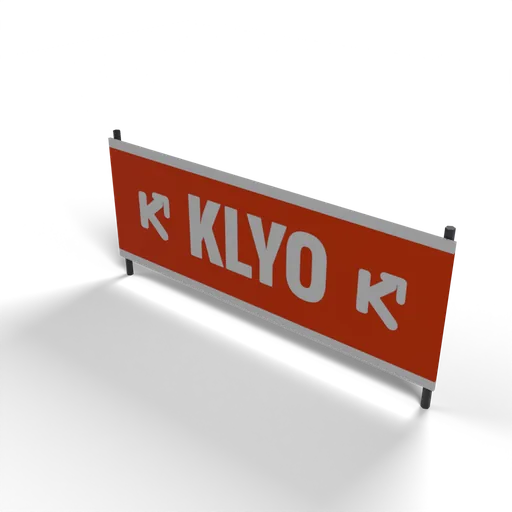
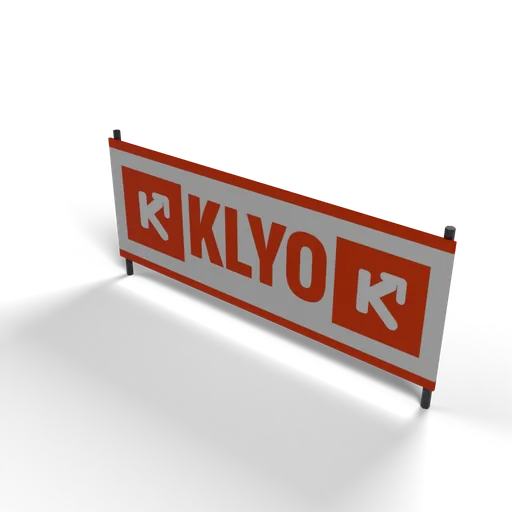
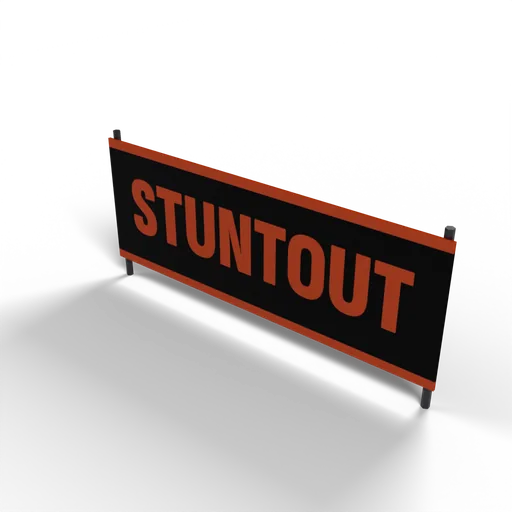
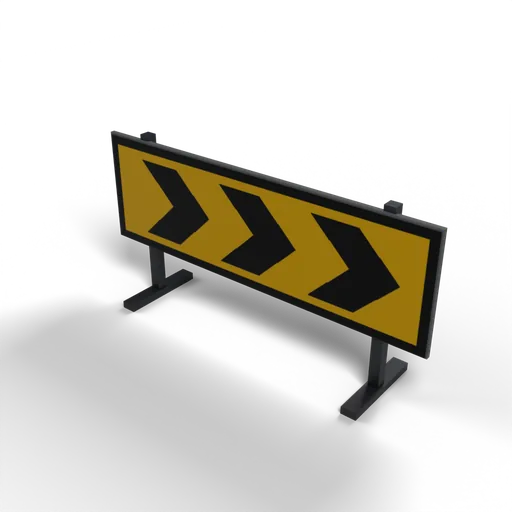
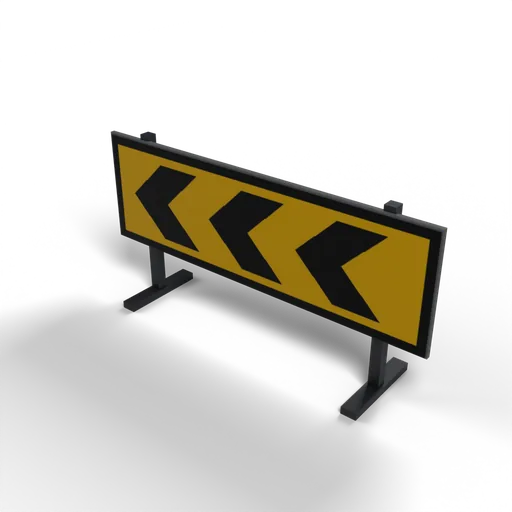
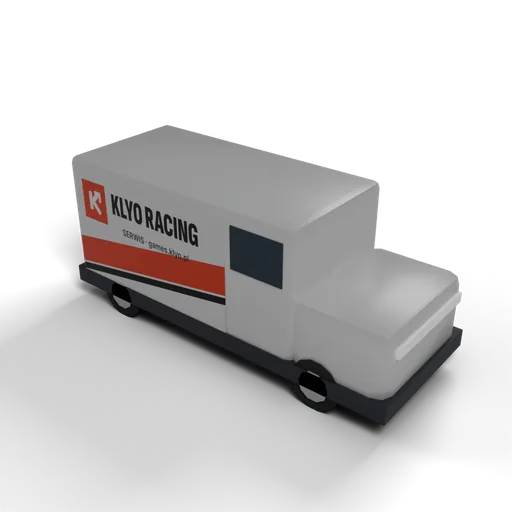
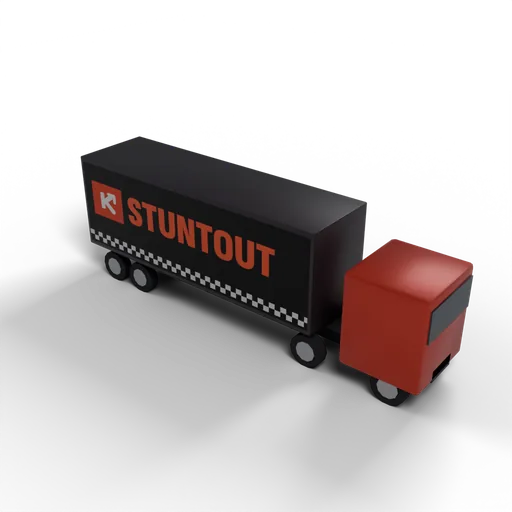
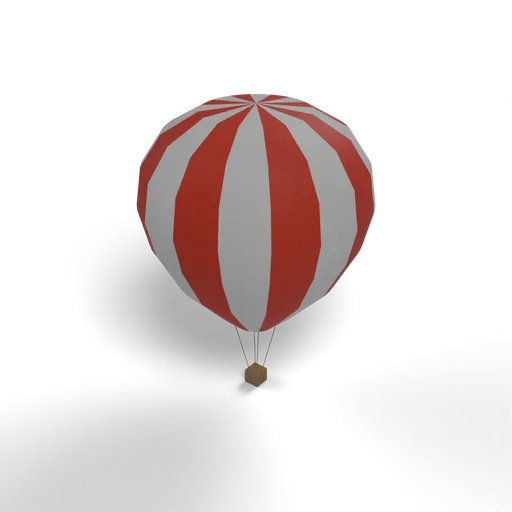
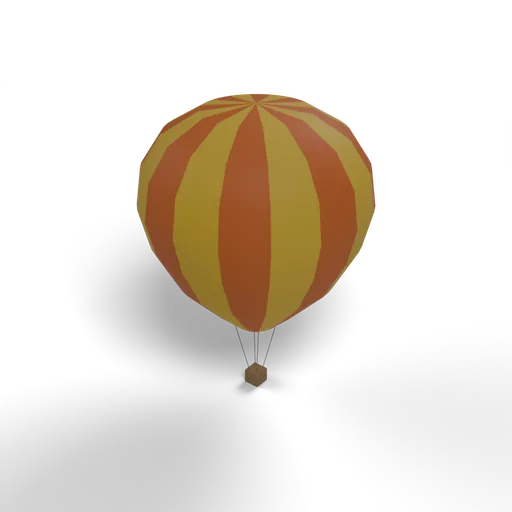
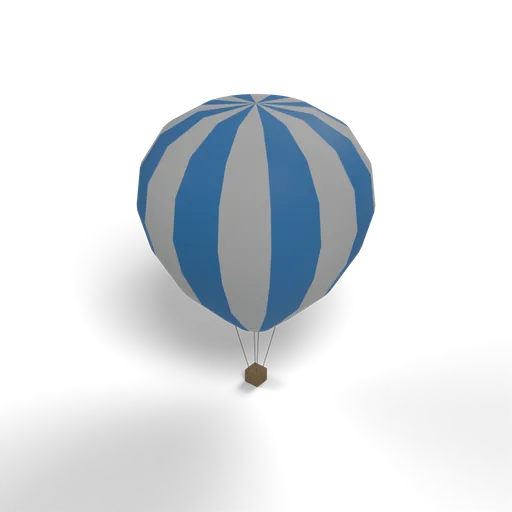
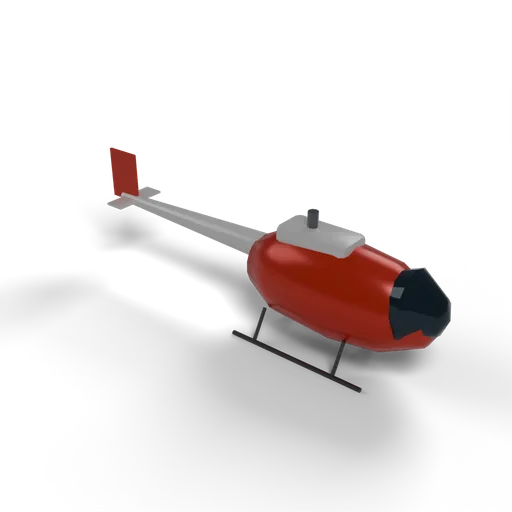
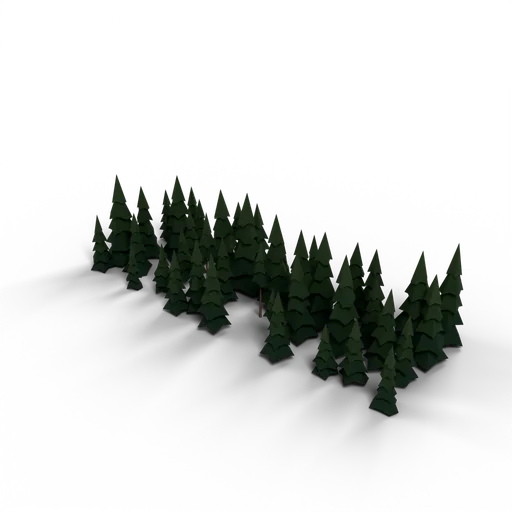
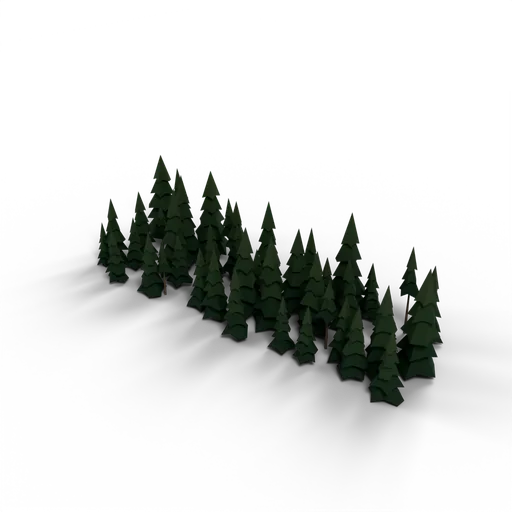
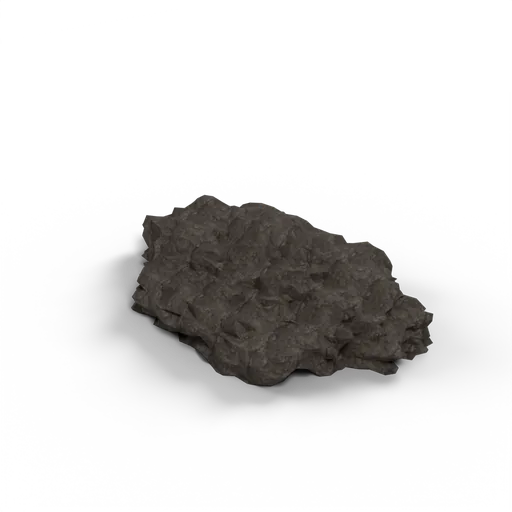
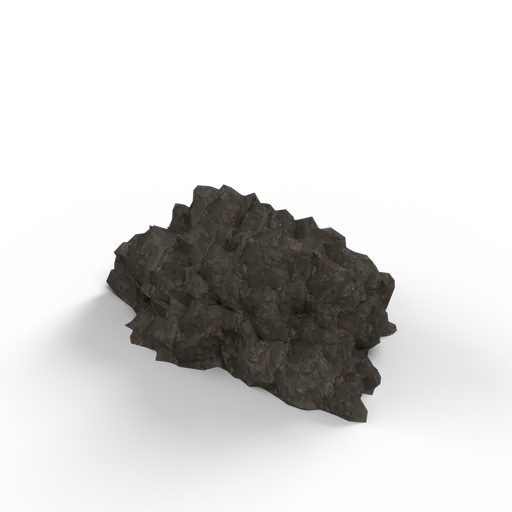
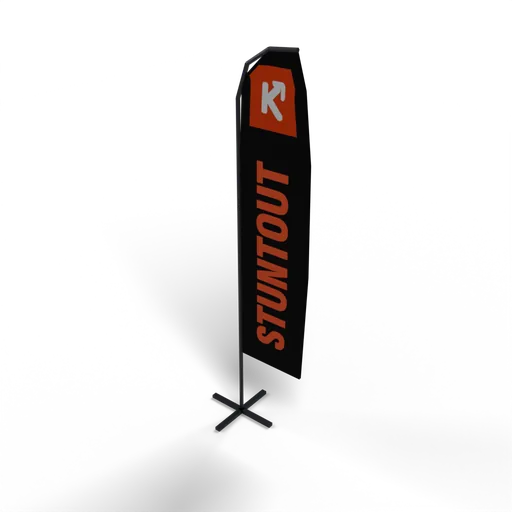
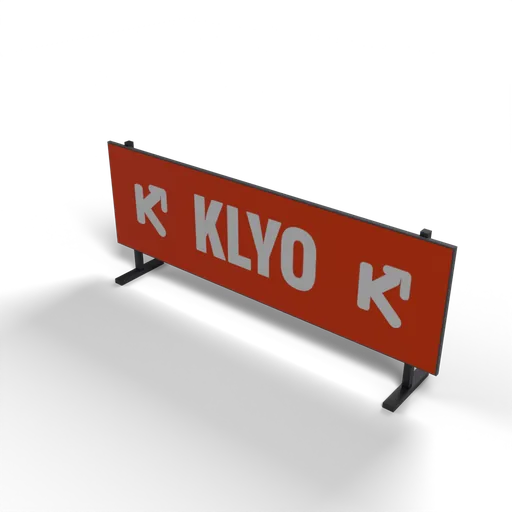
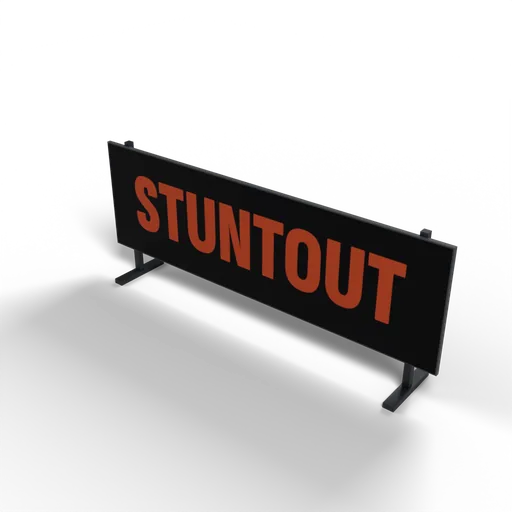
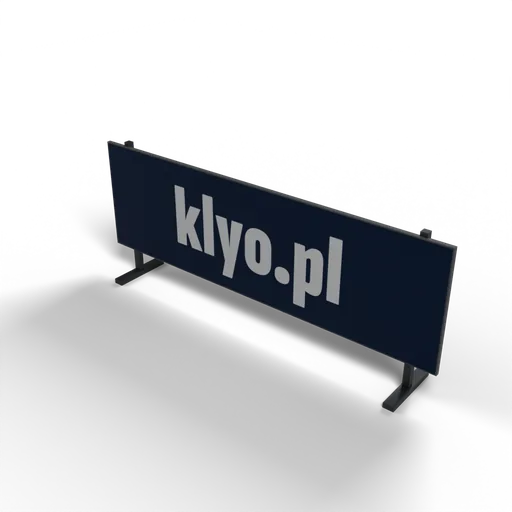
Trackside dressing from STUNTOUT: KLYO and STUNTOUT fence banners, corner chevrons, a 14 m light mast, a team tent, a service van, a truck with trailer, three hot-air balloons, a helicopter with a separate rotor, forest belts and rocky hills for the horizon. Real-world metres, GLB with textures. Rocks: a CC0 scan from Poly Haven.
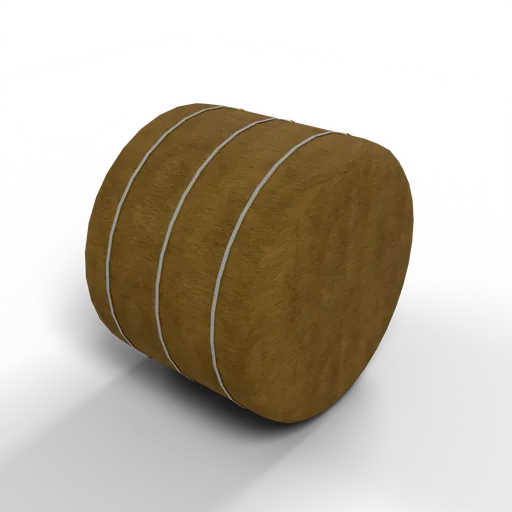
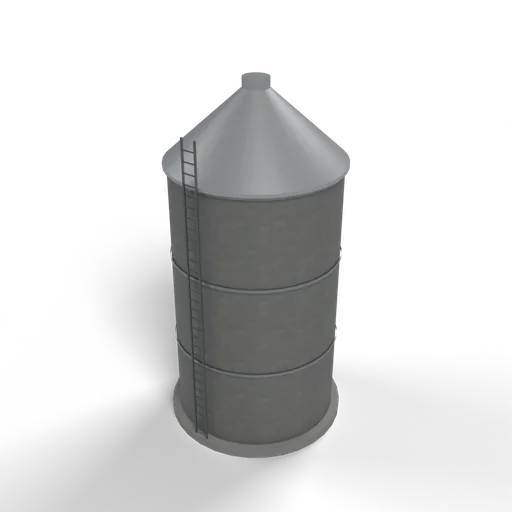
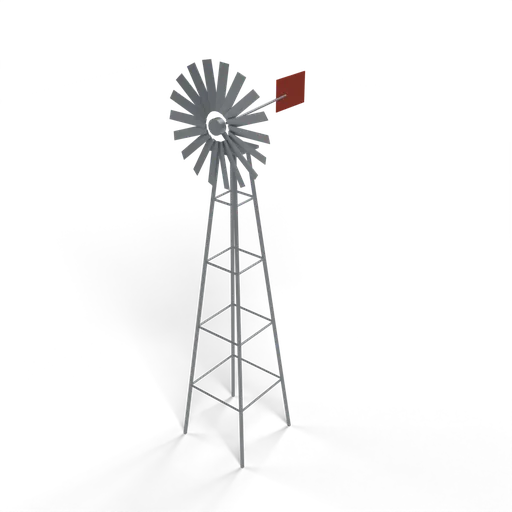
Farm and jumps 3D: hay bales, silo, windmill, ramps
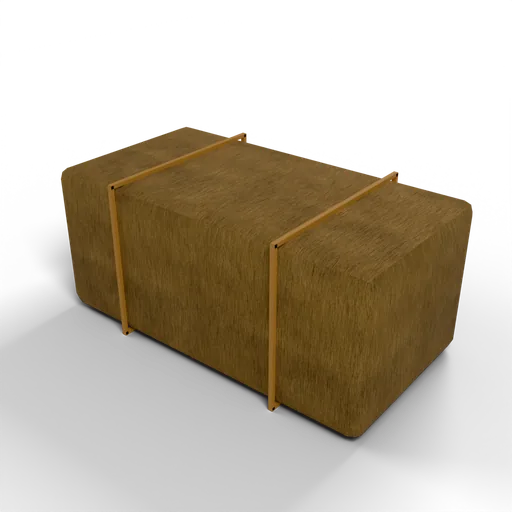
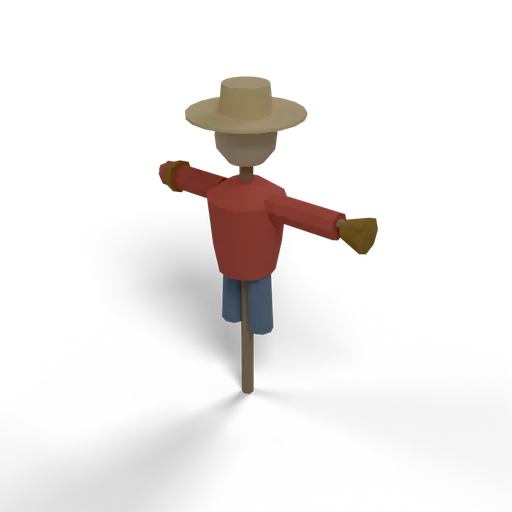
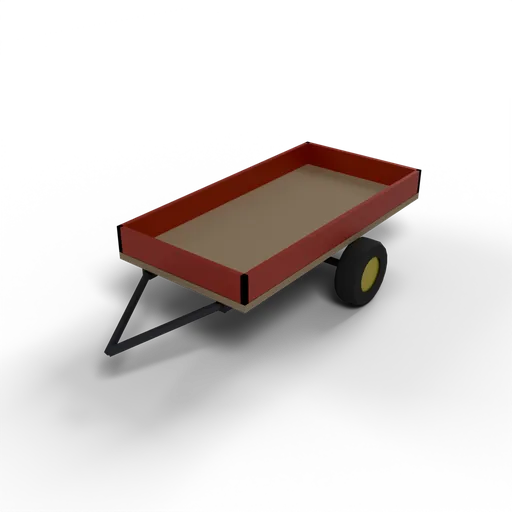
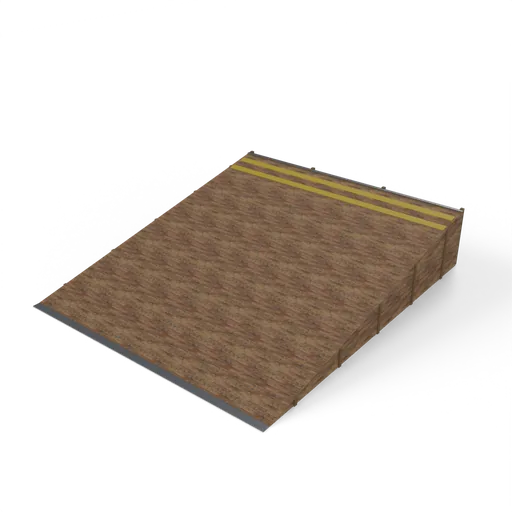
The countryside route from STUNTOUT: square and round hay bales, a wrapped bale, a silo, a wind pump, a scarecrow, a farm trailer, a furrowed field patch, plus a wooden jump, a kicker and dirt mounds. Real-world metres, GLB with textures (CC0 scans: ambientCG, Poly Haven).
Start zone and street 3D: START gate, grandstand, flags, signs
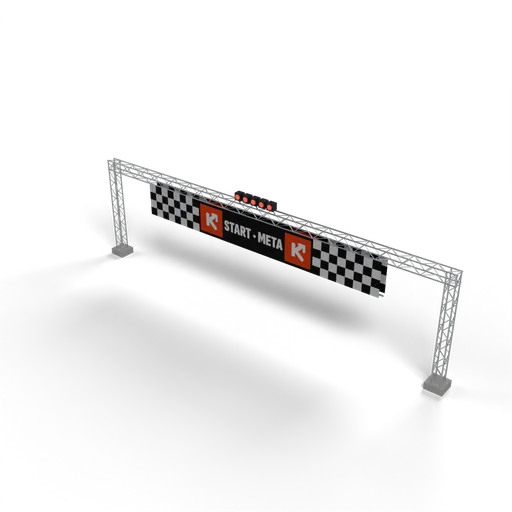
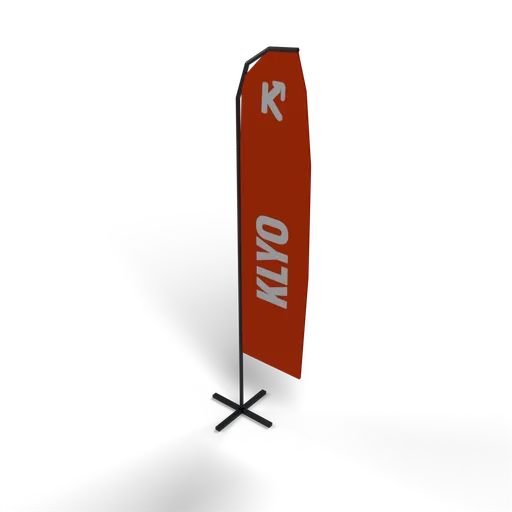
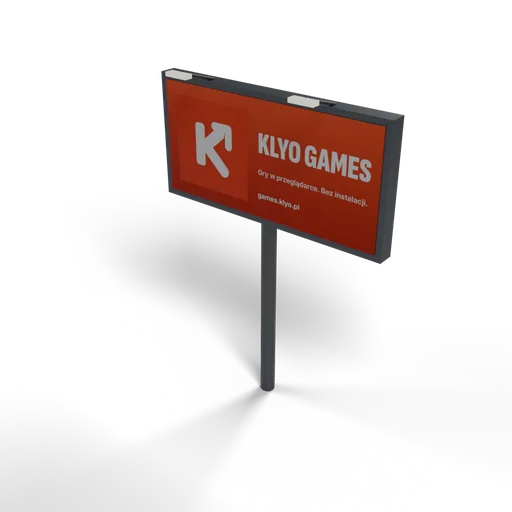
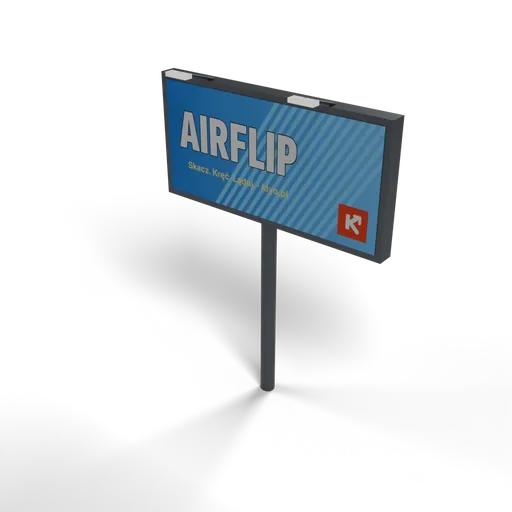
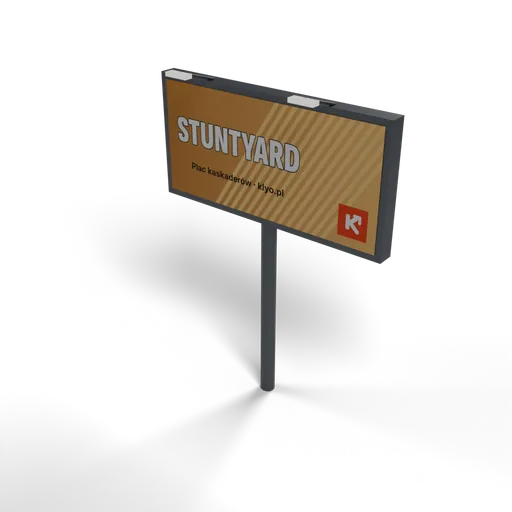
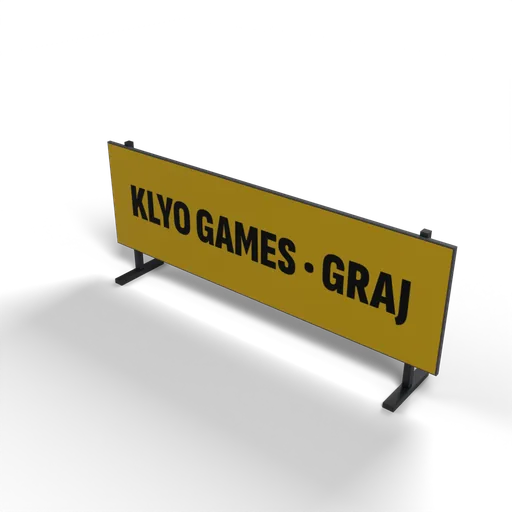
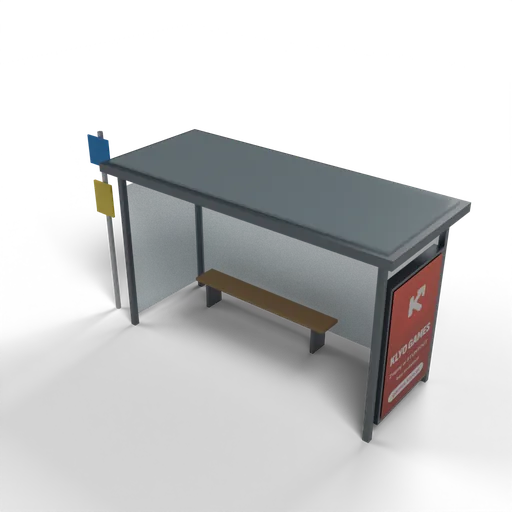
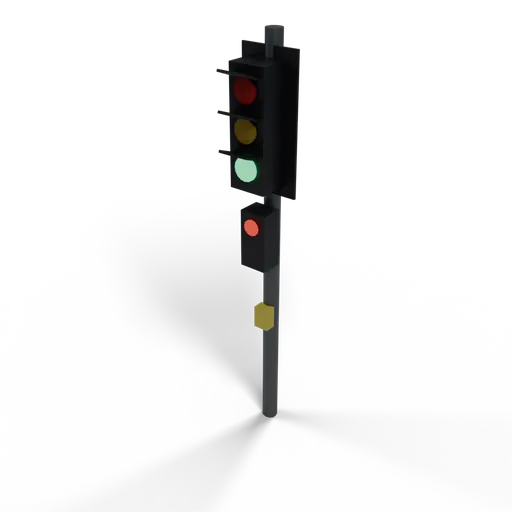
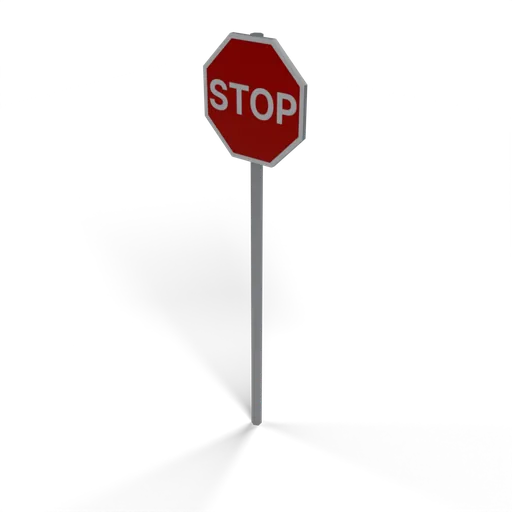
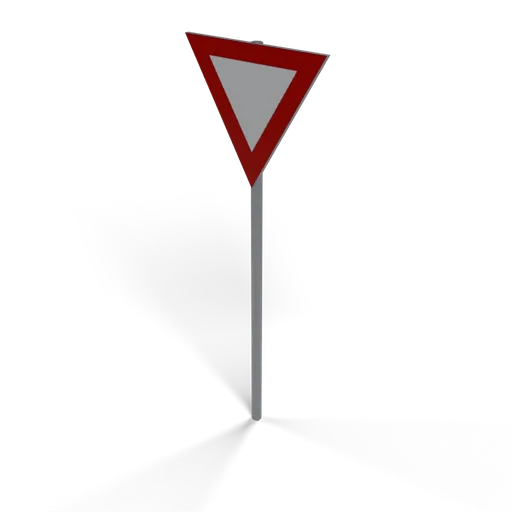
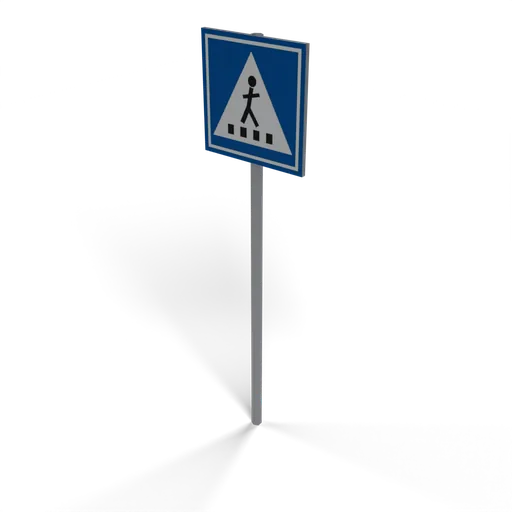
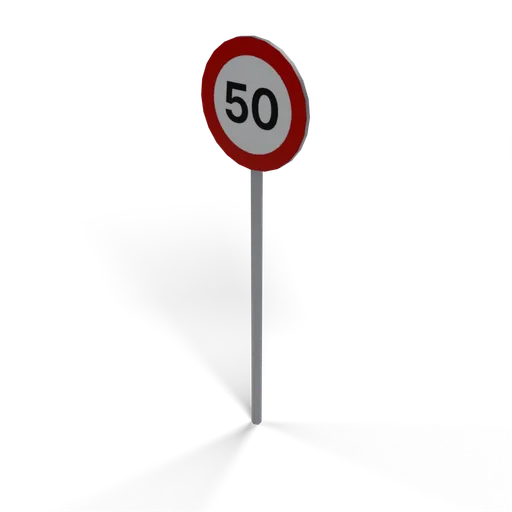
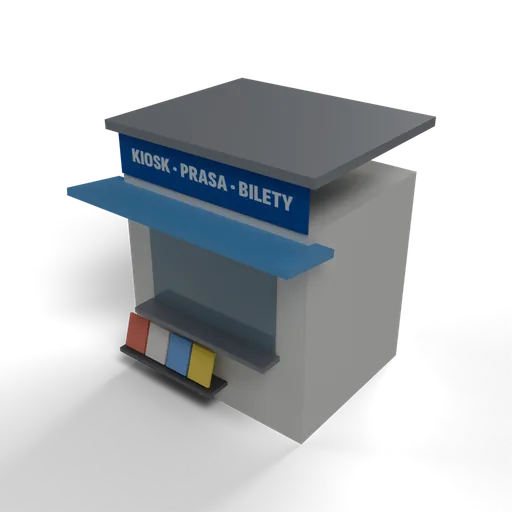
The start zone and town from STUNTOUT: a START · FINISH gate, a grandstand, a tent, feather flags, billboards of Klyo games, banners, a bus shelter with a city light, traffic lights, STOP, give way, crossing and 50 signs, and a kiosk. Real-world metres, GLB with textures.
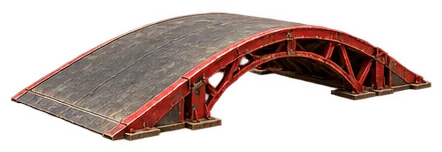
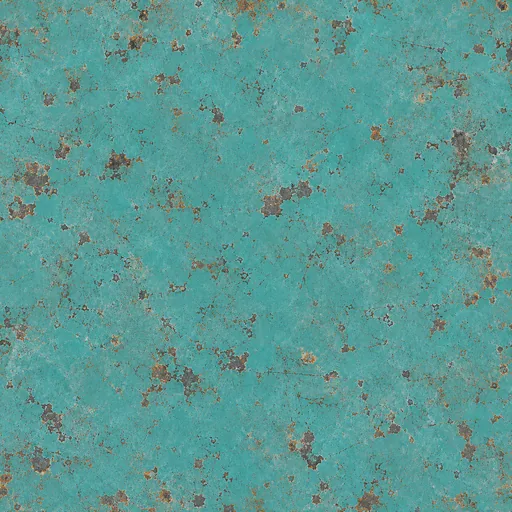
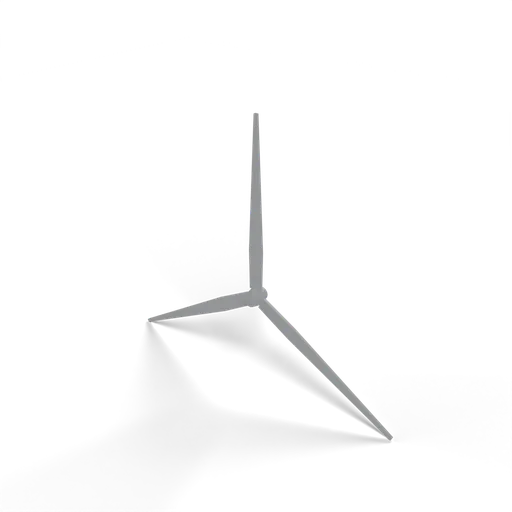
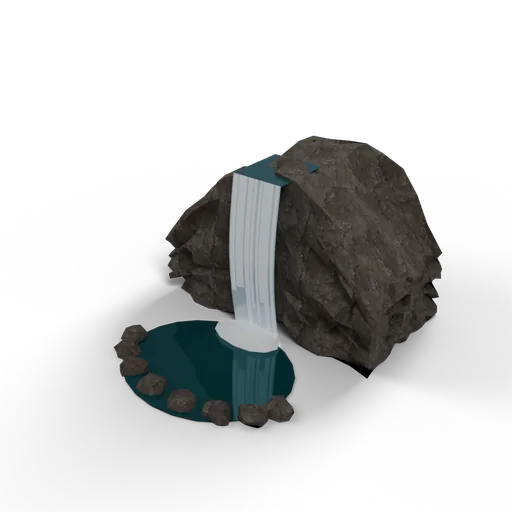
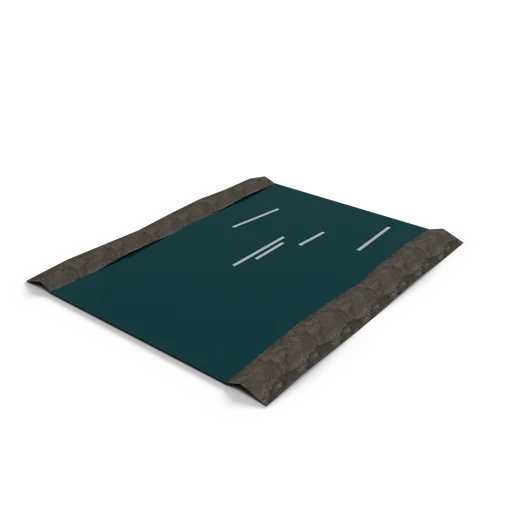
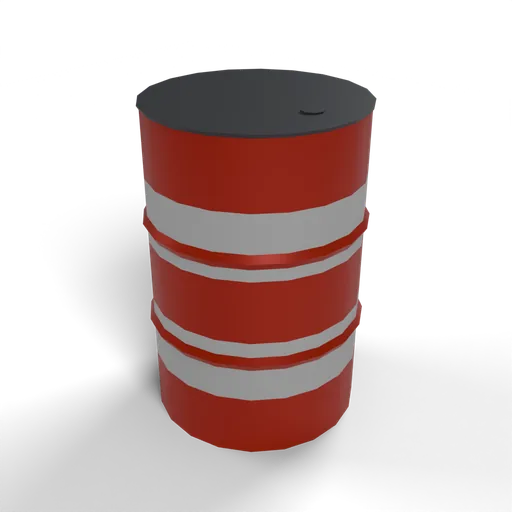
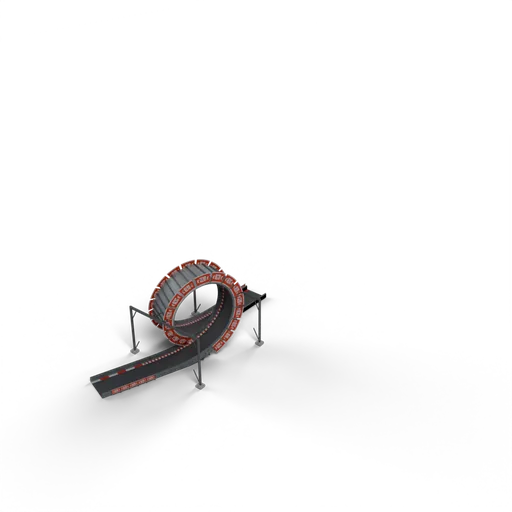
Big roadside landmarks from STUNTOUT: a steel stunt loop with red KLYO banners, a truss bridge over the road with lamps and gold coins (32 m), a 50 m wind turbine with a separate rotor to spin, a waterfall with a rocky cliff and a pool, a river section, a mist and foam puff, and a red and white striped barrel. Real-world metres, GLB with textures. Rock, sheet metal and planks: CC0 scans (Poly Haven, ambientCG).
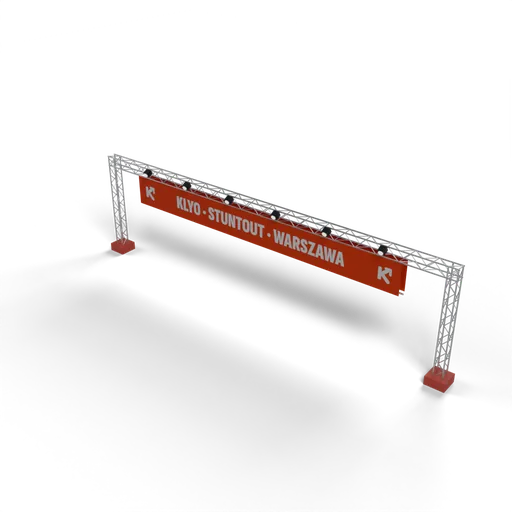
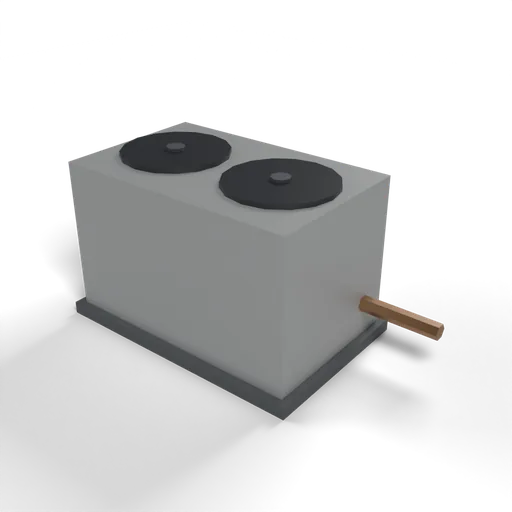
City 3D: KLYO overhead gantry and rooftops (AC unit, mast)
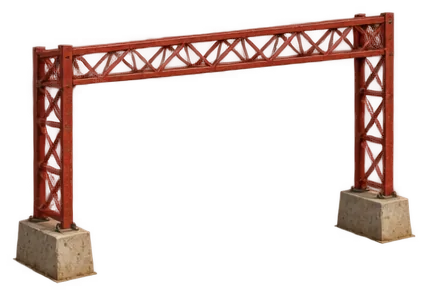
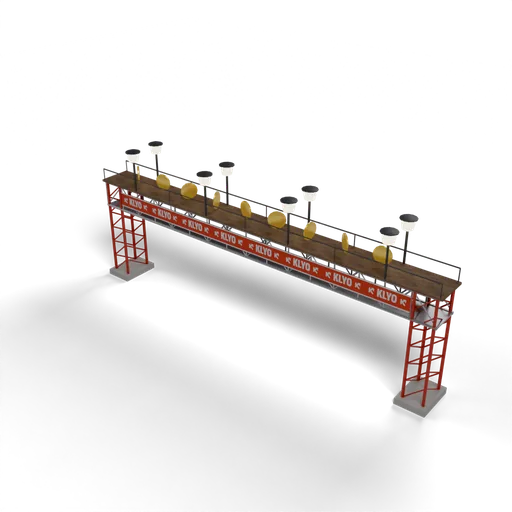
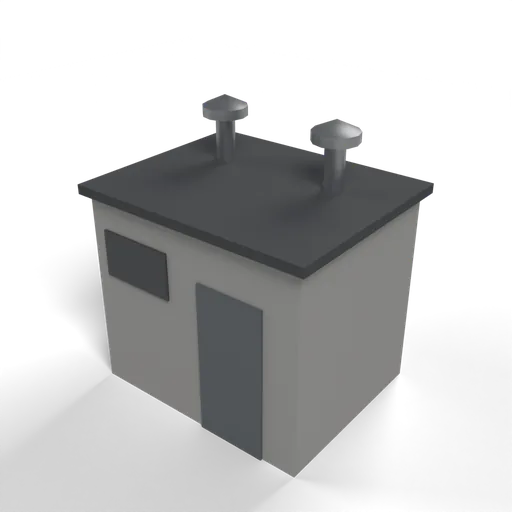
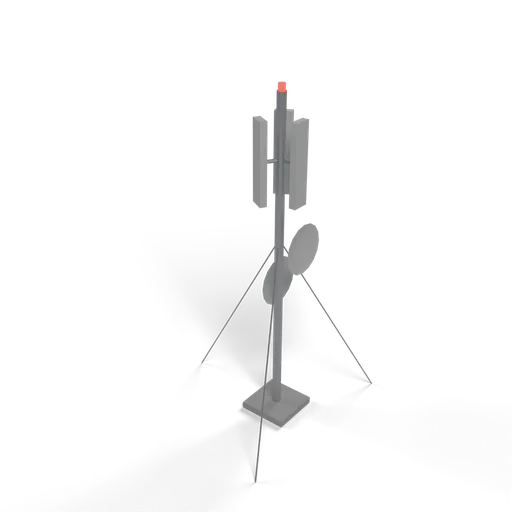
City models from the Warsaw route in STUNTOUT: a 24 m KLYO truss gantry over the road with ballast and lights, a rooftop AC unit, a lift machine room with a door and vents, and a rooftop antenna mast with panels, a dish and a beacon. Real-world metres, GLB with textures.
City facade PBR textures: shopfronts, tower, lobby
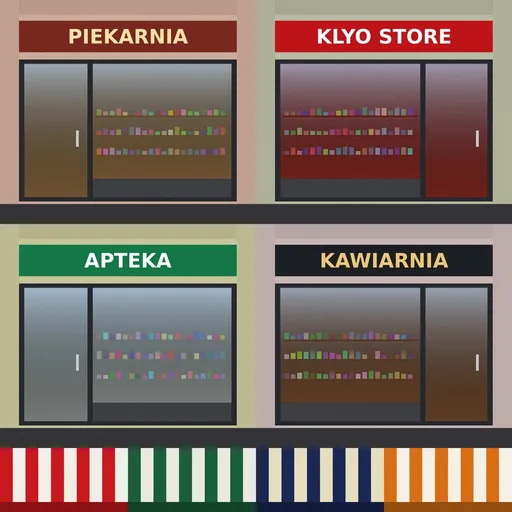
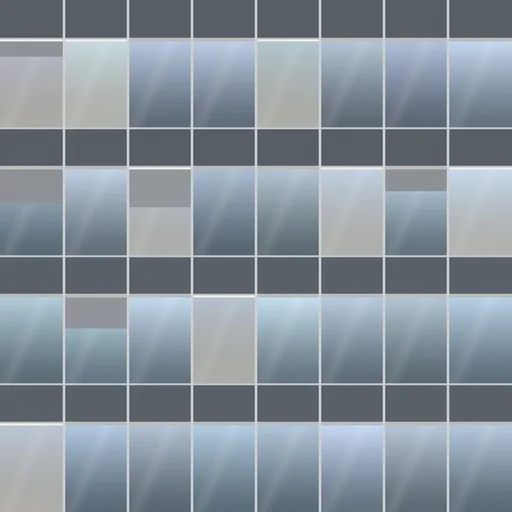
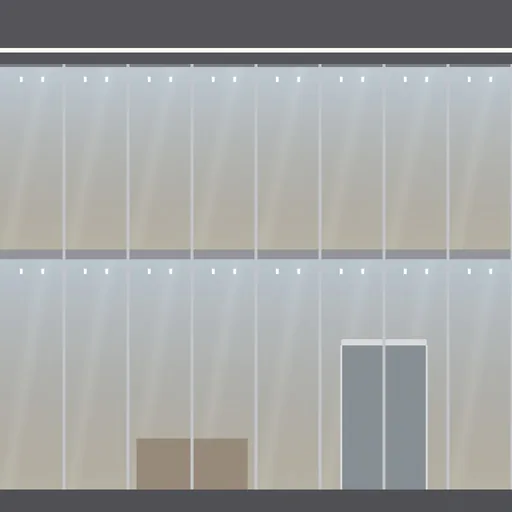
Our procedural facade materials from the city in STUNTOUT: townhouse ground floors with shop windows, signs, doors and awnings, a glass curtain wall for a tower (12 × 12 m tile, 4 storeys) and a two-storey lobby with a light strip. Colour (k), normal (n) and roughness (r), 1K JPG.
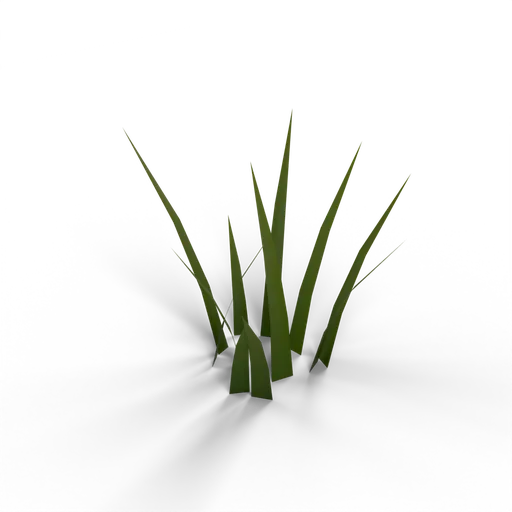
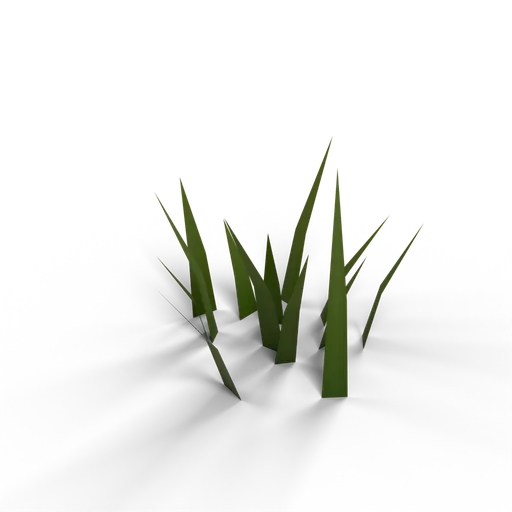
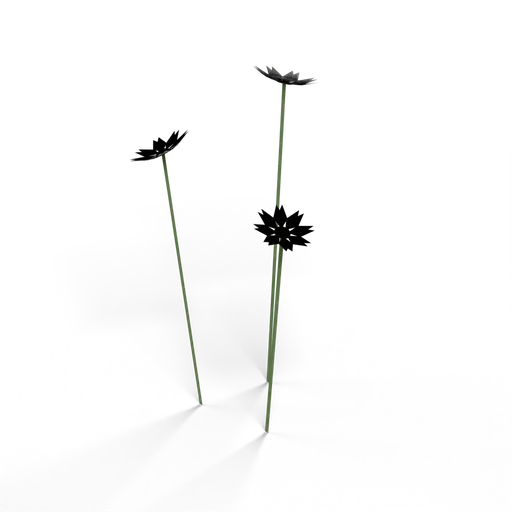
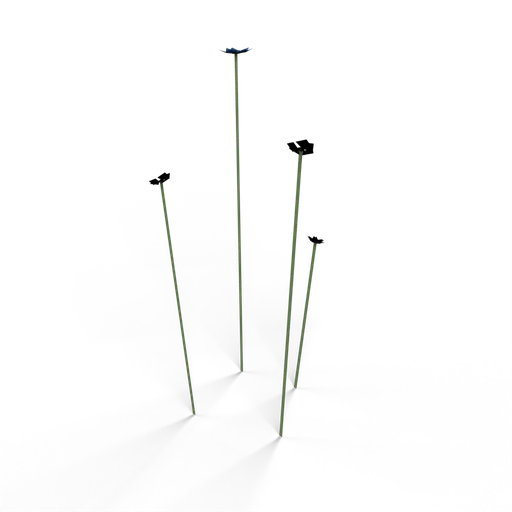
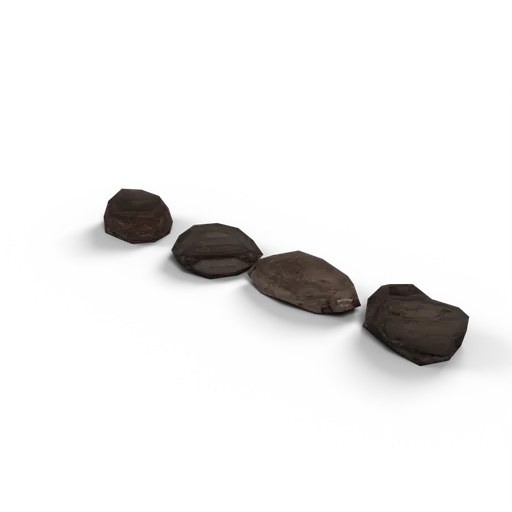
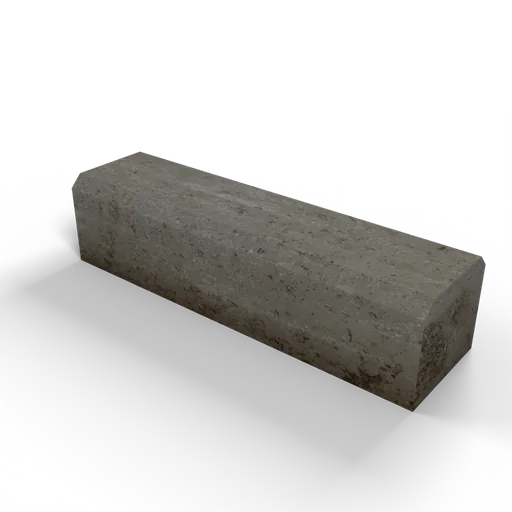
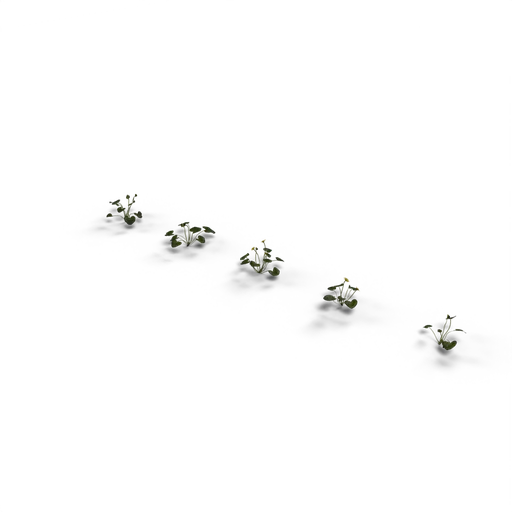
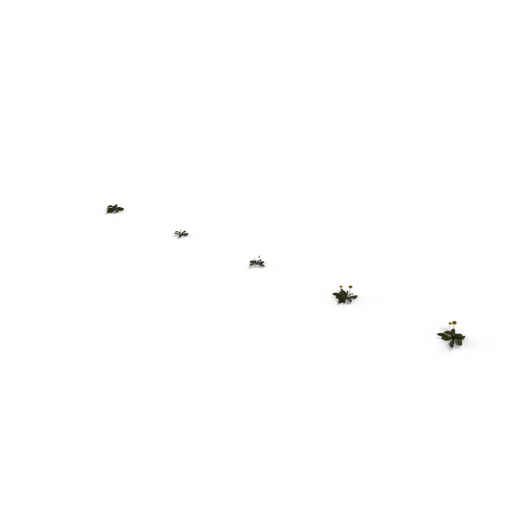
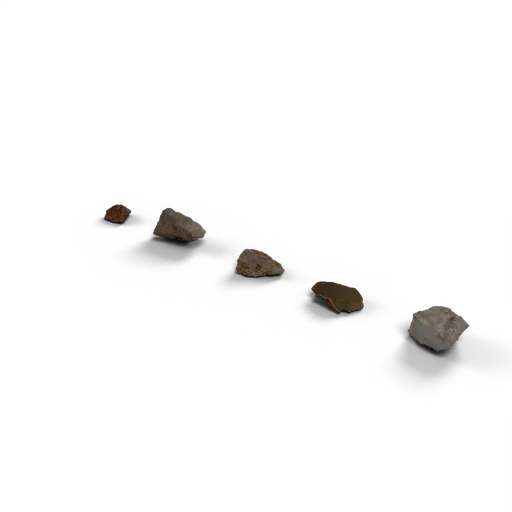
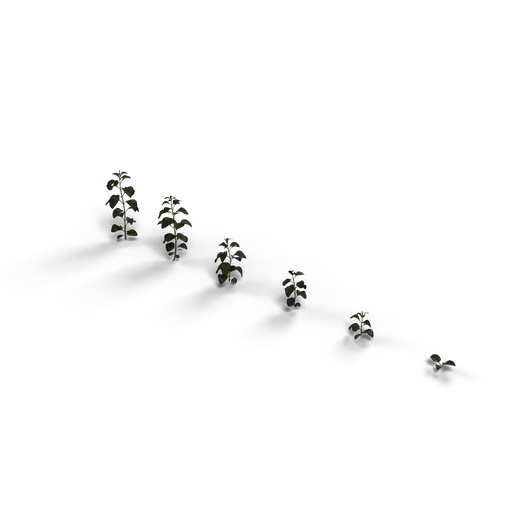
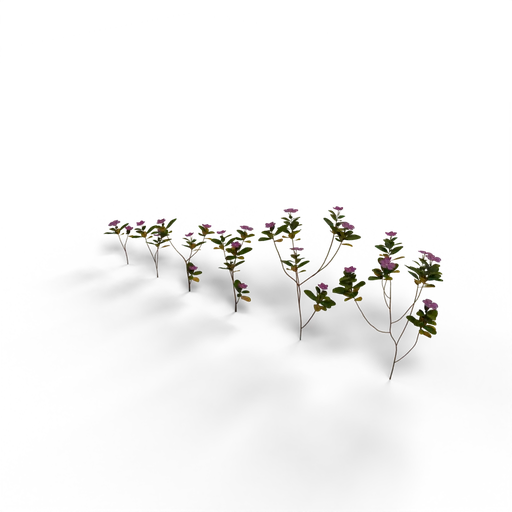
Models from the STUNTOUT game for a lush roadside meadow: a close-up grass tuft (11 curved, tapering blades shaded from a dark base to a yellowish tip) and a lighter distant tuft for dense fields, three daisies with yellow centres on green stems, wildflowers (buttercups, a cornflower, clover), four pebbles (round, flat, long, angular) with a CC0 rock texture from Poly Haven and a concrete kerb block with grime at its foot (CC0 concrete from Poly Haven). Colour in vertex colours (COLOR_0), real-world metres, double-sided materials — ready to scatter as instances.
Winter racing paddock 3D: KLYO tent, LED turntable, ski-jump ramp, snowy firs (GLB)
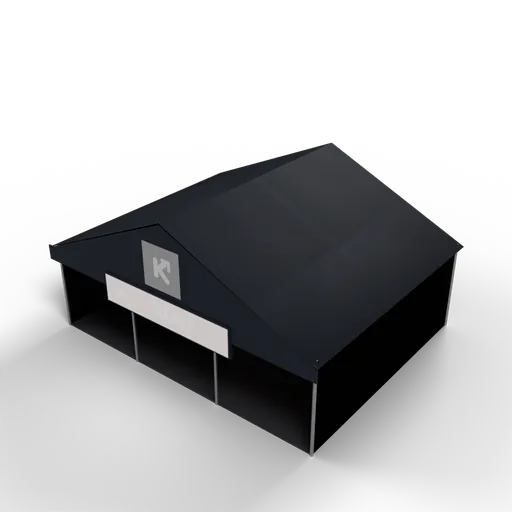
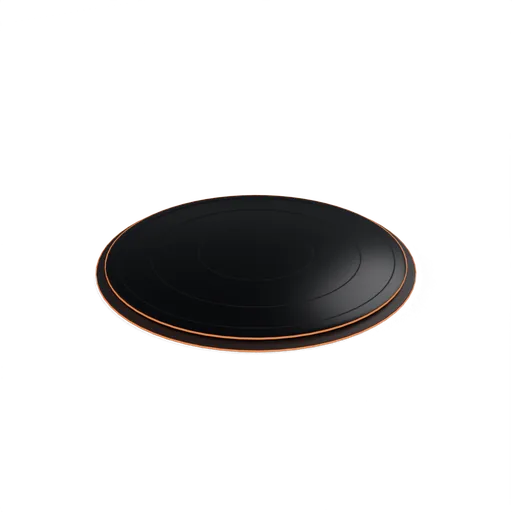
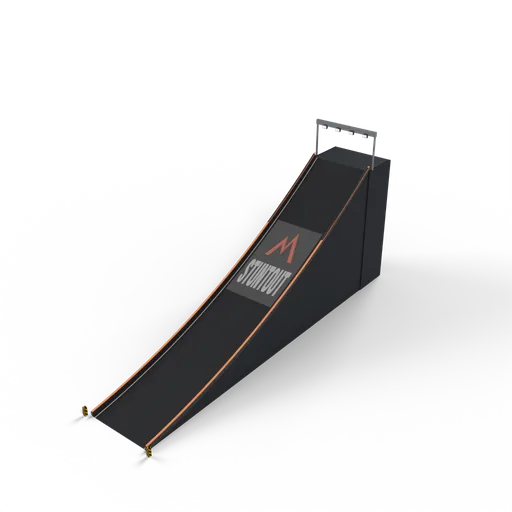
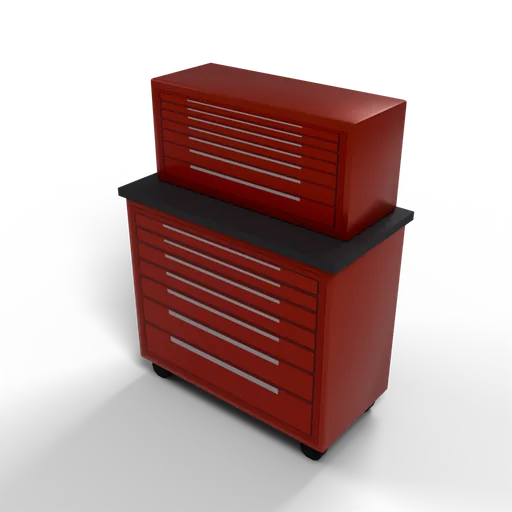
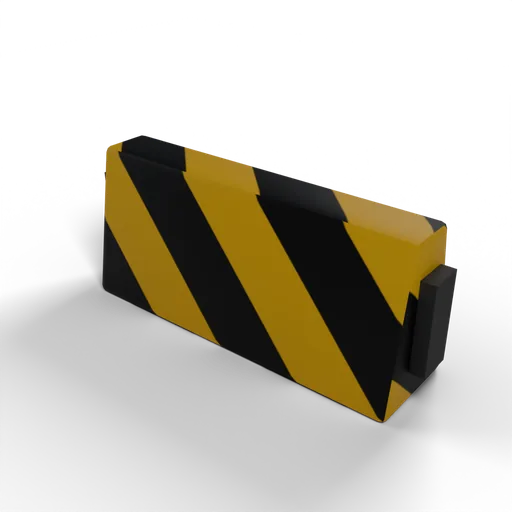
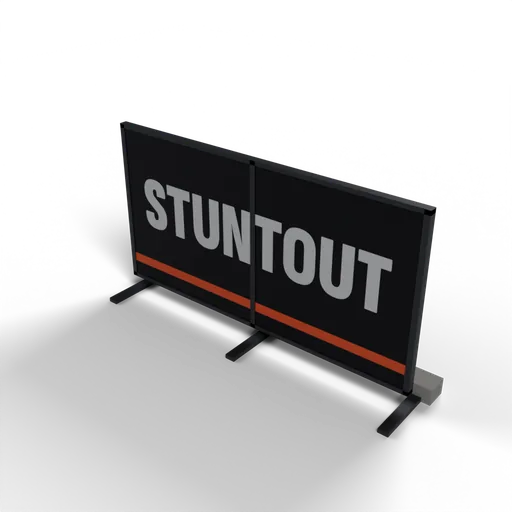
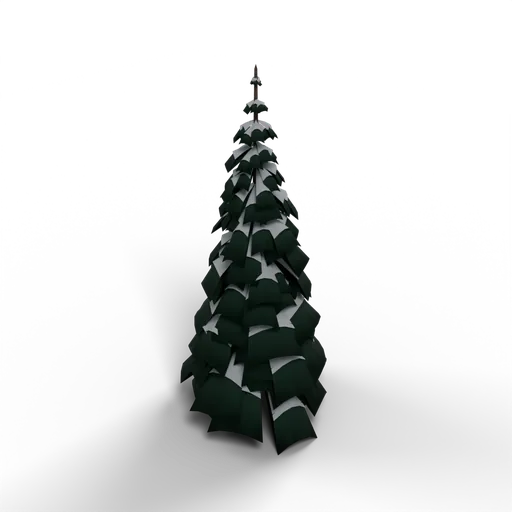
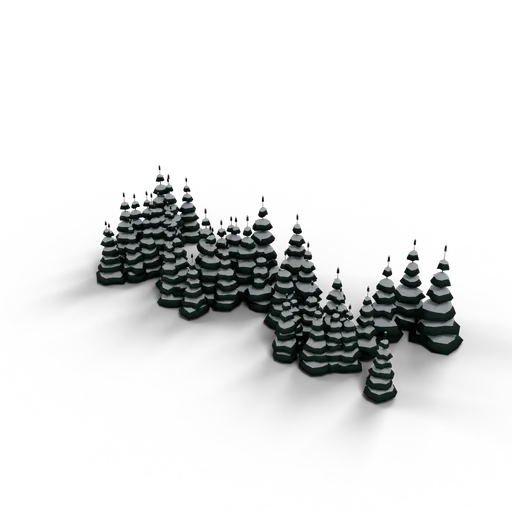
8 models from the STUNTOUT menu scene: a dark 10 × 8 m event tent with a glowing KLYO sign, a K logo, a lit interior and crates; a 6.7 m garage turntable with a dark top and two rings of orange LEDs; a 60 m long, 26 m high ski-jump ramp with the STUNTOUT logo, glowing barriers and a floodlit gate; a red rolling tool chest; a yellow and black striped plastic barrier; a freestanding STUNTOUT wall; a 17 m snow-laden fir built from separate branches (snow modelled in) and an 80 m snowy forest belt for the horizon. Glowing parts are emissive in the GLB. Real-world metres.
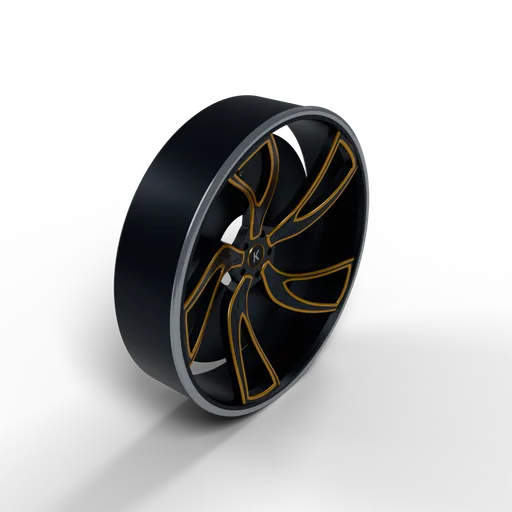
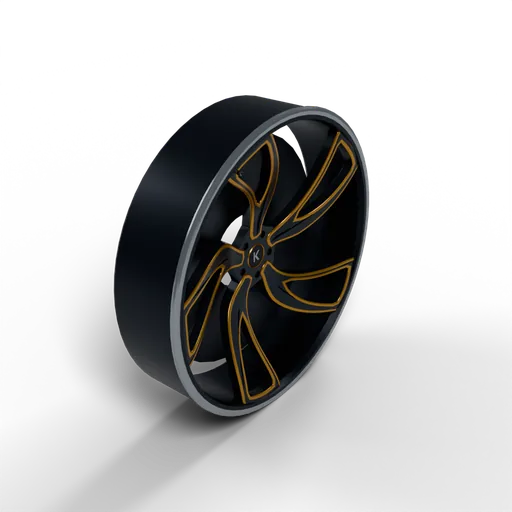
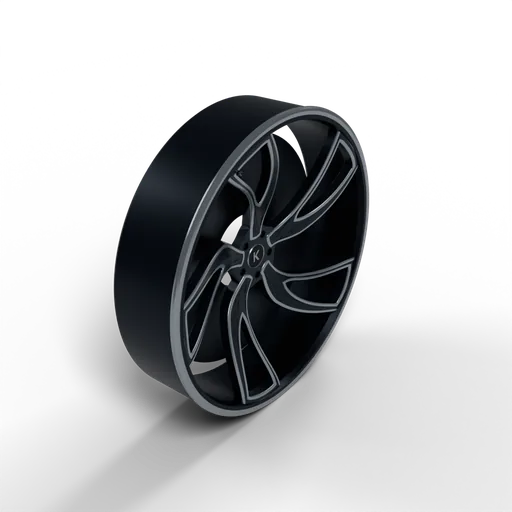
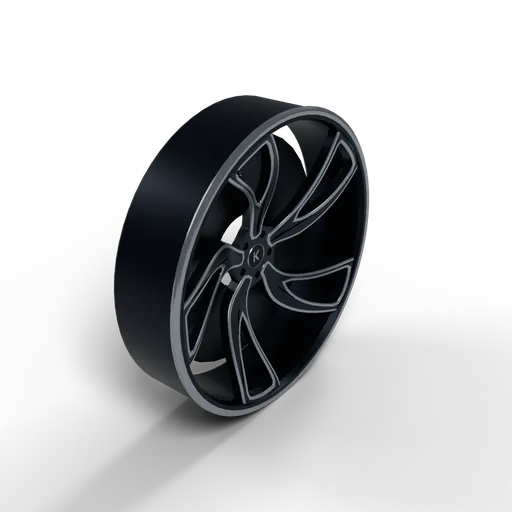
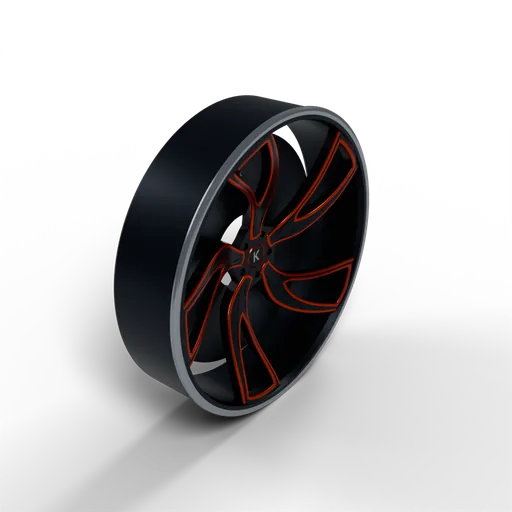
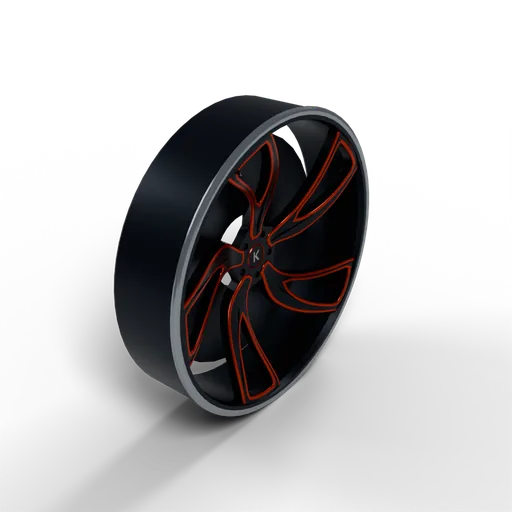
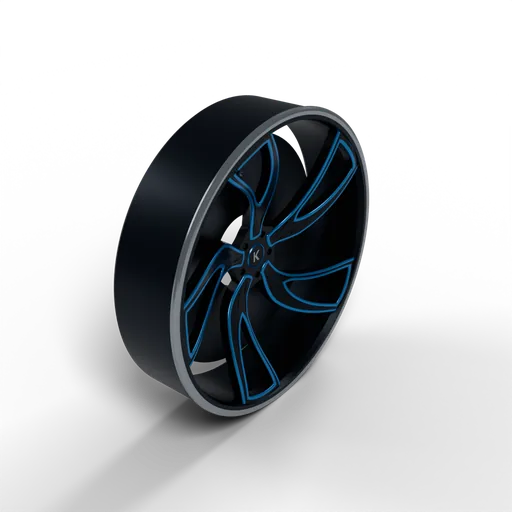
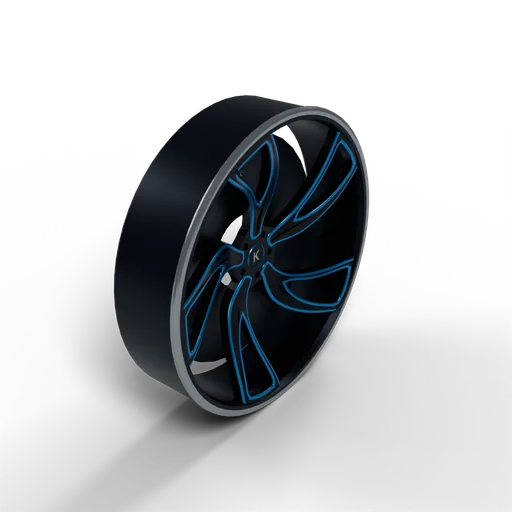
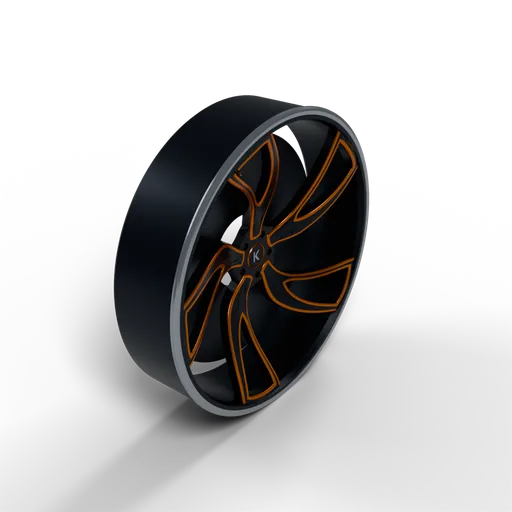
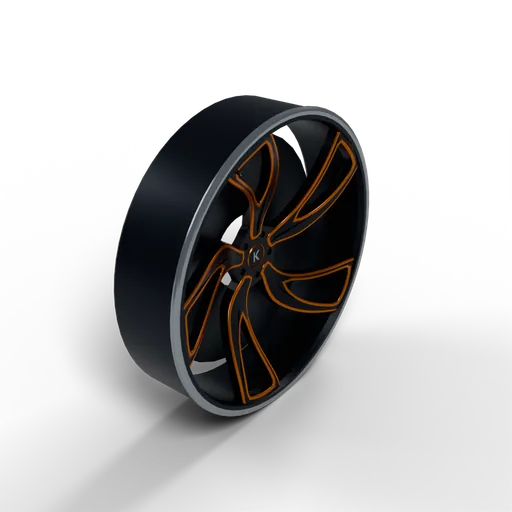
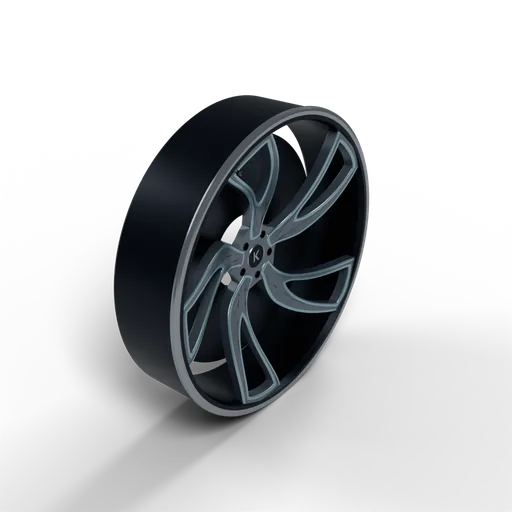
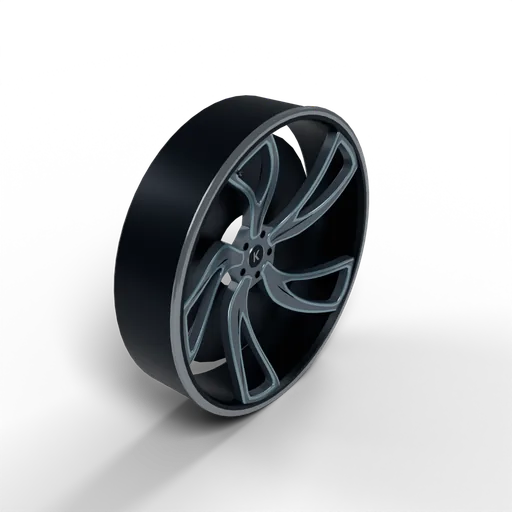
Premium 3D car wheel rims: Nebula in 6 finishes (GLB)
The wheel rim from the STUNTOUT garage: five swept, wide spokes with real open windows (holes in the mesh, not a texture), a rounded spoke edge flowing into a machined accent in the finish colour and a slim band on the face, spokes curving from a recessed hub to the lip; a hollow barrel with a profiled lip, a titanium rim edge, a lobed hub, five hex bolts in recessed sockets, a centre cap with a K mark, a valve stem and a brake disc visible through the windows. Six finishes: gold, titanium, ruby, ocean blue, ember orange and frost; each as a close-up version (garage, close shots) and a lighter in-game version. PBR metal and roughness materials. Size: rim radius 0.391 m, width 0.197 m; wheel axis X, face +X, metres.
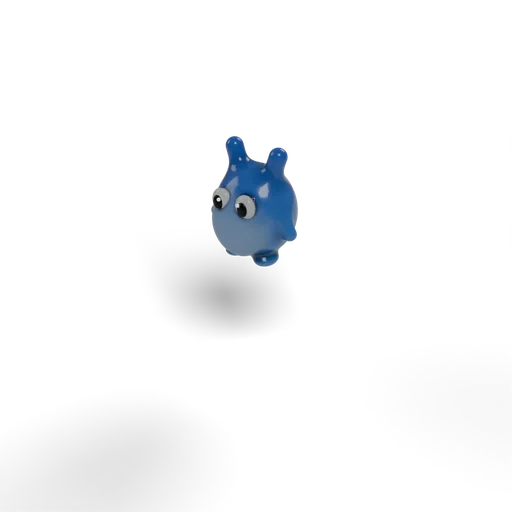
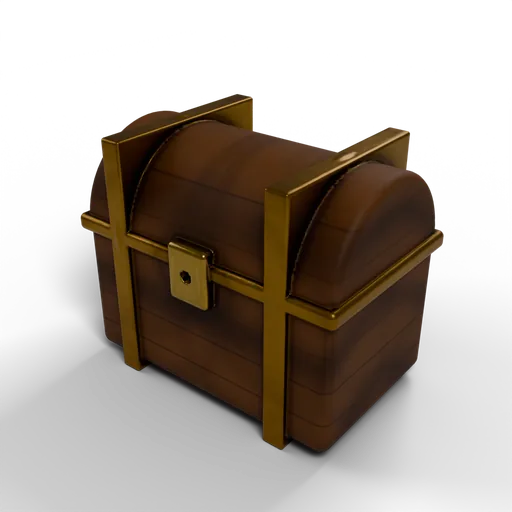
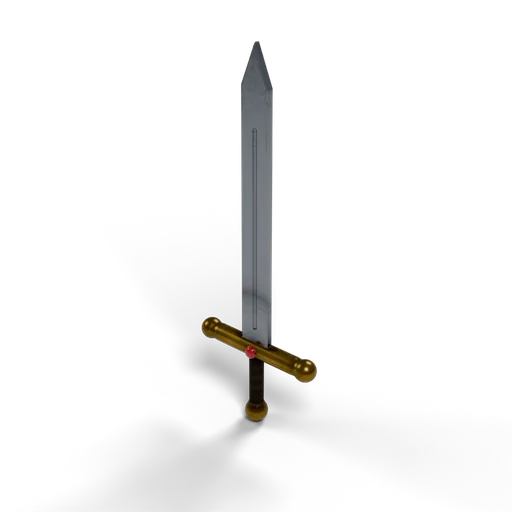
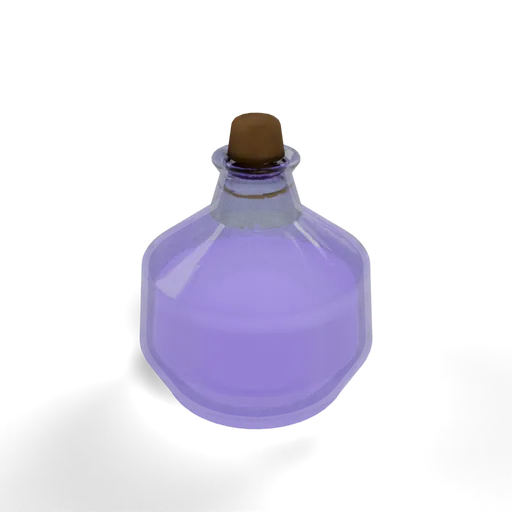
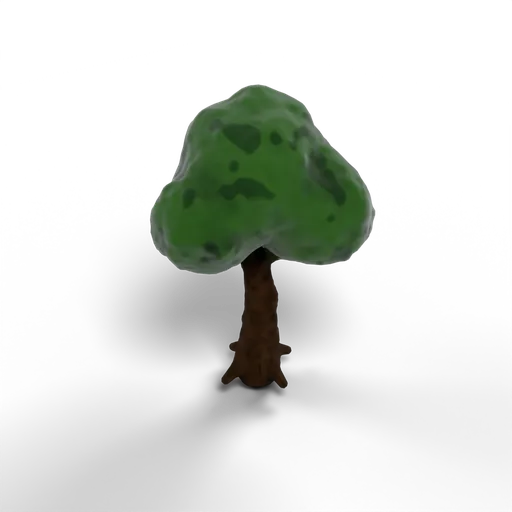
Flock creature, chest, sword, potion, tree and rock 3D (GLB)
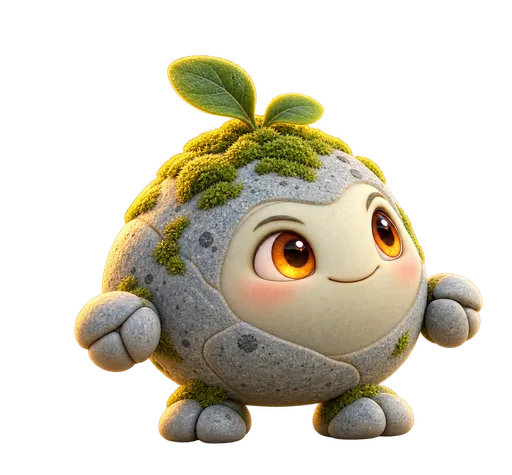
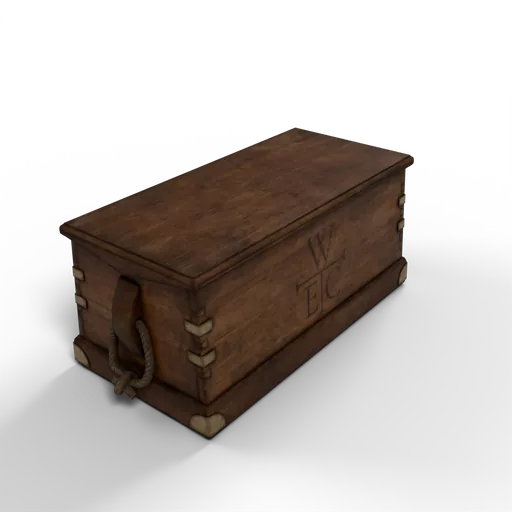
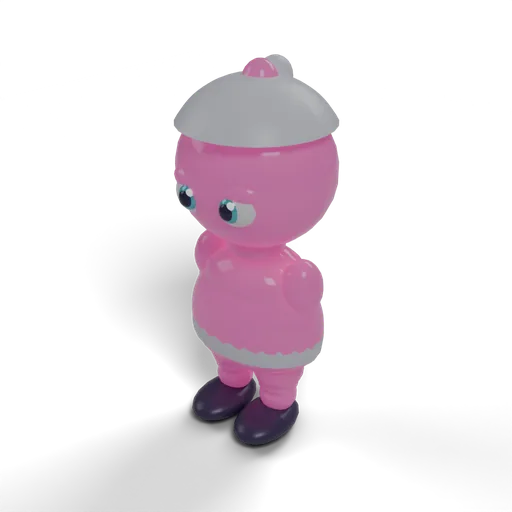
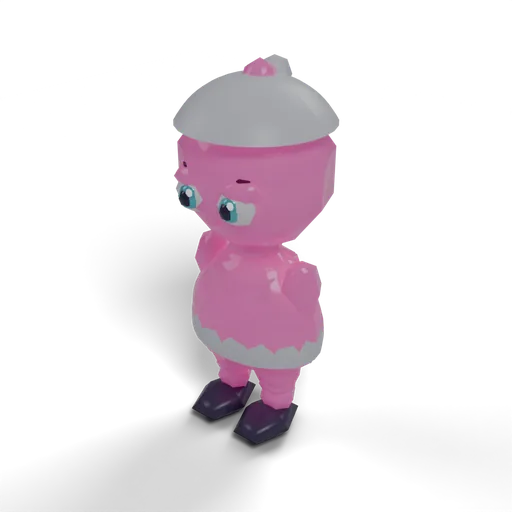
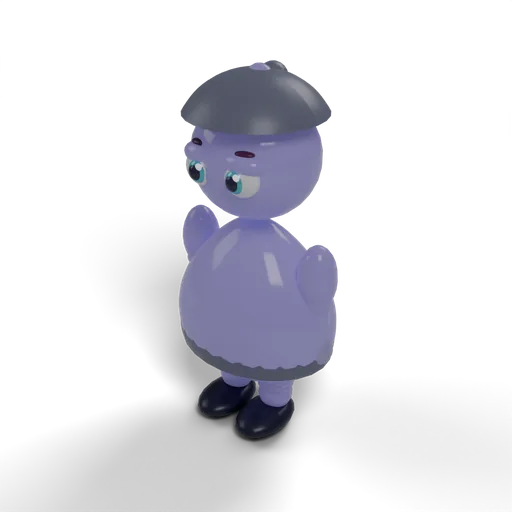
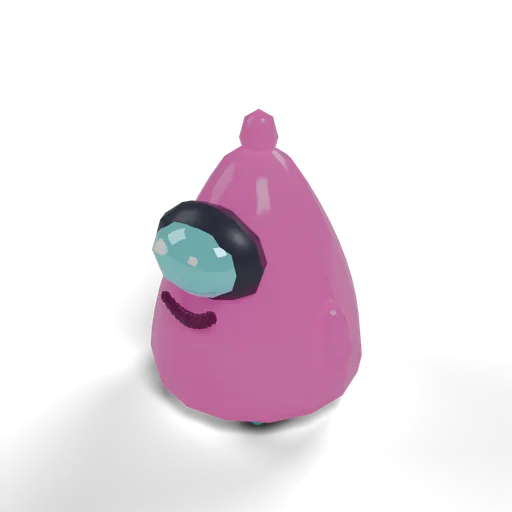
6 models made in Klyo Studio with Klyo Model: the jelly Flock creature with a skeleton and 9 animations (idle, walk, run, jump, fall, land, attack, hurt, wave), a wooden chest with iron bands, a sword, a potion in a glass bottle, a tree and a rock. Clean mesh, baked colour and normal textures, real-world metres, each with LOD1 and LOD2 for phones.
3D people with animations: 6 game-ready characters (GLB)
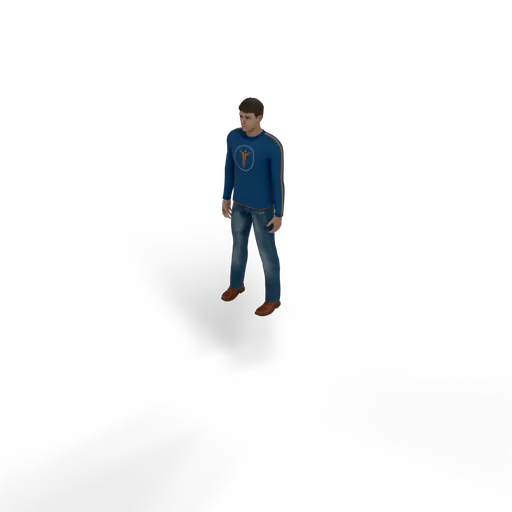
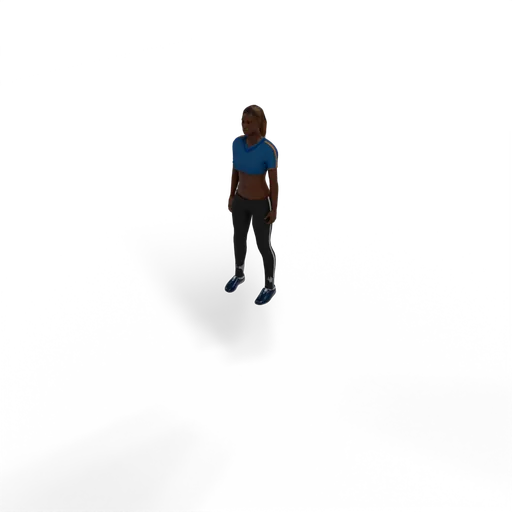
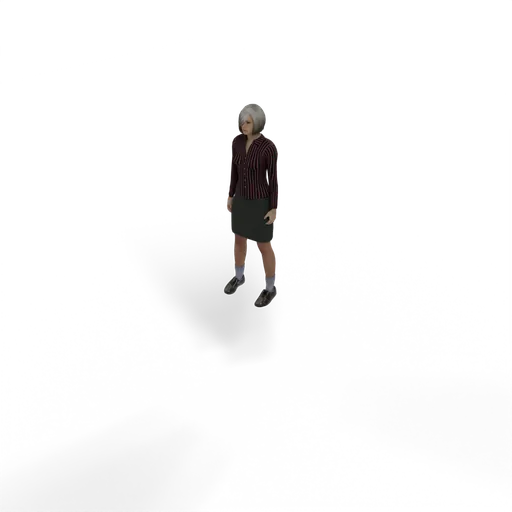
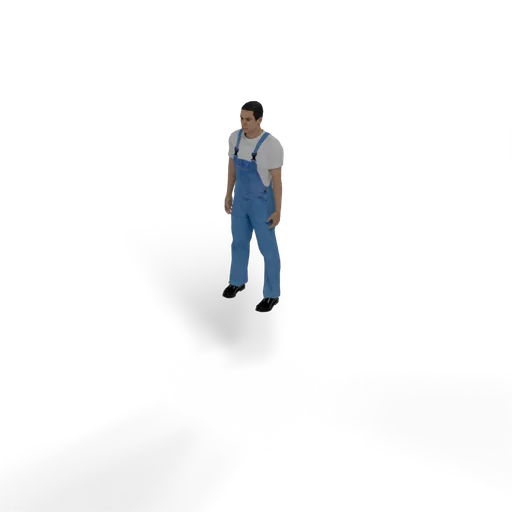
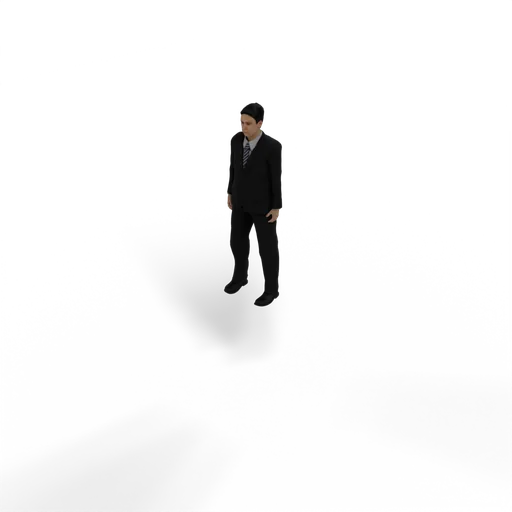
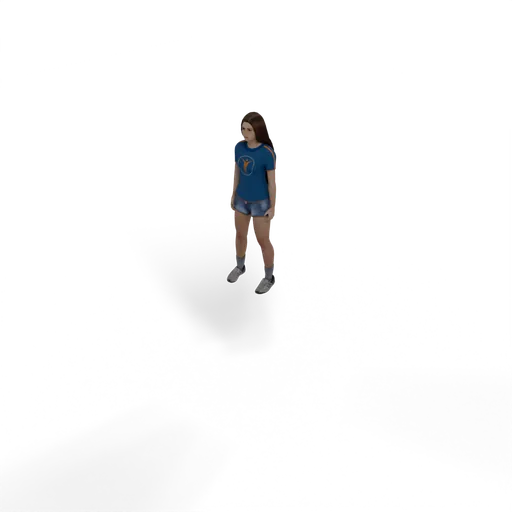
6 realistic characters from Klyo Model: a hero, a runner, a businesswoman, a worker, a grandfather and a student. Each has a 53-bone game skeleton (with fingers) and 9 animations: idle, walk, run, jump, fall, land, punch, hurt, wave. Game version about 37–48 thousand triangles plus LOD1 and LOD2 for phones, textures inside the GLB, real-world metres. Bodies, skins, hair and clothes come from the MakeHuman asset pack (CC0).
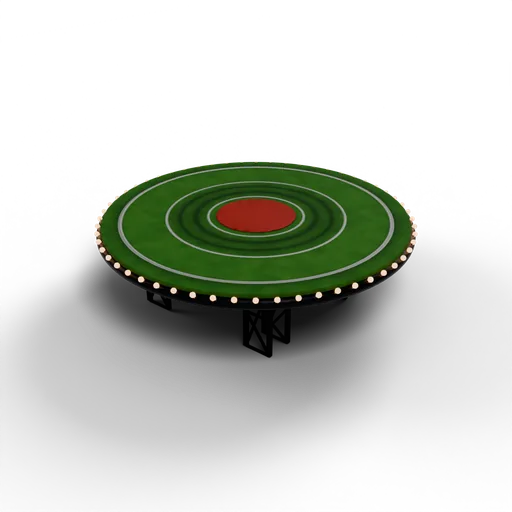
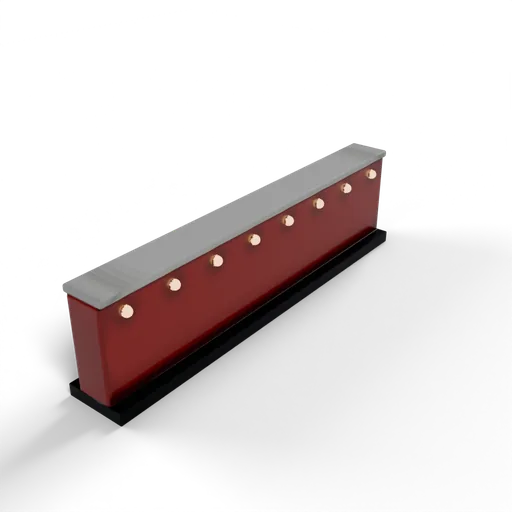
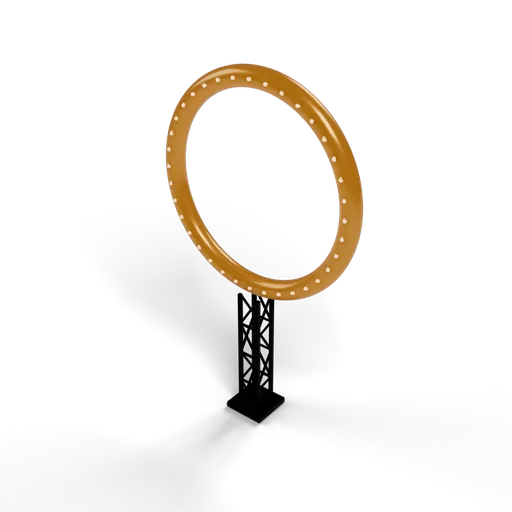
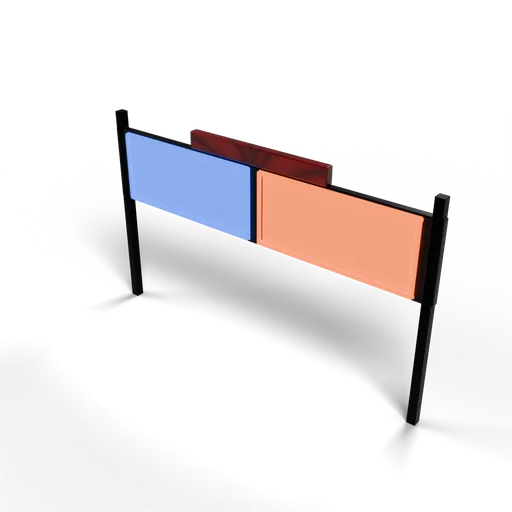
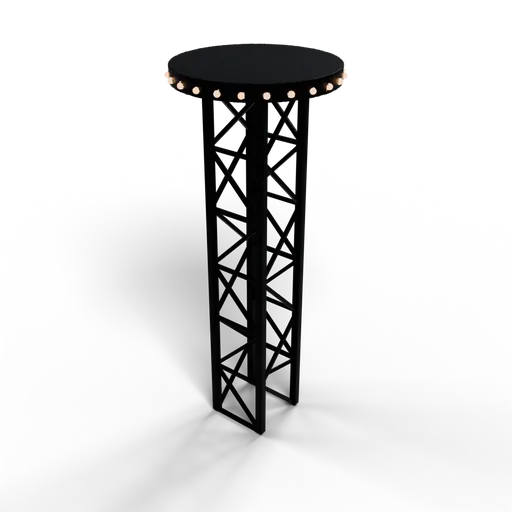
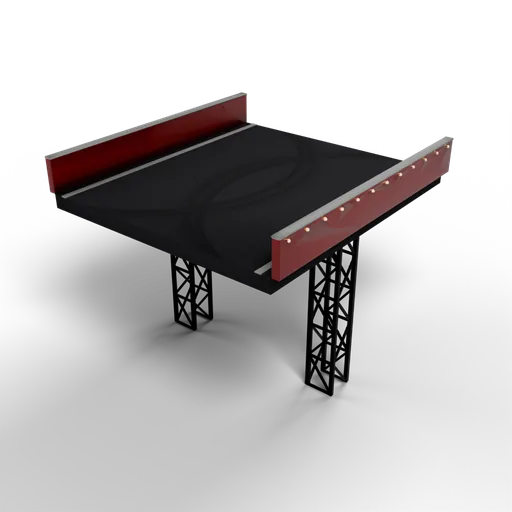
6 models from the AIRFLIP game made in Klyo Studio with Klyo Model: a round landing pad with a green bullseye, white rings, a red centre and LED lights around the rim, standing on steel truss legs; a red and white barrier with a row of glowing LEDs; a gold stunt hoop with LEDs on a truss post; a gate billboard with two neon panels (blue and orange); a steel truss tower with a round platform; a sky-track deck with asphalt, white edge lines, LED barriers and truss legs. LEDs and neon glow (emissive material in the GLB). Real-world metres, baked colour and normal textures, each with LOD1 and LOD2 for phones.
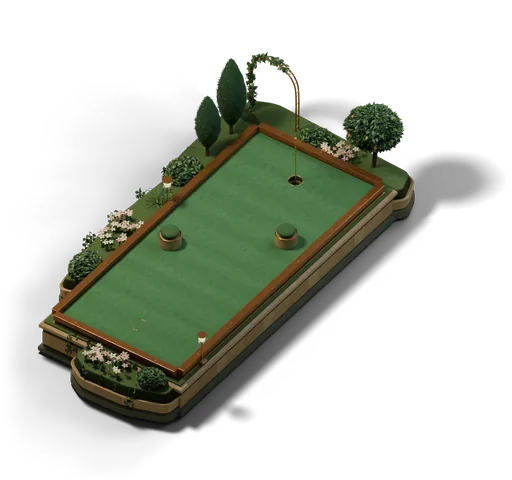
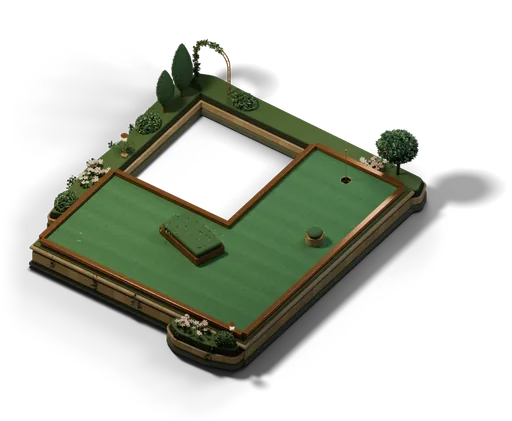
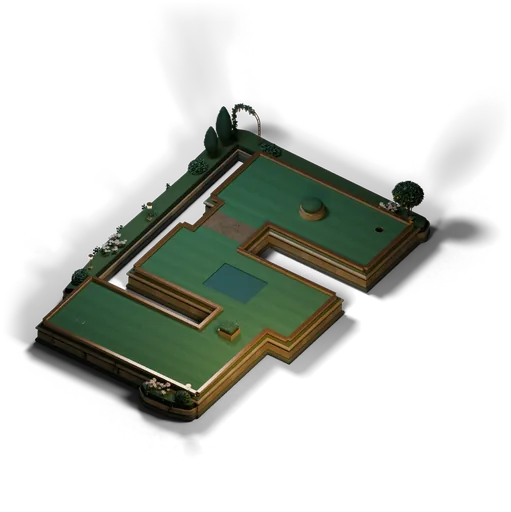
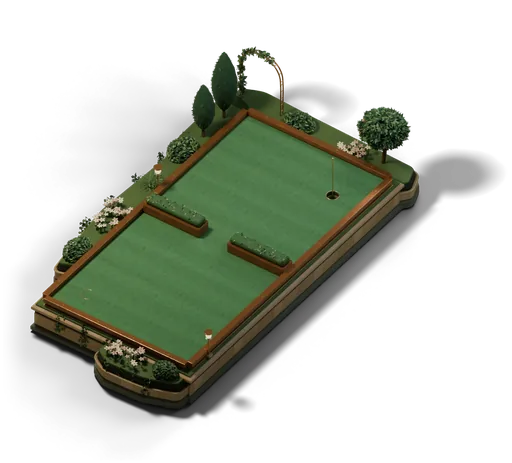
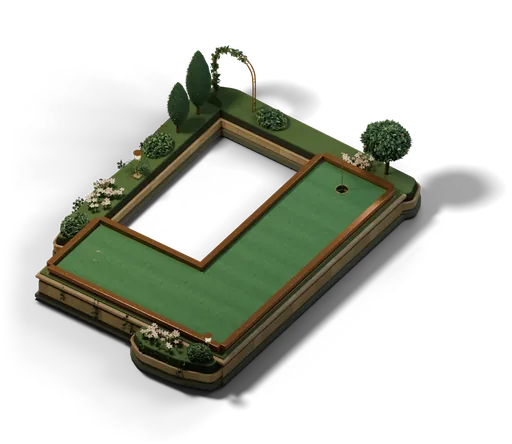
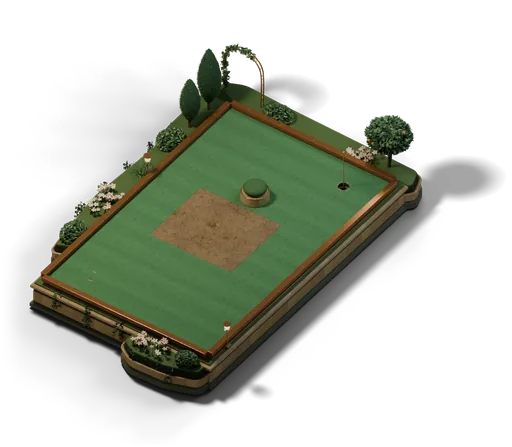
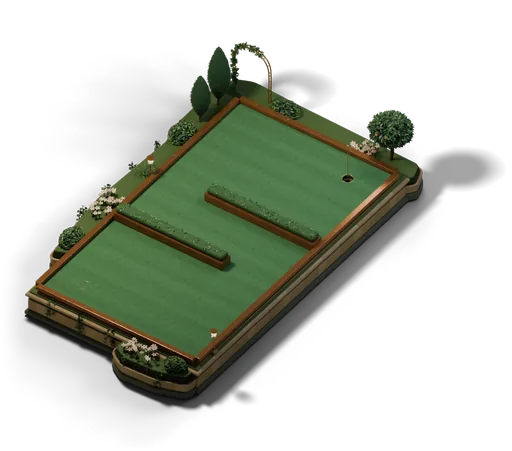
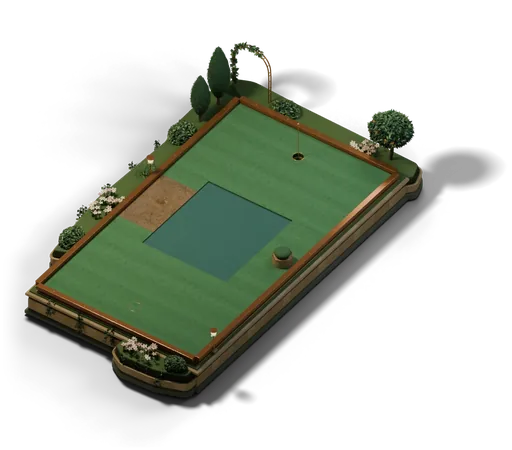
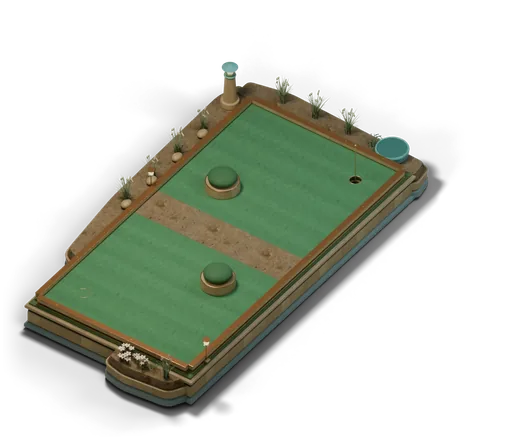
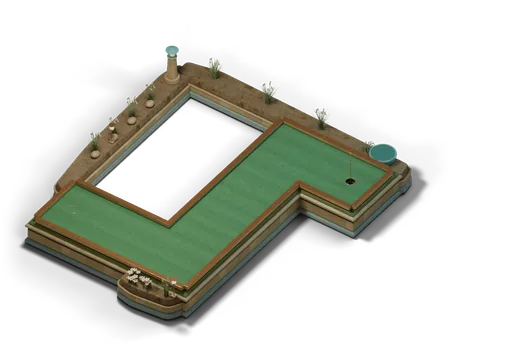
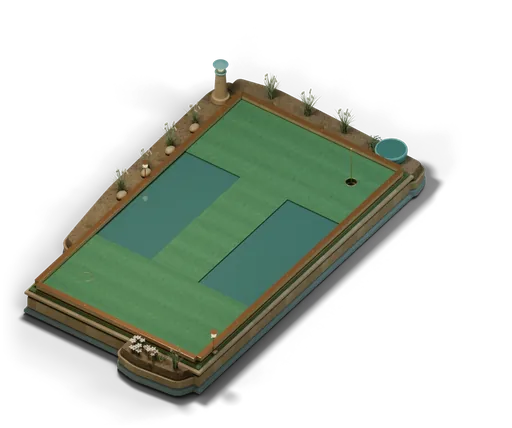
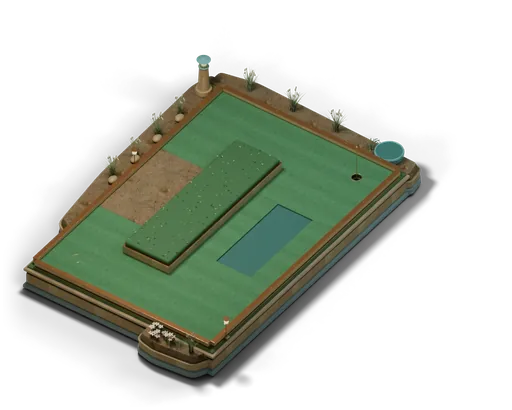
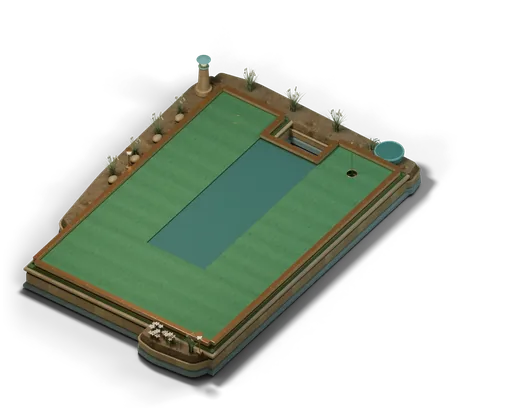
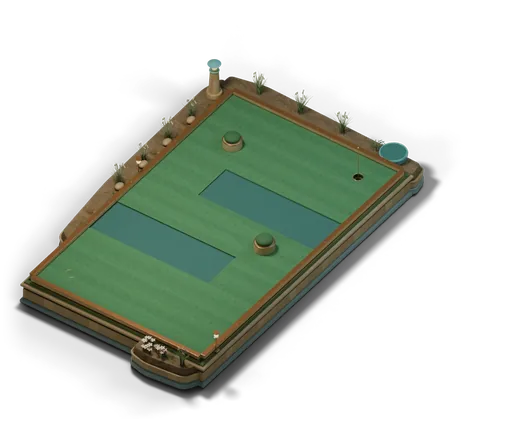
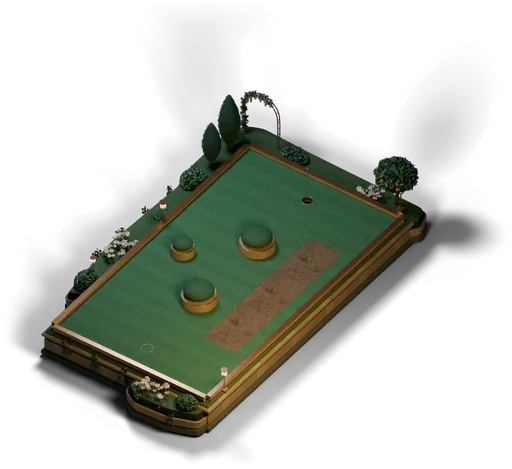
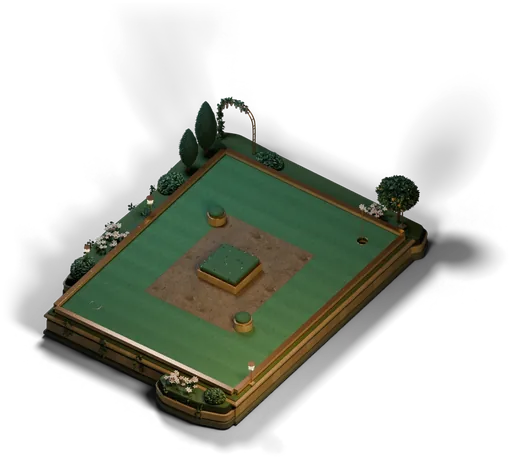
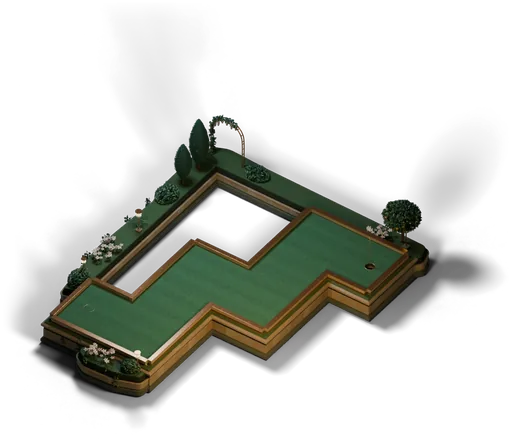
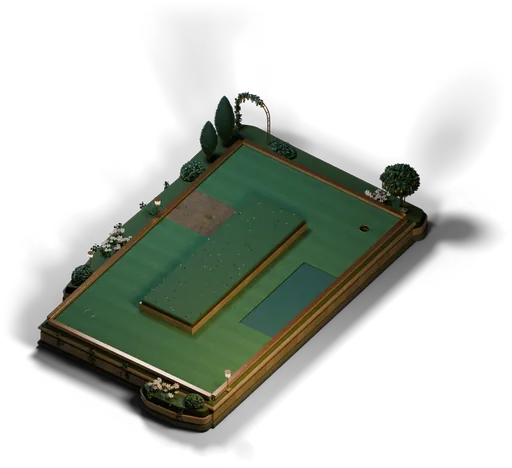
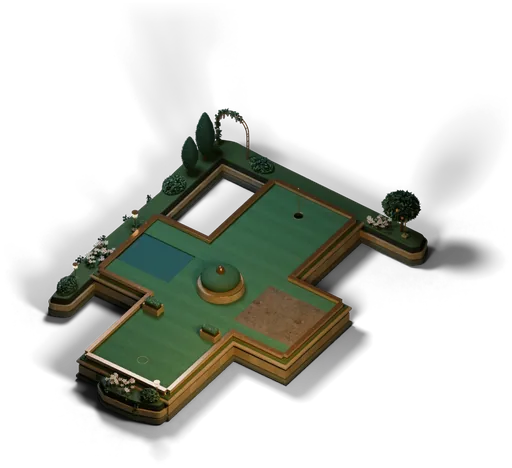
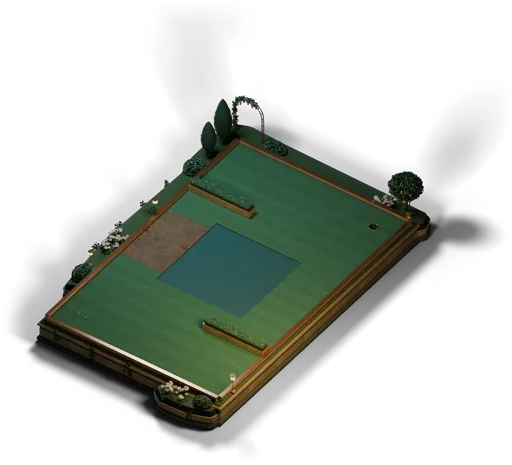
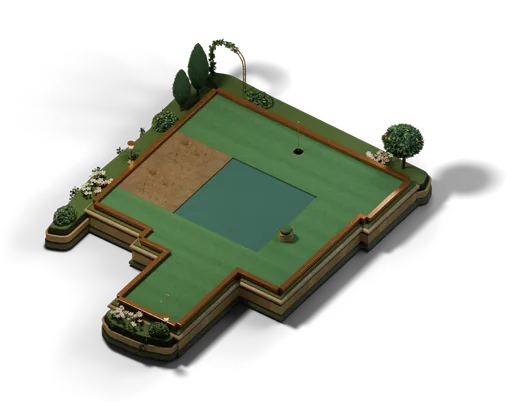
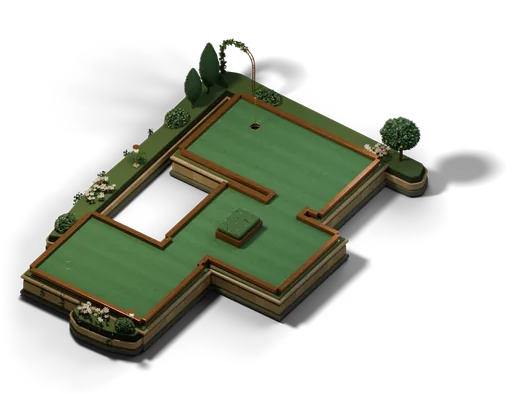
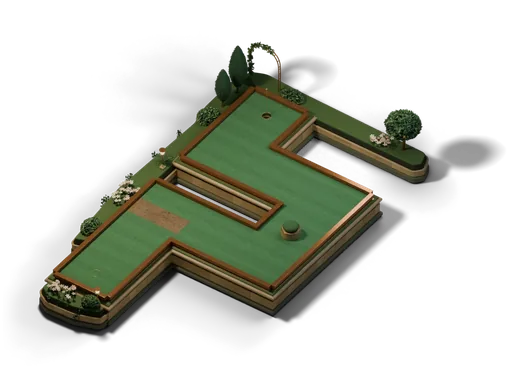
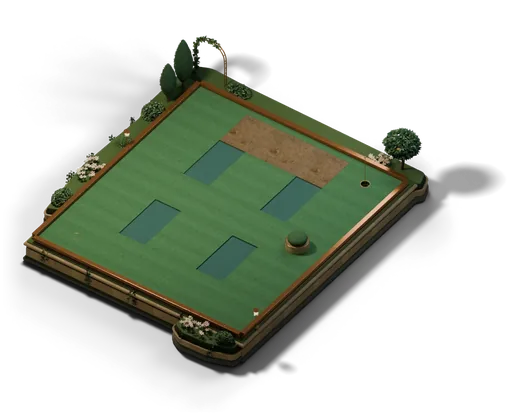
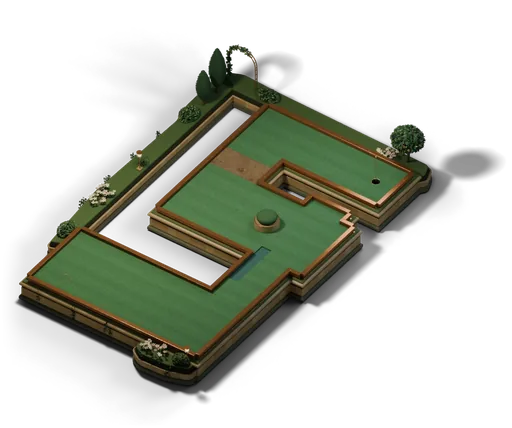
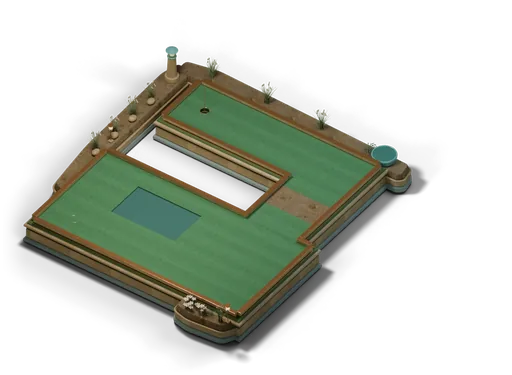
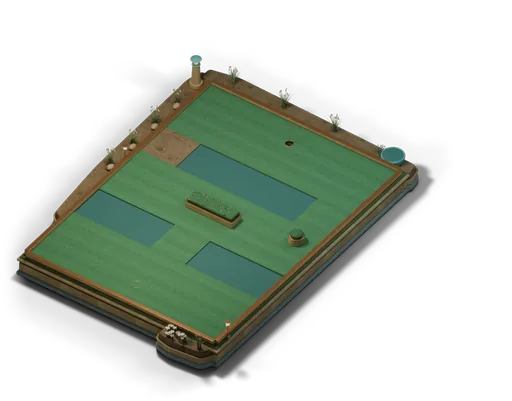
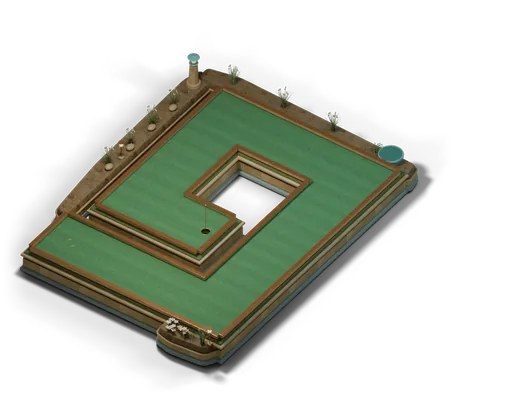
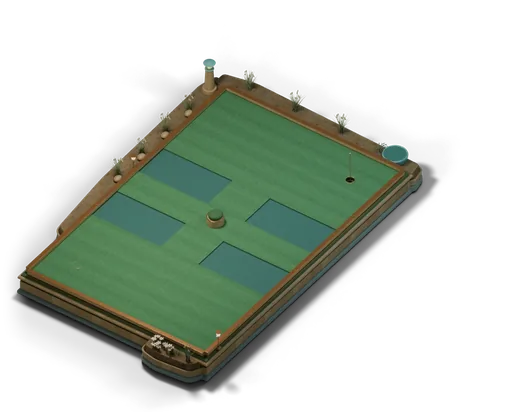
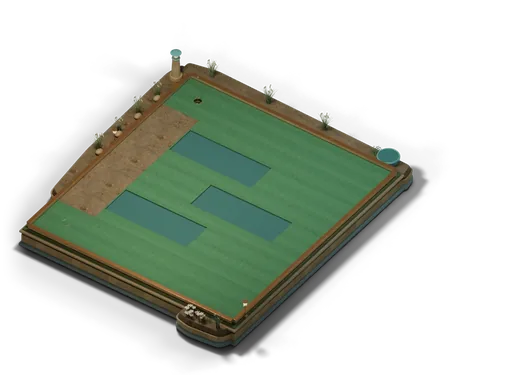
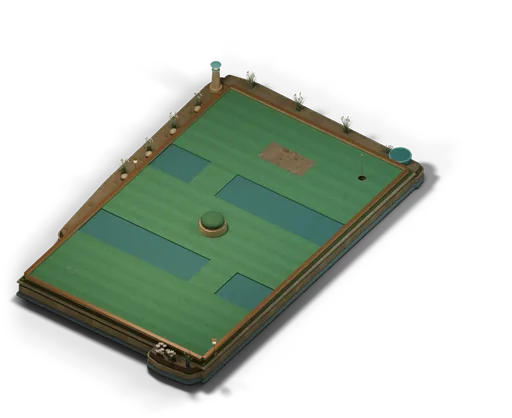
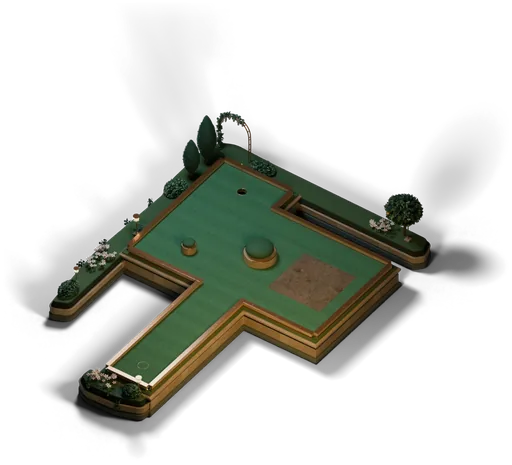
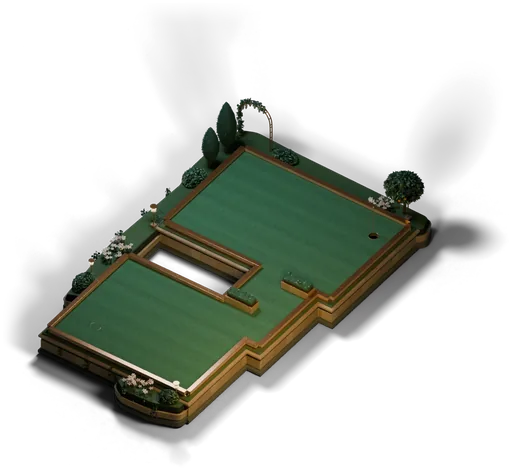
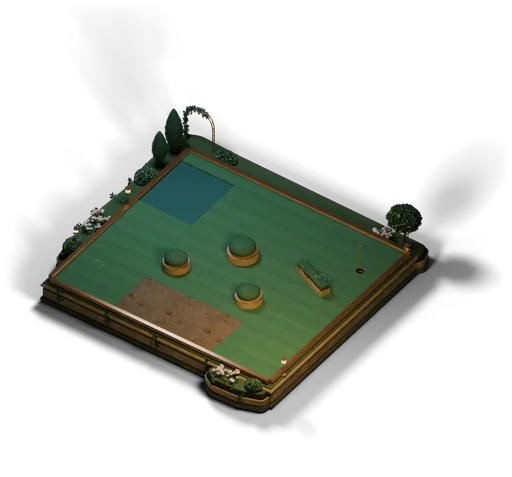
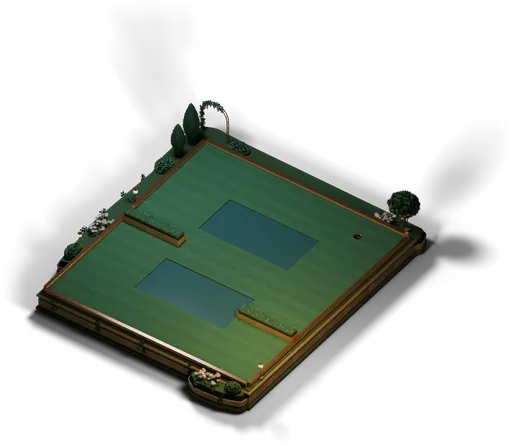
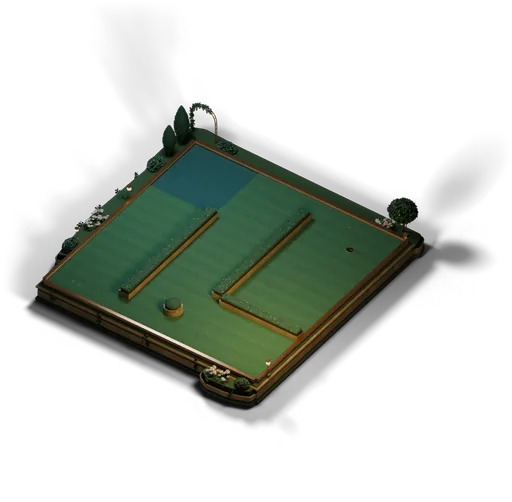
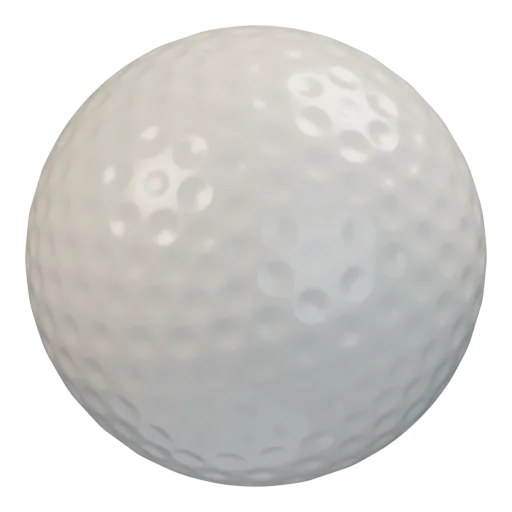
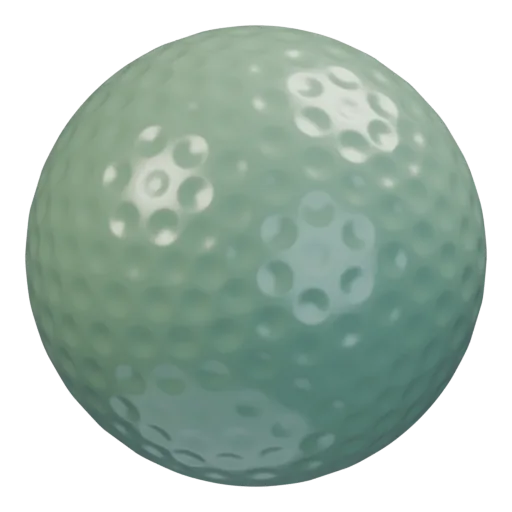
Ready isometric minigolf boards rendered in 3D: grass, planks, sand, water and garden decorations. Use them as level backgrounds or as level design references.
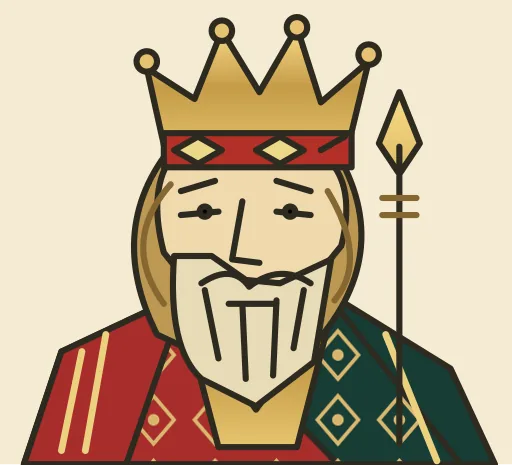
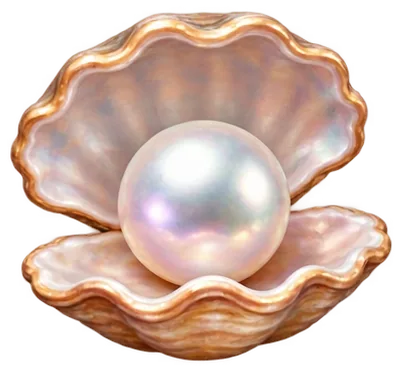
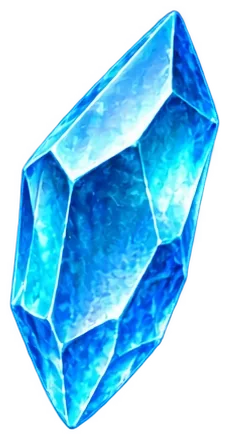
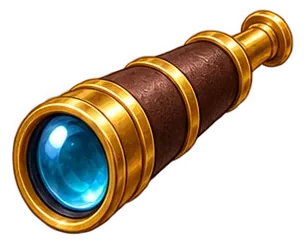
Illustrated icons for memory, match-3, slot and reward screens: a crown, a ruby, a compass, a treasure chest, fruit, animals and plants. PNG on a transparent background.
3D arena materials: asphalt, concrete, grass, steel
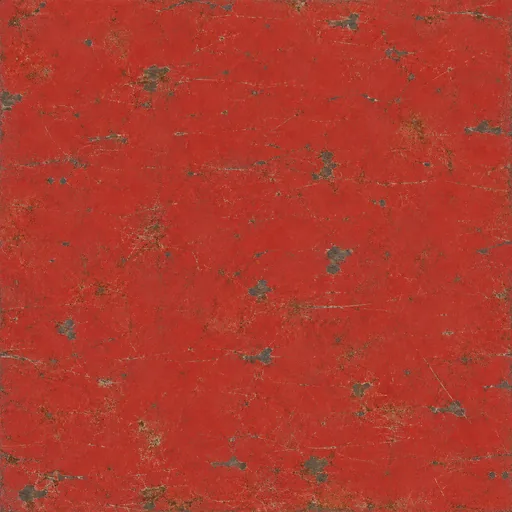
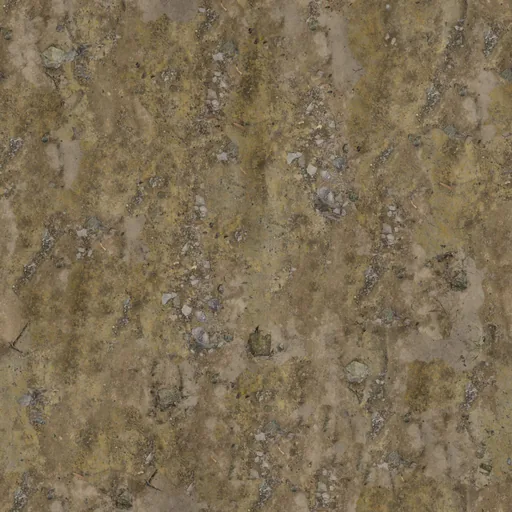
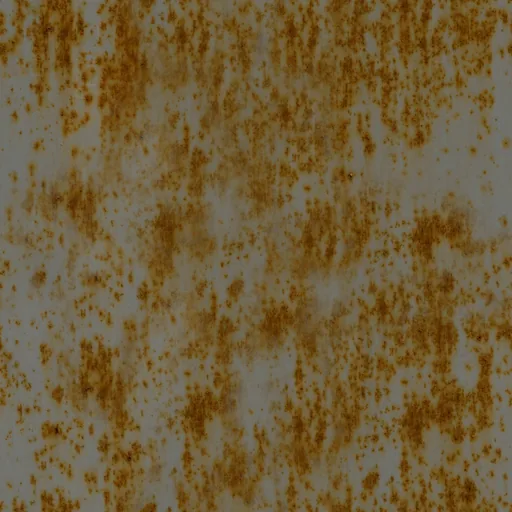
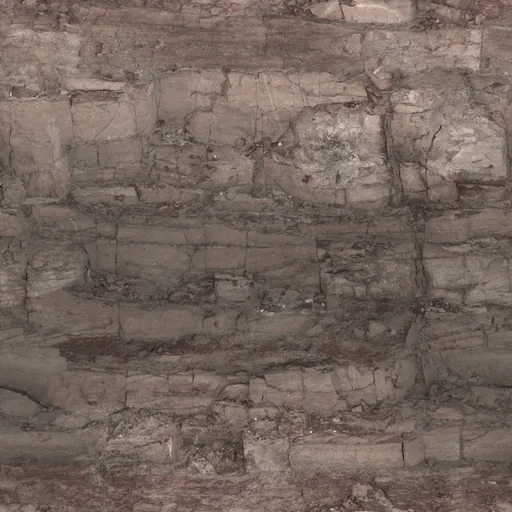
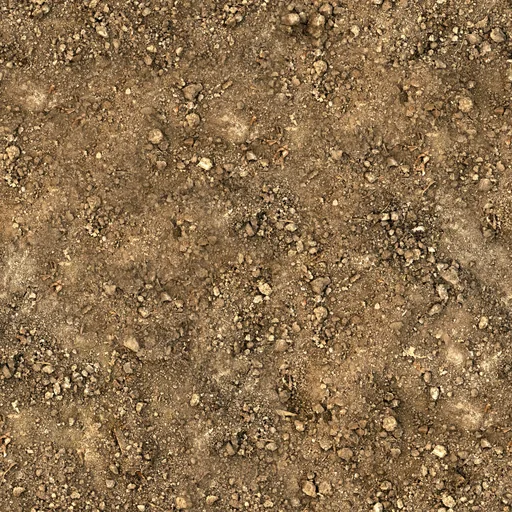
PBR materials from our racing games, calibrated to real albedo: colour (k), normal (n) and roughness (r), 1K–2K JPG. Asphalt, concrete and weathered kerb concrete, grass, steel, sand, planks, gravel, packed dirt with pebbles (ambient occlusion baked into colour) and a rocky cliff face.
Street 3D: lamps, hydrant, shutters, barriers (CC0)
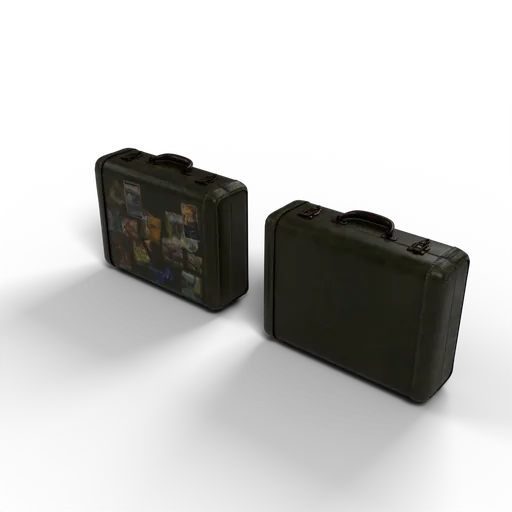
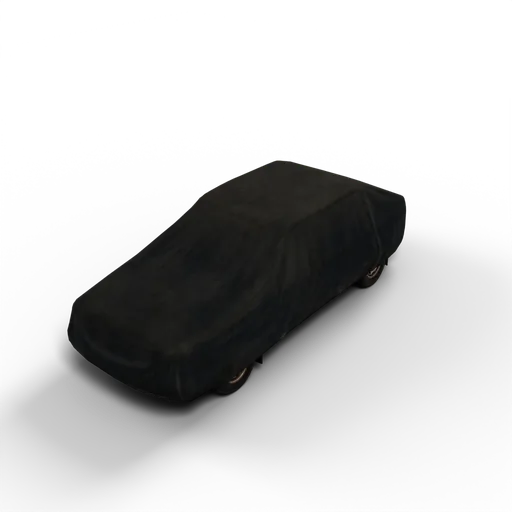
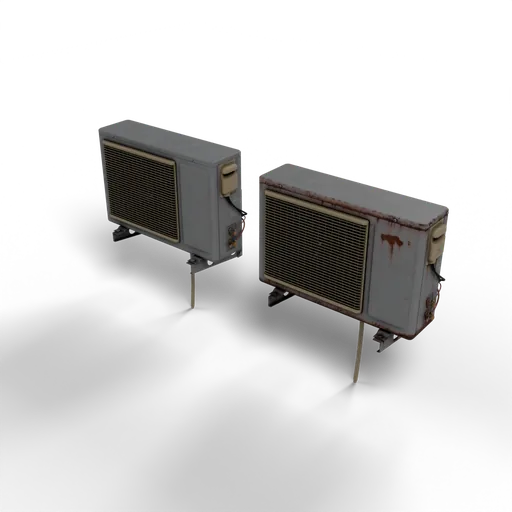
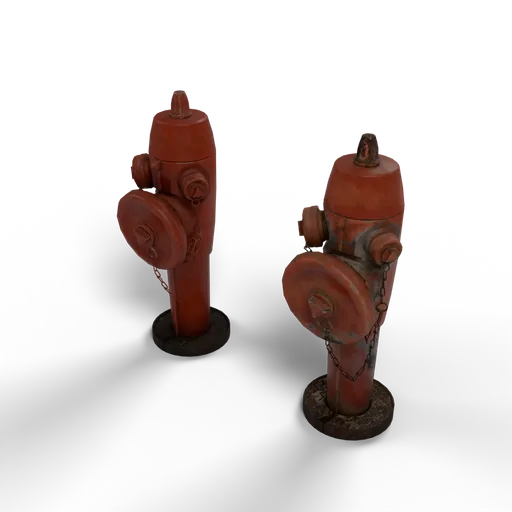
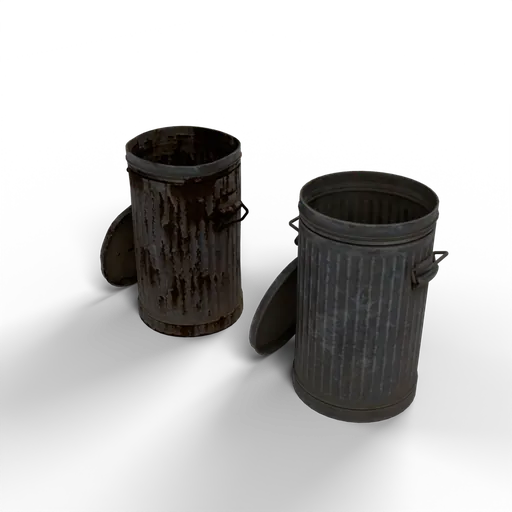
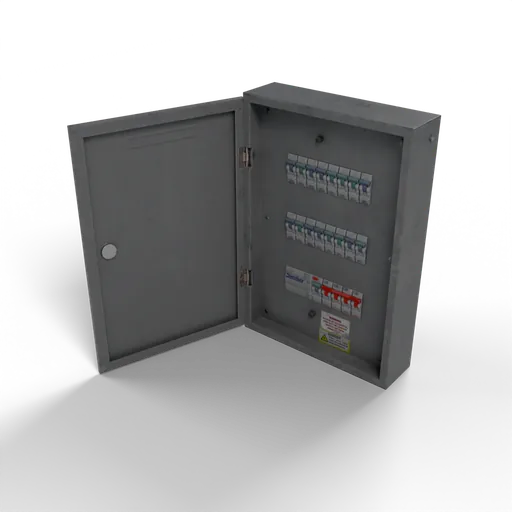
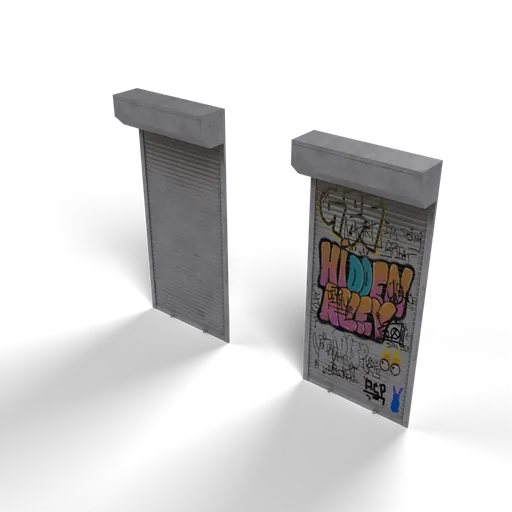
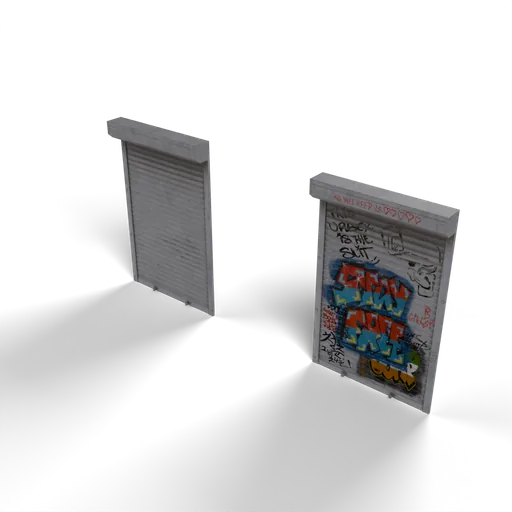
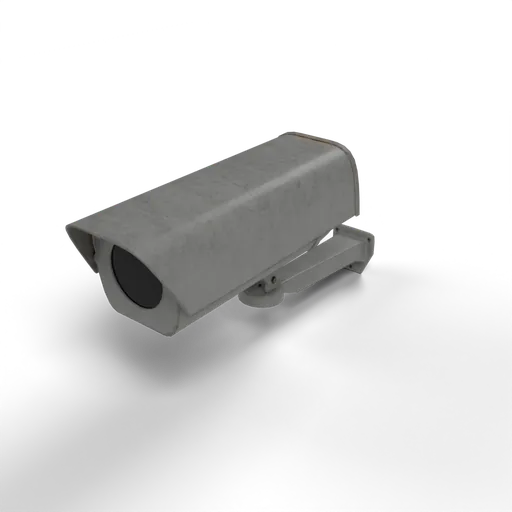
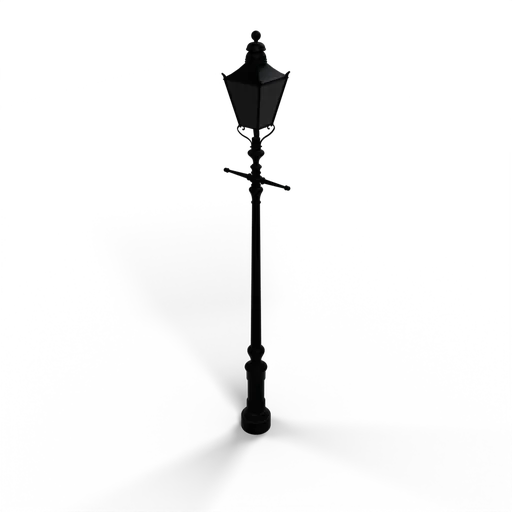
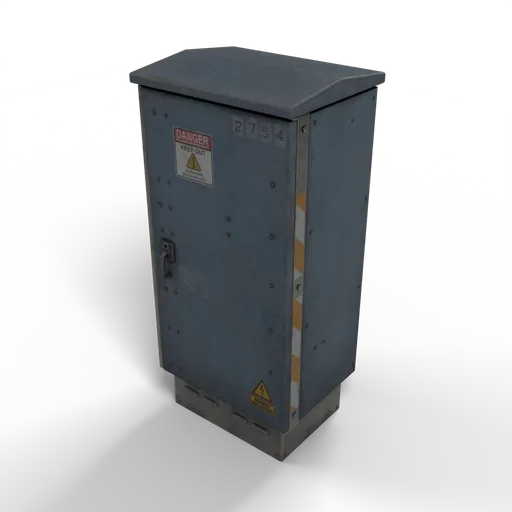
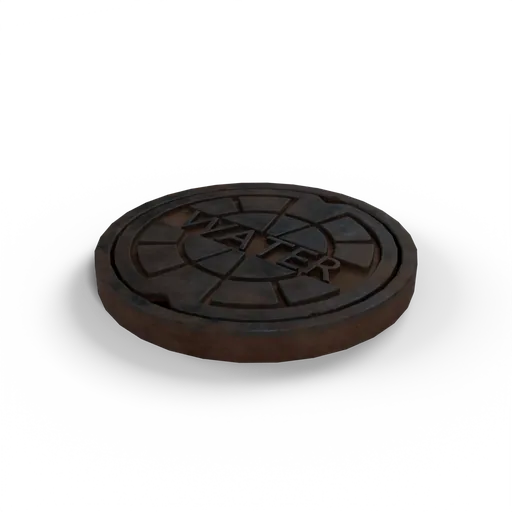
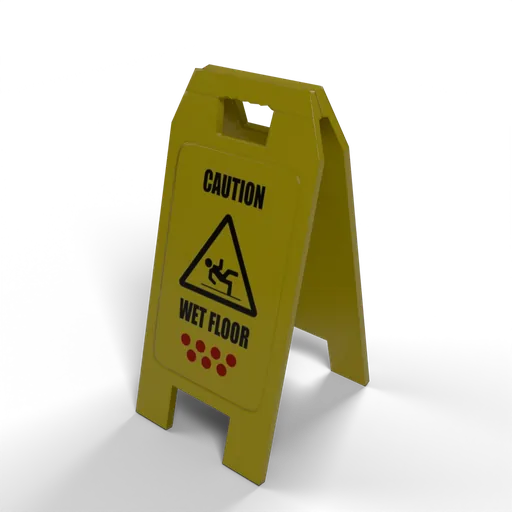
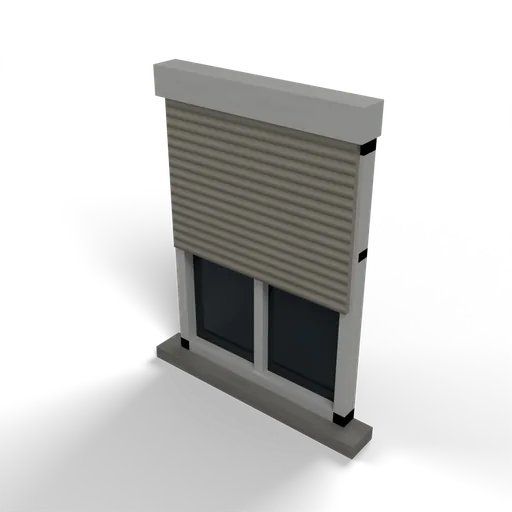
Street and backyard props from the hotel map: a street lamp, a hydrant, a manhole, a trash can, an air conditioner, shutters, a camera, barriers and a covered car. Game-ready GLB.
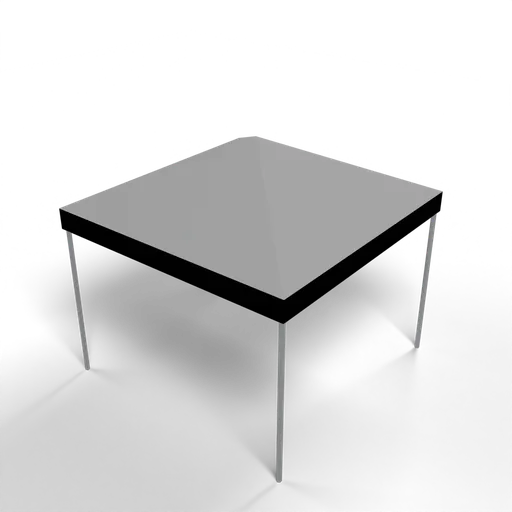
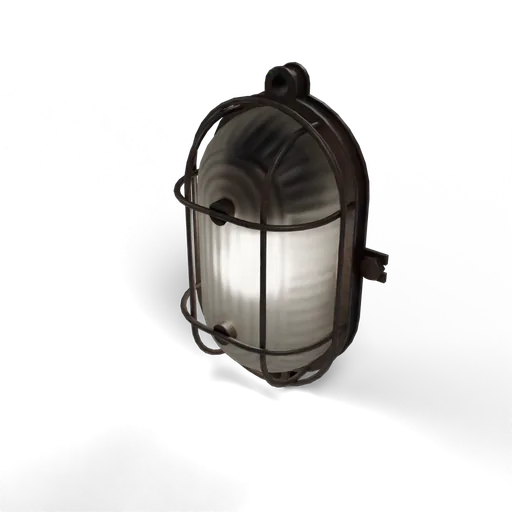
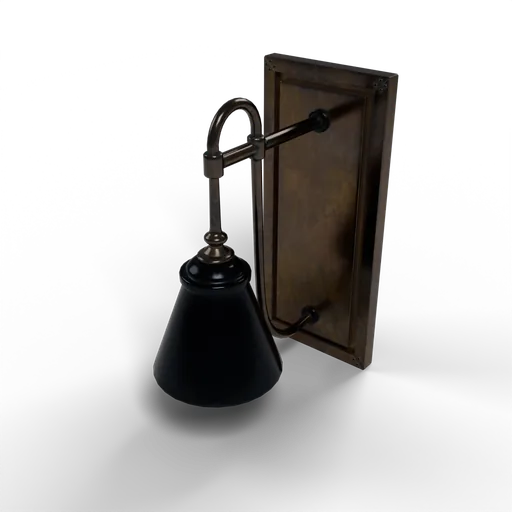
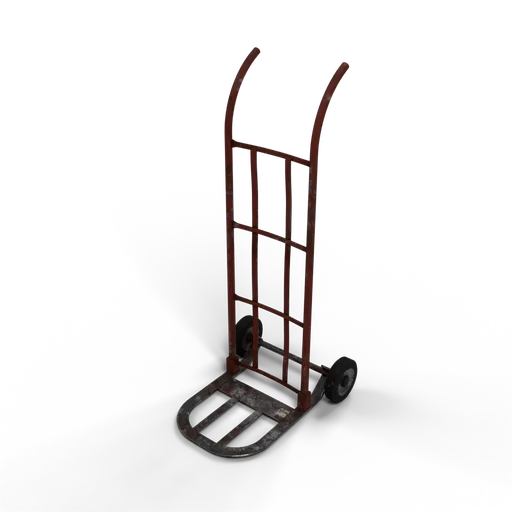
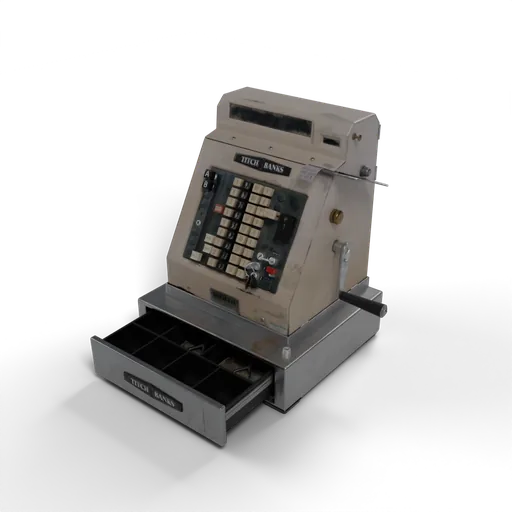
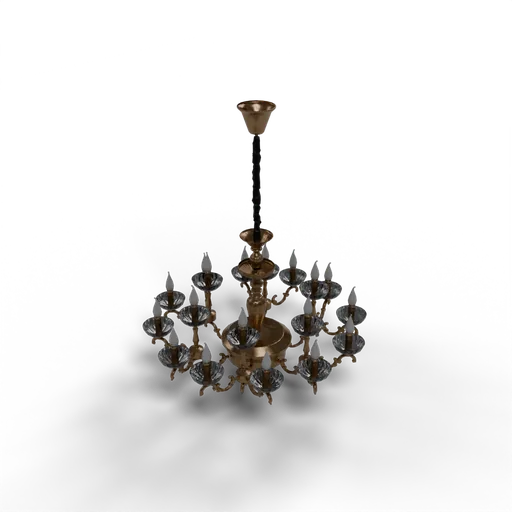
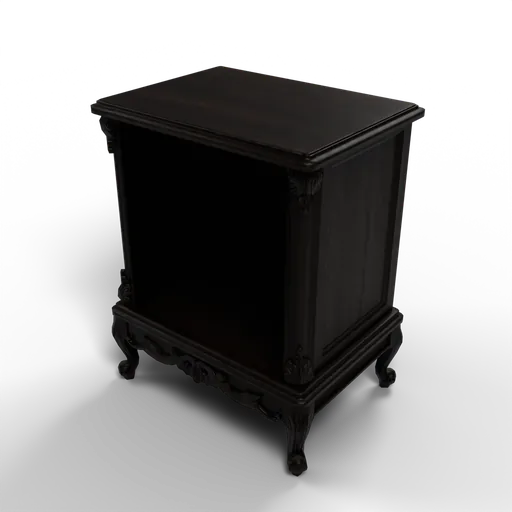
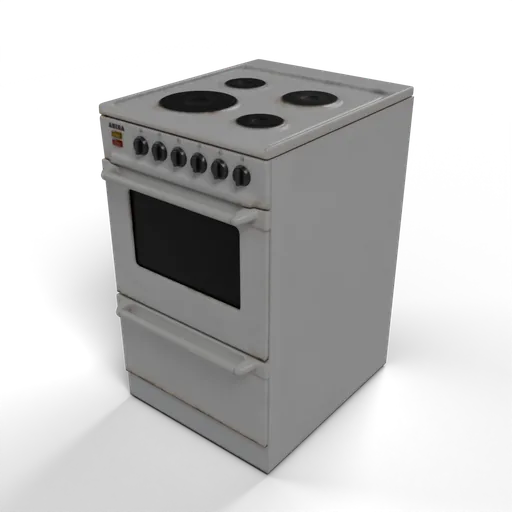
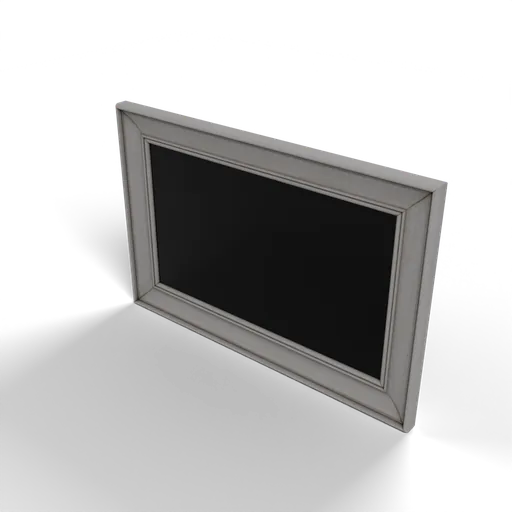
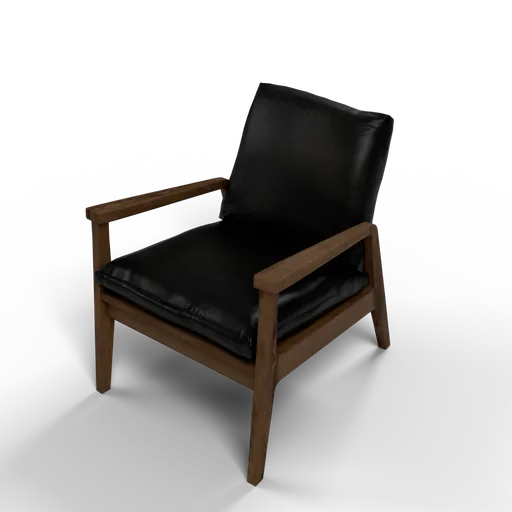
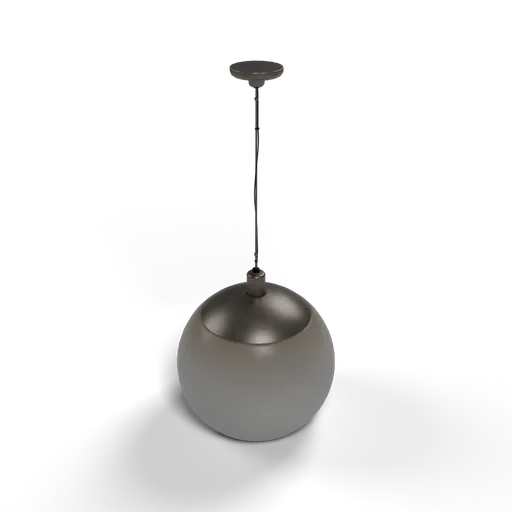
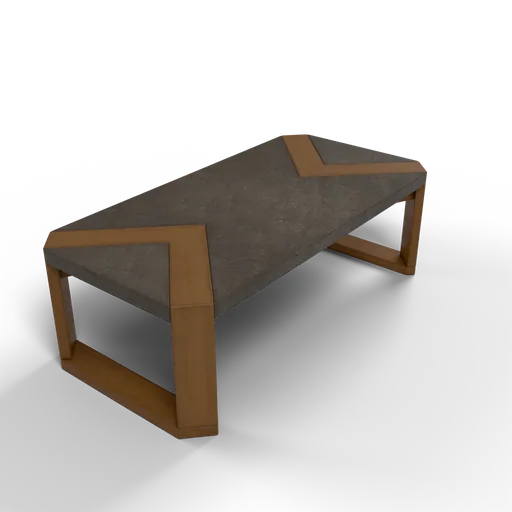
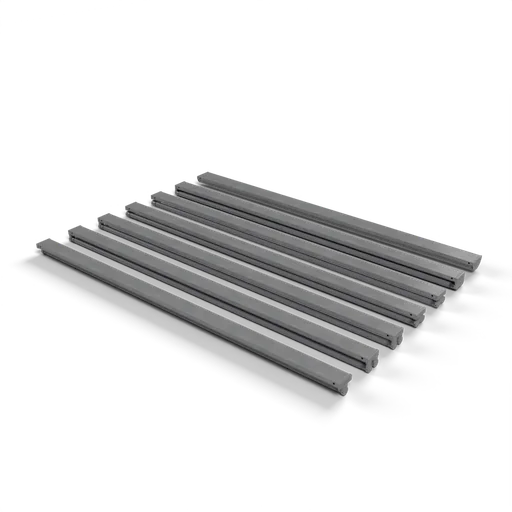
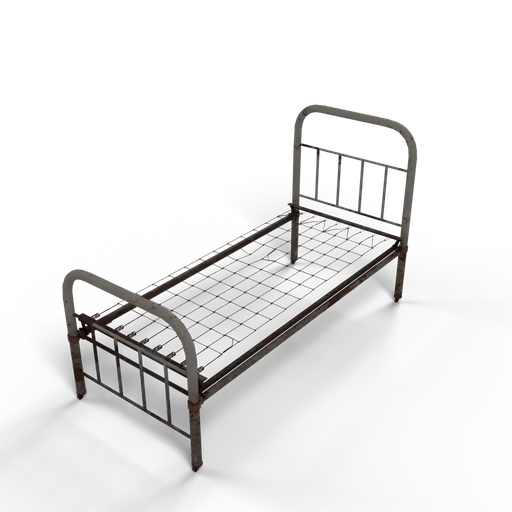
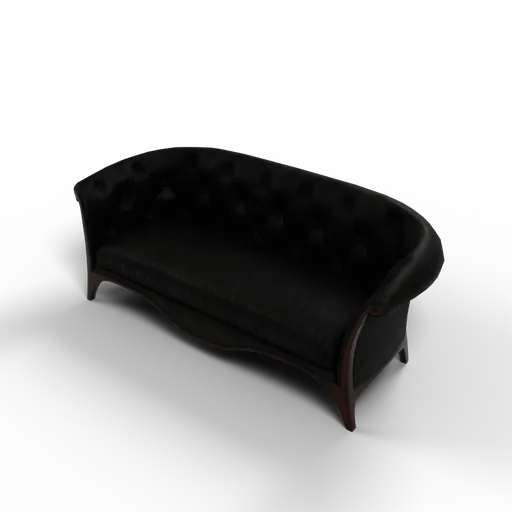
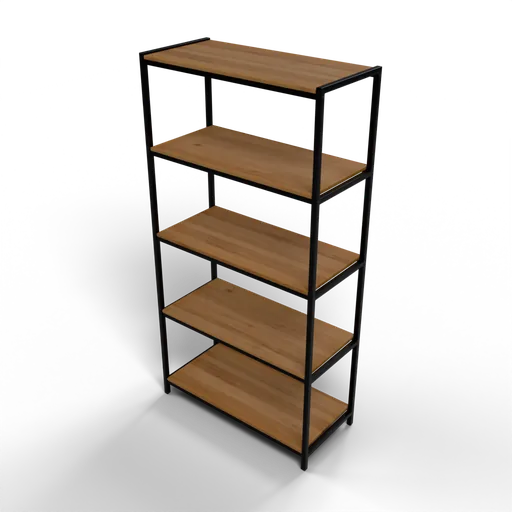
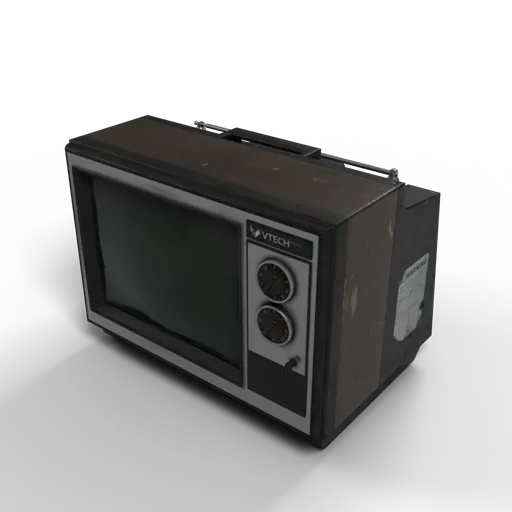
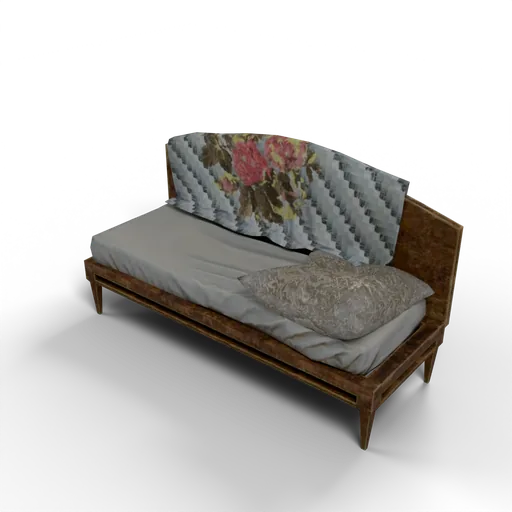
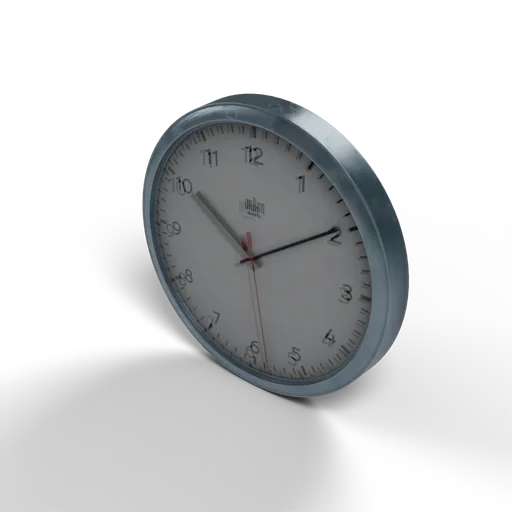
Interior furniture from a hotel and fittings: a sofa, an armchair, a table, shelves, a bed, a chandelier, fluorescent lights, a TV, a cash register, a clock and a painting. Game-ready GLB.
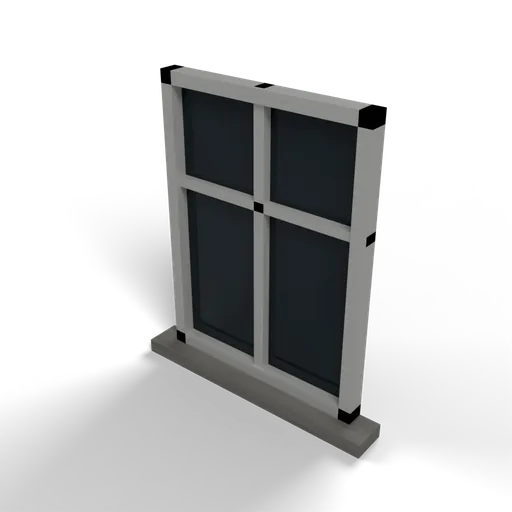
City kit 3D from the hotel map: windows, signs, awnings, kerbs
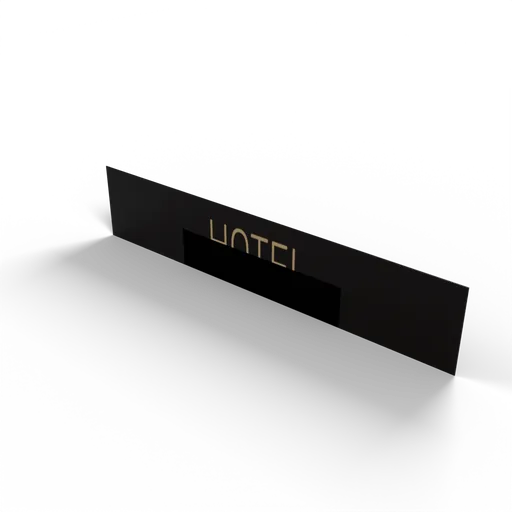
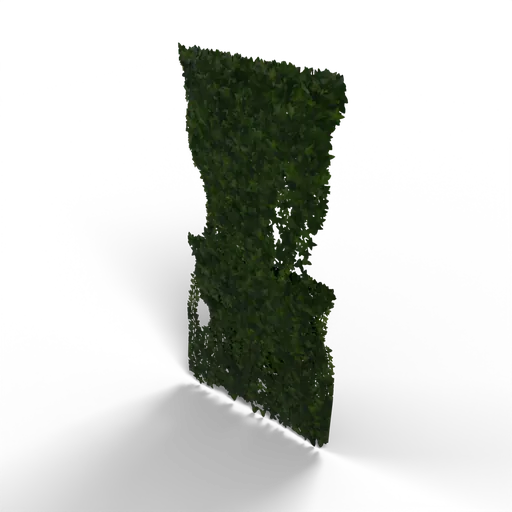
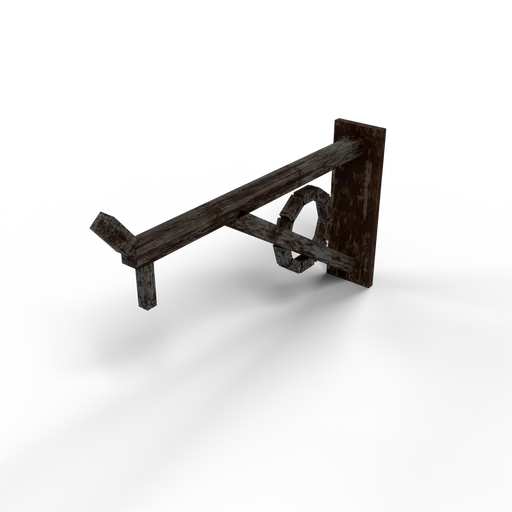
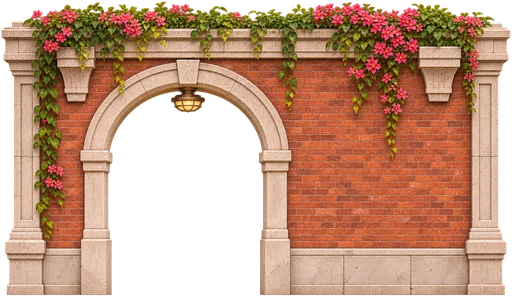
Our kit for building city streets from the hotel map in FRONTBREAK: townhouse windows and frames, an awning, HOTEL/CAFE/PIZZA/BAR signs, a railing, a kerb, road markings, team banners, ivy, a pallet and a bracket. GLB with textures.
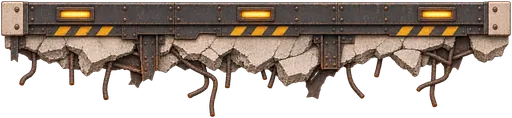
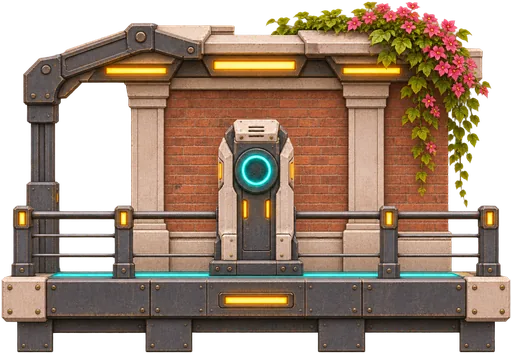
The Emberrail district kit from SKYRELAY: 16 runner track pieces in orthographic view, made to sit on flat cards in a 3D engine (2.5D). Deck, edge and curb tiles repeat seamlessly. Pieces with transparency have clean alpha edges. Each image comes with a normal map, and lamps and neon signs with a separate emission map. Sizes in metres are in the names; anchor at bottom centre.
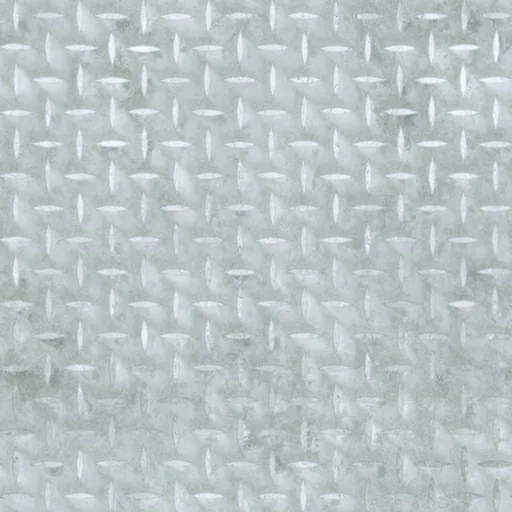
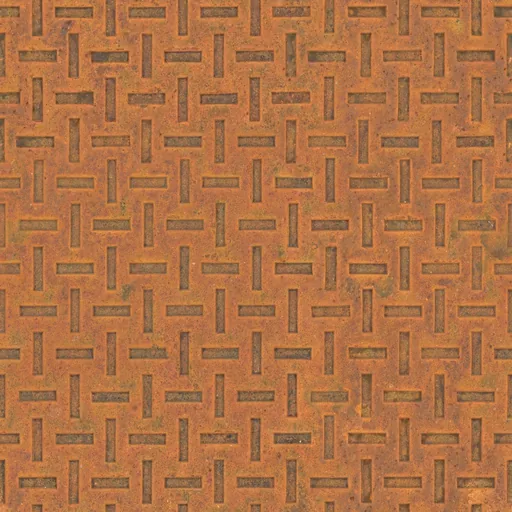
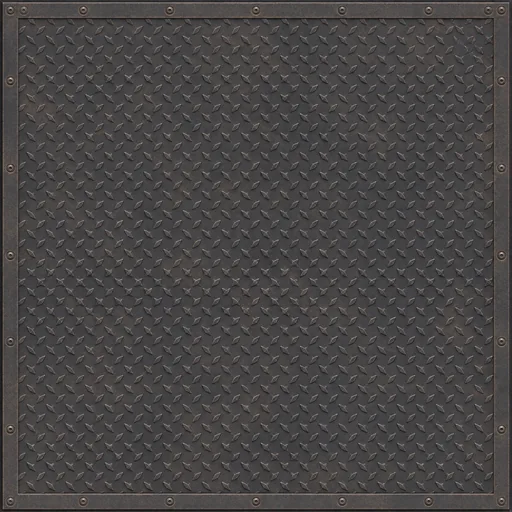
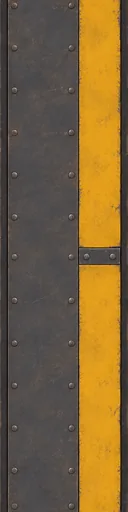
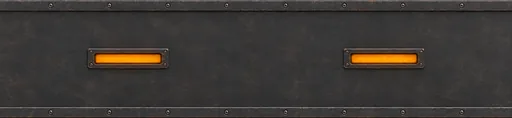
Diamond plate and steel deck PBR textures (colour, normal, ORM)
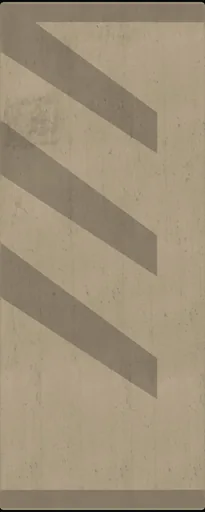
Deck materials from SKYRELAY baked in Blender from high-detail models: dark diamond plate panels with a frame and rivets, a smooth edge with a yellow stripe and cover plates, a concrete curb with joints, a graphite fascia with amber lamps. Each material: colour with baked cavity, normal map, ORM (occlusion, roughness, metalness), plus an emission map for the lamps. Tiles repeat seamlessly.
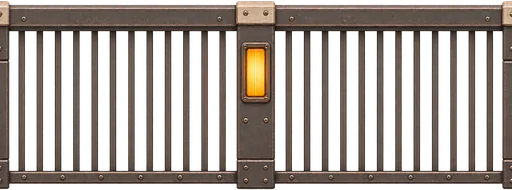
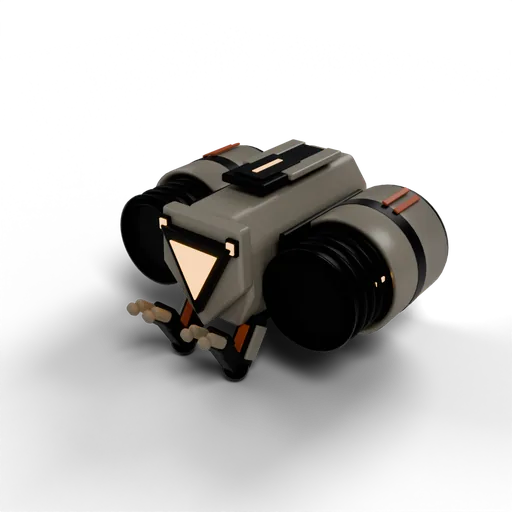
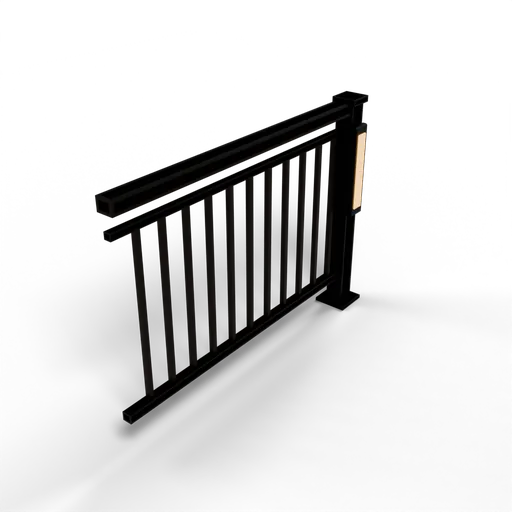
Models from SKYRELAY. WARDEN: an octagonal ivory drone with graphite plates, a triangular eye, coral stripes and a glowing nozzle; arms are separate (ramie-L/P, przedramie-L/P) for animation, the eye has its own material. One 2K atlas (colour + ORM), WebP textures. Railing: a 3 m section in a close and a light far version plus a lamp. Metres, front +Z.
Nothing found. Try another word or pick all categories.
How do I credit klyo assets in my game?
The CC BY 4.0 license allows everything, including selling your game. The only condition is a credit in the game credits, on its web page or in the store description. A ready line is in each pack's LICENSE.txt, for example:
"Classic playing card deck: 52 cards and 4 backs" by Klyo Games (https://games.klyo.pl/free-game-assets/), CC BY 4.0
CC0 packs need no credit, but naming the original author is good practice. Every file carries the Klyo Games credit and an asset id, and new assets from our games join the library continuously.
Where to download free 3D models and game assets?
Sources for models, recordings, textures and icons. Each entry explains its license and download method; final quality depends on how you select and prepare the assets.
Kenney
✓ CC0, no credit needed CC0 1.0
Over a hundred consistent packs by one author: cards, boards, cars, platformers, space, UI and sounds. One style throughout, so the game does not look patched together.
Base catalog reviewed on 2026-10-11. Check the license of each specific pack when downloading.
Which assets should I pick for my game?
Pick your genre. You get packs that match each other and a list of things that tell a player the game is polished.
Cards, solitaire and card games
What to download
Playing Cards Pack (Kenney): A pixel art deck, card backs and chips. Choose it for a matching art style; use appropriately detailed cards for a realistic table.
Open source, free assets and CC0: what is the difference?
Open source describes code released under a particular license. Models, recordings and textures are separate works, even when they come from the same project. A free download alone does not establish permission to modify an asset or use it in an ad-supported game.
Check the license for the individual file or pack. One service may distribute assets under several different terms.
Record the author, source, version and download date. Keep the original license when processing the asset.
Distinguish a free collection from paid extensions. Do not describe an entire catalog as free based on one pack.
Consider rights, art direction and technical properties together. A CC0 license does not tell you whether a pixel art deck fits realistic pieces.
Start by mapping sounds to player actions: picking up, sliding, placing, capturing or rolling. Casino Audio and Impact Sounds provide recordings for a coherent set. Our solitaire previews use paper recordings; chess and checkers use wooden impacts.
Audition variants on headphones and a phone speaker. Trim unwanted silence, check clipping and match perceived loudness.
Keep several variations of a move and avoid consecutive repeats. Limit overlapping sounds during a rapid cascade of cards.
Align table contact with the end of a card movement. Starting a new game or skipping a deal should cancel queued effects from the previous animation.
Separate music, effects and their reverberation. Every path must pass through a master mute that is accessible on the board.
Remember master mute separately from the music preference. Test silence during a victory cue, after returning to the game and with keyboard controls.
How do you prepare table textures, backgrounds and card backs?
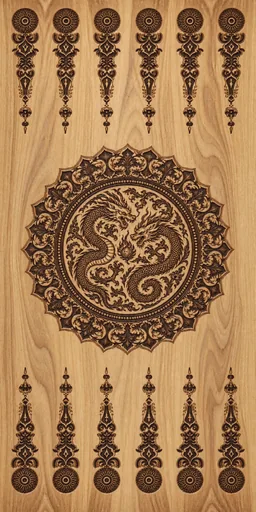
The table surface, surroundings and deck should form a coherent set. Establish a palette and light direction before choosing wood, felt or stone. A background supports the player’s decisions: card indices, legal moves and scores must remain more prominent than decoration.
Match grain and weave scale to the camera view. The same material looks different on an entire tabletop and on a single chess square.
Check texture seams and both light and dark themes. Judge the material with cards and pieces present, not on an empty background.
For a fixed camera, cache the static background. Rebuild it when the surface or viewport changes, preserving active movements.
Collection previews should use the game’s materials and pieces. Appearance changes must preserve the match; make a readable set available from the start.
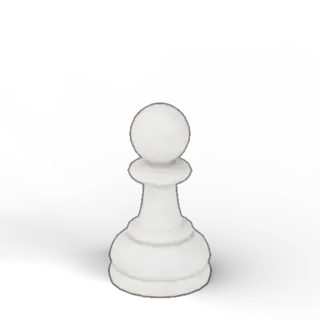
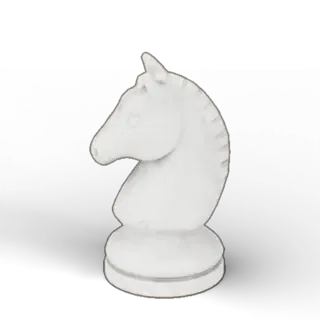
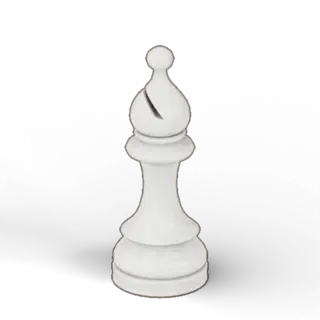
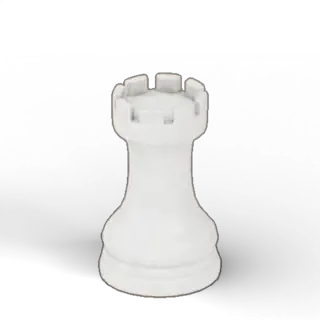
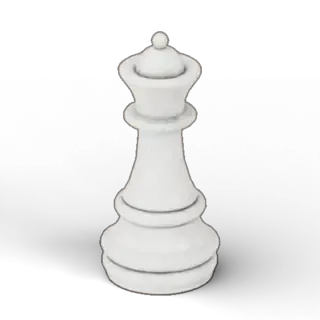
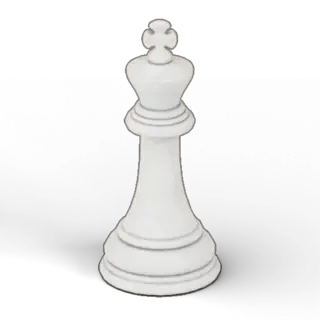
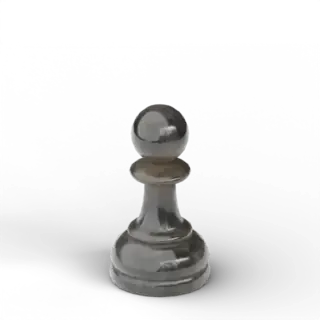
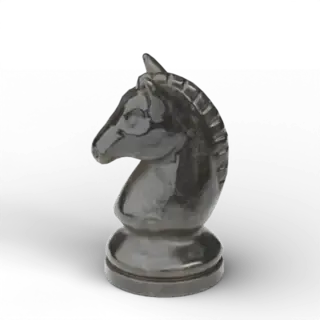
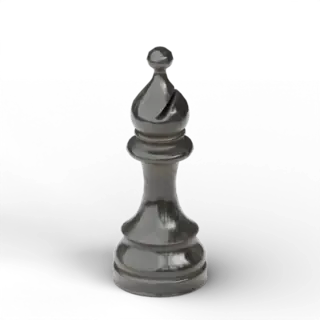
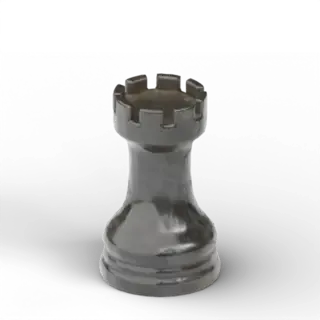
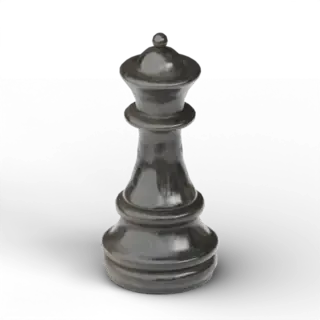
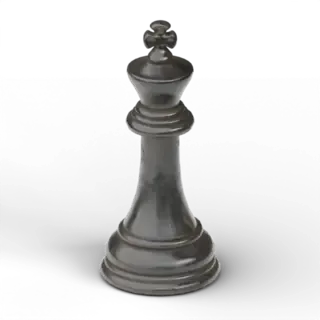
A live 3D scene allows camera and lighting changes. Images prepared from a model suit fixed views where board readability and drawing cost take priority. The Staunton set in our chess preview uses previously prepared images of the Chess Set model. It is not a scene with a rotating camera.
Prepare live scene models in a format supported by the engine, such as glTF or GLB. Preserve units, axis orientation and a pivot at the piece’s base.
Inspect silhouettes at the smallest playable size. Detail that the player cannot distinguish should not dominate geometry and texture cost.
Separate surface color from material properties. Wood, stone and metal need suitable reflections and contact shadows.
For images prepared from a model, keep the same angle, lighting, scale and margins across the set. Test moves, promotion and pieces held above the board.
How do you make smooth animations that support play?
Animation must follow the current game state. A released piece starts from the point where the player’s gesture ended. A subsequent move takes over its current position and rotation, so fast input does not cause jumps or reset a piece to the start of its previous movement.
Cover the full interaction: select, lift, drag, legal placement and return after an invalid move. Shadows should help communicate height above the table.
A new game must invalidate old bot responses, queued sounds and result dialogs. Clearing the board alone is insufficient.
Check special moves: multiple captures in checkers, castling, promotion and en passant in chess, and moving card stacks.
Respect reduced motion preferences. Completing a movement should immediately establish the destination state and return control to the player.
How do you check game quality before publishing?
Start acceptance testing with a complete match. Also interrupt moves, resize the view, return to a saved game and use the settings. For online testing, open two independent sessions and verify the full path from invitation to rematch.
Check portrait and landscape views, touch, keyboard and enlarged text. Emulation helps find defects but does not replace a physical device.
Measure master mute at the mixer output, including active reverberation. Record subjective listening quality as a separate check.
Measure startup, frame pacing and memory with materials and effects enabled. State the device and test conditions instead of promising the same result on every phone.
For online play, test server validation, disconnection, state recovery and awarding results exactly once. Private cards must remain private.
After changing a package, repeat the relevant checks and provide a playable address and change list. Distinguish previews from catalog releases.
Try the examples in klyo games
Play chess, checkers and solitaire from the klyo catalogue. Explore how board readability, movement feedback and access to settings affect play. These links lead to the permanent game pages, where future updates appear.
Start with CC0 assets, which allow use and modification in commercial games. For CC BY, preserve the required author credit, source, license and indication of changes. Check the terms of each file and rights to any depicted brands. Games funded by ads need assets that permit that use.
How do I credit third-party assets in my game?
Record the asset name, author, source address, license and modifications in LICENCJE.txt. Include license texts where their terms require it. The klyo scanner reads credits and metadata and flags detected problems. The absence of a warning does not establish every right to an asset.
A beautiful game that takes half a minute to load loses players before they see it. Five rules:
.glb models (one file with textures), not .fbx or .blend
1k or 2k textures as JPG or WebP; 4k only where the camera gets close
one atlas instead of hundreds of small images
short OGG or MP3 sounds, seamless music loops
first download on a phone up to 20 MB: stream the rest during play
What should I never put in my game?
Assets marked NC, “non-commercial” or “personal use only”: a game on klyo earns from ads.
Models from Sketchfab and similar sites without checking each model's license: many are CC BY-NC.
Characters, logos and music from other brands (Mario, Pokémon, films, radio songs), even if some site offers them “for free”.
Stock assets without checking game use, redistribution and modification terms. Buying a file does not establish these permissions by itself.
Can an AI assistant download game assets on its own?
Yes, if it works with klyo over MCP. The first tool it calls hands it the same list as this page, with download addresses and the credit format. Before it writes the gameplay, it proposes a version with real models and sounds. It downloads sources with an API or a direct file itself; for the rest it gives you the address and tells you where to put the files.
Got the assets? Turn them into a game people come back to
Upload a package to the studio or prepare it with an AI assistant. The scanner flags detected asset issues, and a playable preview lets you check movement, visuals and sound before releasing.
 klyo